The new Apple Mac Studio, announced on August 25, 2026, will feature the M5 Max and M5 Ultra processors. While the Mac Studio has long been responsible for creative work requiring high processing power, such as video editing, color grading, 3DCG, and VFX, this generation expands its role even further.
Of course, the increased speed of CPUs and GPUs is important. However, from a video producer’s perspective, what’s truly noteworthy is “what becomes possible” with that increased processing power. The M5 Max accelerates everyday video production in creative apps like Final Cut Pro, while the higher-end M5 Ultra features up to 512GB of unified memory shared by the CPU and GPU, putting it in the realm of applications such as running large-scale AI models locally.
Furthermore, with the M5 Ultra-equipped Mac Studio, it’s now possible to connect multiple units via Thunderbolt 5 and configure an AI cluster using RDMA (Remote Direct Memory Access: a technology that enables high-speed, low-latency data transfer between multiple computers). From a high-performance desktop for video production to a computing environment for running local AI, let’s take a look at the new Mac Studio from the perspective of actual creative work.
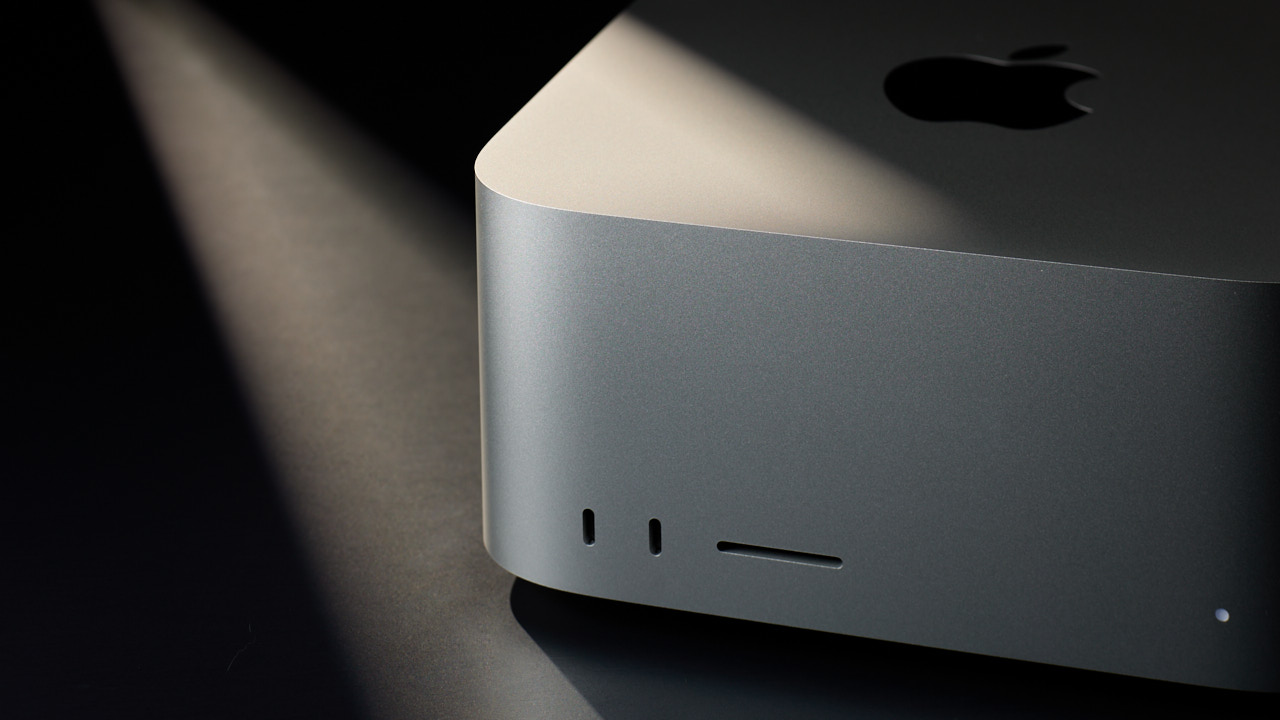
Reducing “hands-on time” in Final Cut Pro with Apple Mac Studio M5 MAX
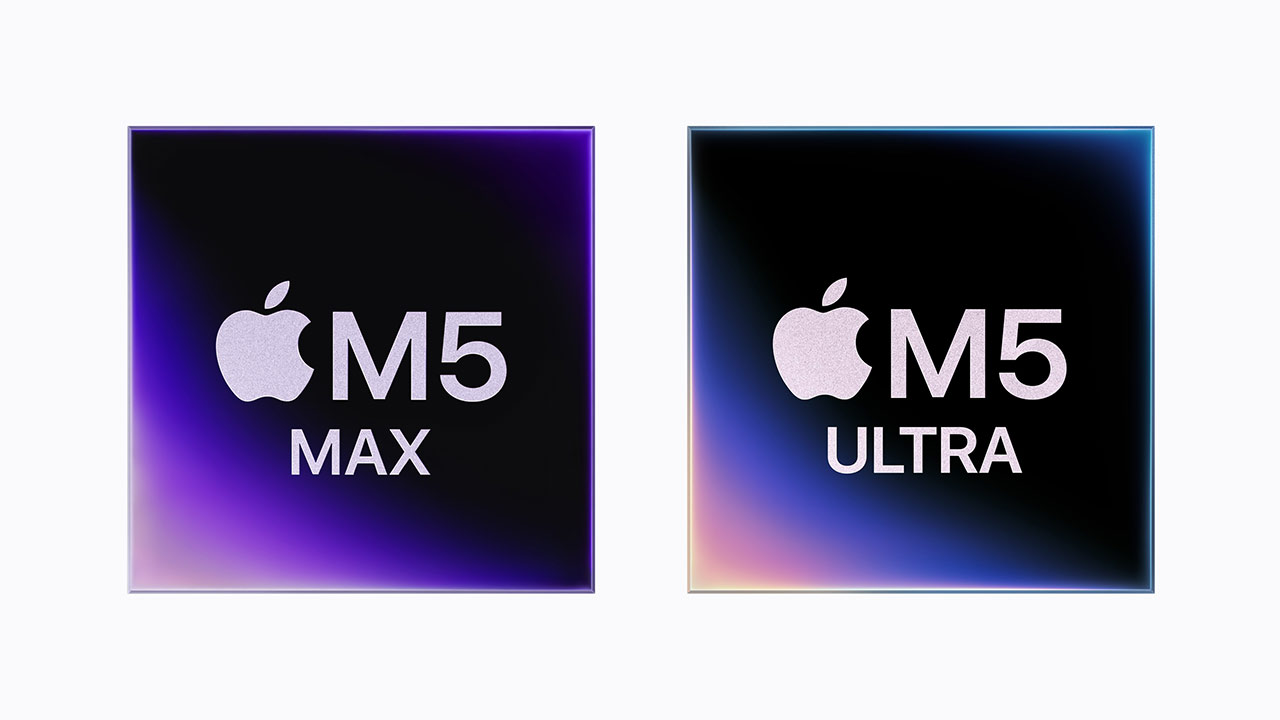

The Mac Studio with the M5 Max processor features an 18-core CPU, up to a 40-core GPU, and up to 128GB of unified memory. Each GPU core has a dedicated “Neural Accelerator” to speed up AI calculations, and the memory bandwidth can reach up to 614GB/s.
A crucial component in video production is the Media Engine. The M5 Max features two ProRes encoding/decoding engines and supports hardware acceleration for H.264, HEVC, ProRes, and ProRes RAW, as well as AV1 decoding. When editing multiple high-resolution footage files, this dedicated hardware supports the processing.
So, how can we actually utilize that performance in editing work? For example, let’s say we’re re-editing a video we created 5-6 years ago. The original project is no longer available, and all we have is the completed video.
Final Cut Pro’s “Edit Detection” feature analyzes a finished video to detect edit points and automatically splits it into individual clips on the timeline. This allows you to work with the finished video, which was previously a single continuous stream, on a shot-by-shot basis, significantly reducing the need to manually find and split edit points.
Match Color
Furthermore, “Match Color” allows you to analyze the colors of clips shot with different cameras and lighting conditions, and adjust them to match the colors of a reference clip. This streamlines some of the processes that were previously done manually, from detecting edit points to adjusting the color tone.
Integration with peripheral video editing tasks is also progressing. It’s now possible to send frames from Final Cut Pro to Pixelmator Pro, perform tasks such as background removal and removal of unwanted elements, and then create thumbnails for YouTube.
What’s noteworthy here is that the value of the M5 Max isn’t simply in its rendering speed. Finding edit points, splitting footage, adjusting colors, processing still images—video production involves many detailed tasks in addition to the time spent thinking about the work itself. Combine Final Cut Pro’s analysis and editing support features with Mac Studio’s processing power, everyday processes time reduces. This is an improvement that’s difficult to see from benchmark numbers alone.
macOS 27 also raises the bar for the production environment.
If you’re considering Mac Studio as your production environment, you can’t overlook the advancements in the OS as well as the hardware. macOS 27 offers improved overall system responsiveness, as well as improvements to aspects relevant to the production process, such as network file browsing and external display support.
Network storage, in particular, is closely related to video production. Browsing folders containing thousands of items on Windows File Services or NAS will be sped up. In production environments where large amounts of video footage are stored on NAS or shared storage, this is an improvement that affects everyday usability in a way that is separate from CPU and GPU performance.
Regarding external displays, the ability to more reliably restore window positions, Spaces, and screen assignments when the connection environment changes will be improved, and the range of high-resolution and high-refresh-rate display modes will be expanded. HDR support will also extend beyond video content to the macOS system UI. In editing environments using multiple displays, these OS-side improvements will significantly impact usability.
Sidecar expands the range of touch controls supported, allowing users to tap on on-screen controls, scroll with one finger, use system gestures, and utilize Markup. This also increases the flexibility of operation when combining an iPad with a production environment centered around Mac Studio.

With the M5 Ultra, local AI becomes a practical application.
Looking at the M5 Ultra from this perspective reveals another direction for Mac Studio. It features up to 36-core CPUs, up to 80-core GPUs, and up to 512GB of unified memory, with a memory bandwidth of 1.2TB/s. The Media Engine has four ProRes encoding/decoding engines and can simultaneously play up to 33 streams of 8K ProRes 422 video at 30fps.
While this configuration expands upon the areas where Mac Studio has traditionally excelled, such as video editing, VFX, and color grading, what’s particularly noteworthy this time is the unified memory, which can reach up to 512GB.
In Apple Silicon, the CPU, GPU, and Neural Engine all share the same unified memory. The M5 Ultra can be equipped with up to 512GB, which Apple says allows for the full execution of large-scale LLMs with hundreds of billions of parameters on the device. This means that the large amount of memory used for handling high-resolution video and large-scale projects can also be used for running local AI.
Utilizing AI
The use of AI is also expanding on the OS side. macOS 27 introduced the next generation of Apple Intelligence and “Siri AI,” along with Visual Intelligence, which allows users to ask questions about images and PDFs on the screen. While not all processing of Apple Intelligence is completed locally, and it utilizes a combination of on-device and server-side processing, the OS itself is moving towards integrating AI into everyday workflows.
One way to directly leverage the M5 Ultra’s large unified memory capacity is by running local AI models. Apple offers “Core AI” for loading, optimizing, and running its own AI models on Apple Silicon, and also provides “MLX,” an open-source array framework for Apple Silicon. MLX supports experimentation, training, and fine-tuning of large-scale language models, as well as distributed processing across multiple Macs using RDMA over Thunderbolt.
Running AI models locally offers advantages beyond just performance. For video production companies and post-production studios that handle sensitive video footage and project data, AI processing can be performed while the data remains on-premises. Furthermore, for applications where processing can be completed on-device, reducing reliance on cloud AI and token costs is another benefit.
Connect four Mac Studios to create an AI cluster.
Furthermore, Mac Studio with the M5 Ultra can cluster multiple systems using Thunderbolt 5 and macOS’s RDMA support. By accessing memory between systems with low latency, large-scale open-weight AI models that would be difficult to handle on a single machine can be processed across multiple nodes.
According to Apple, configuring a cluster of four Mac Studios can improve AI inference performance by up to three times compared to a single Mac. For example, four Mac Studios with M5 Ultra processors, each equipped with 256GB of unified memory, would have a total memory capacity of 1TB. While these four machines wouldn’t physically become one 1TB Mac, they could be linked together via Thunderbolt 5 and RDMA to handle large-scale AI processing.
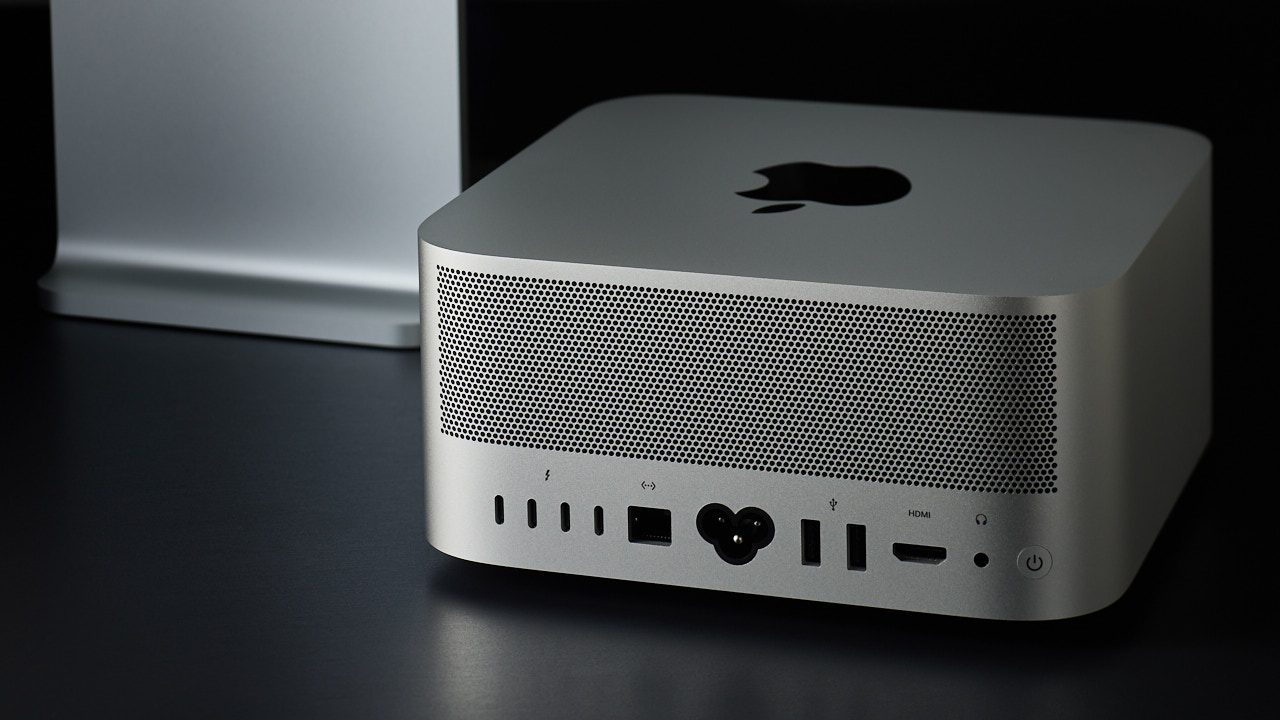
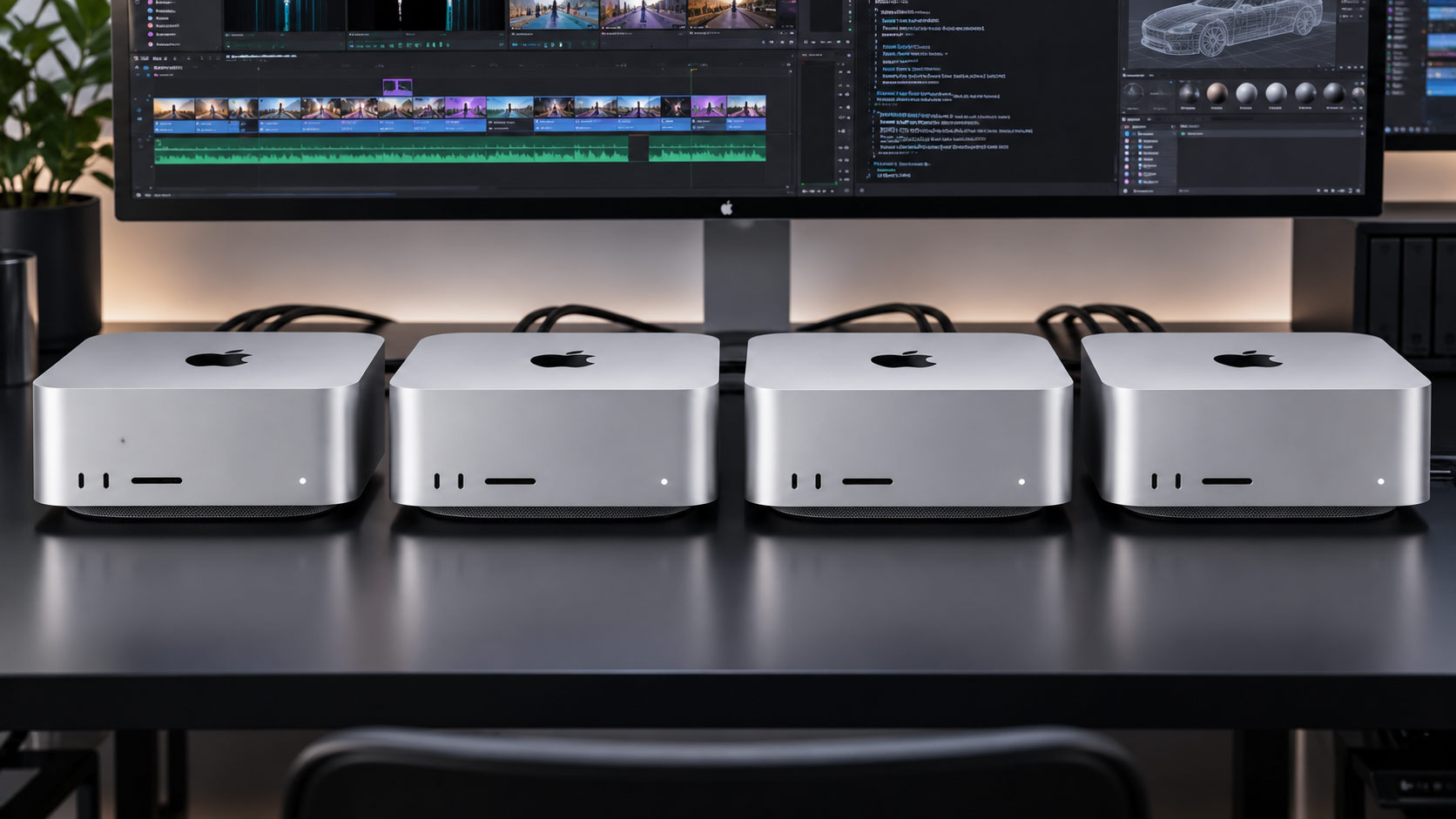
At this point, Mac Studio becomes more than just a workstation for running creative applications; it also functions as a computing node capable of running large-scale AI models locally and handling coding and analysis by AI agents.
What’s also interesting is that this can be built in the compact form factor of the Mac Studio. According to Apple, even a 4-node configuration can be directly connected to a typical home or office power supply and requires no special power or cooling equipment. The ability to scale a local AI environment from around your desk, rather than requiring a large-scale data center, is a unique feature of the Mac Studio.
From video production machines to local AI computing environments

From its appearance alone, the new Mac Studio is just another compact desktop Mac. However, what becomes clear through the M5 Max and M5 Ultra is that the applications of its compact form factor have expanded significantly.
The Apple Mac Studio M5 Max accelerates everyday video production, including Final Cut Pro. Meanwhile, the Apple Mac Studio M5 Ultra leverages up to 512GB of unified memory to run large-scale AI models locally. Furthermore, by connecting multiple units via Thunderbolt 5 and RDMA, it’s possible to scale up to a 4-node AI cluster.
From video production on a single Mac Studio to local AI and even AI processing with multiple nodes, the ability to gradually expand its applications while maintaining the same Mac Studio platform is a major change from a creator’s perspective.