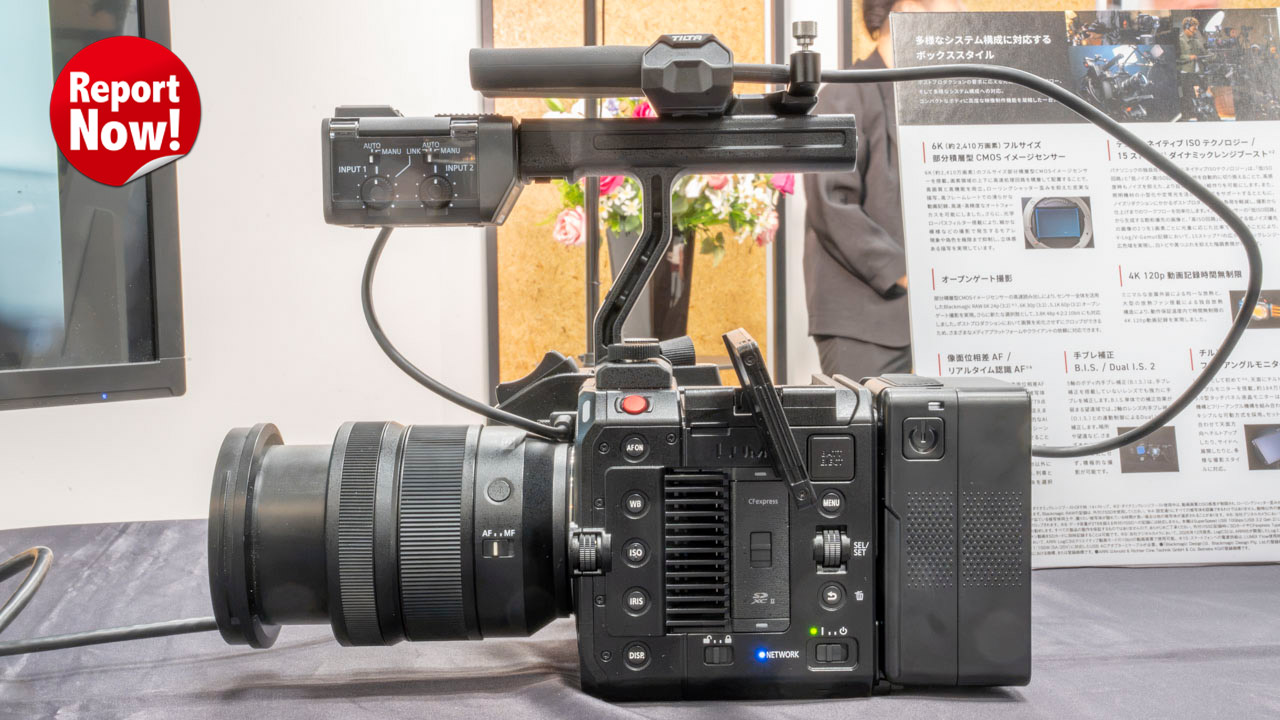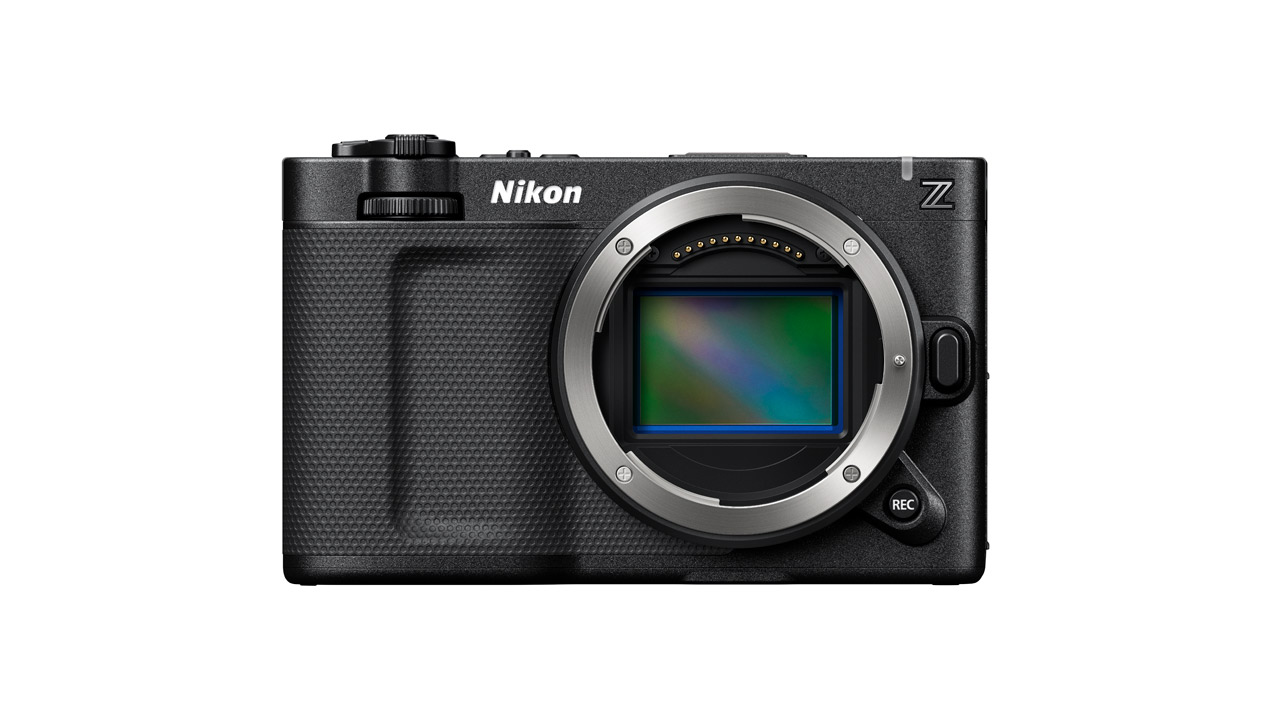
Nikon Corporation today released firmware version 2.00 for its “Nikon ZR” full-frame sensor cameras, part of its “Z CINEMA” series of cinema products. It can be downloaded free of charge from the company’s download center.
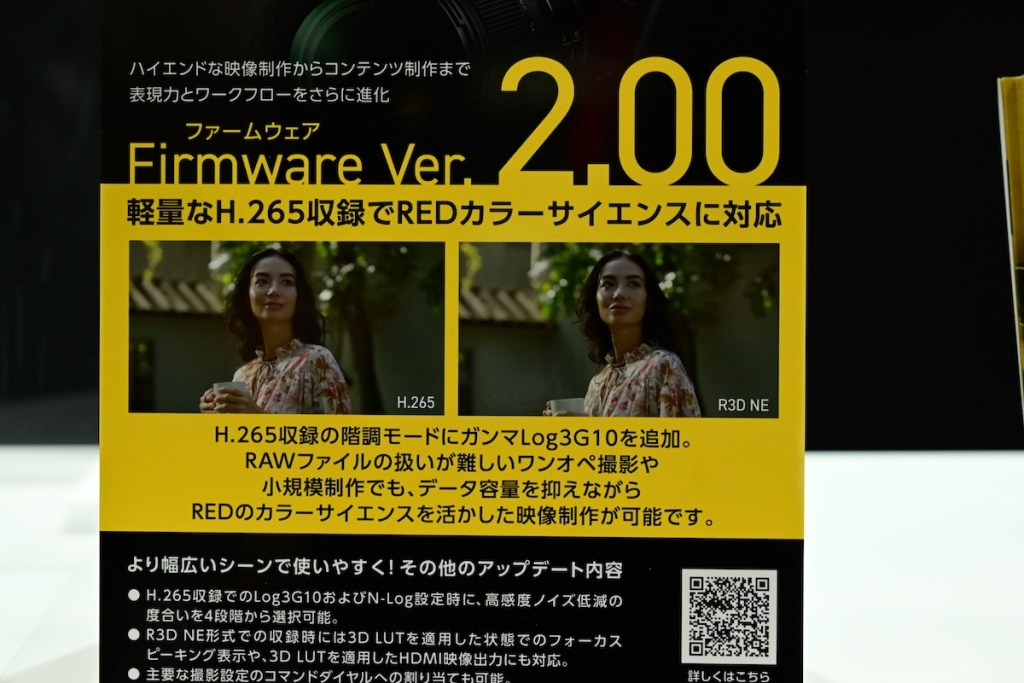
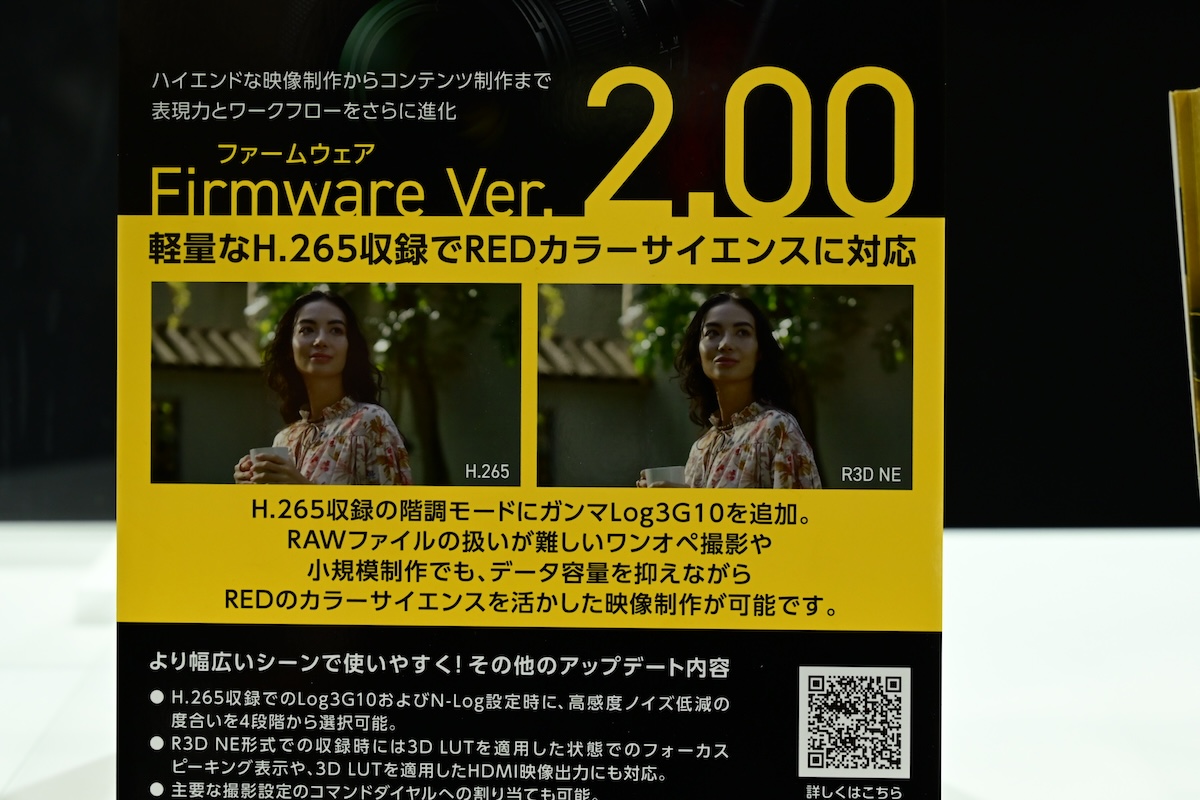
This is the first major update since the release of the ZR, adding support for the “Log3G10” gamma and “REDWideGamutRGB” color gamut when recording in H.265 format. This makes it possible to create videos that utilize RED’s color science while keeping file sizes down.
Furthermore, improvements have been made to monitoring and operability during shooting, including the application of 3D LUTs to HDMI output video, enhanced focus peaking display functionality, improved high-sensitivity noise reduction, and expanded function assignments to the command dial.
Nikon ZR Firmware 2.00 Update Details
*For detailed information on the content described in “Video Recording Related,” “Still Image Recording Related,” and “Operation Related,” please refer to the ” Firmware Update Supplementary Instructions .”
*Some custom menu numbers have been changed due to the addition of new menu items.
Video shooting related
- For video recording file formats in [H.265 10-bit (MOV)], [Log3G10] has been added to the gradation modes.
- Support for the RED Wide Gamut RGB color gamut added, enabling video production that utilizes RED’s color science while keeping file sizes down.
- Now possible to apply 3D LUTs to video output via HDMI.
- Focus peaking can now be displayed even when 3D LUT is set to ON.
- The noise characteristics in dark areas of the video have been improved. Fluctuations in black levels from frame to frame suppressed
- This reduces flickering that is prone to occur in low-light environments and in dark areas of the video.
- When the video recording file format is [H.265 10-bit (MOV)] or [ProRes 422 HQ 10-bit (MOV)], [High ISO Noise Reduction] can now be selected even when the tone mode is [N-Log]. In addition, when recording in H.265, the degree of high ISO noise reduction can be selected from four levels when shooting in Log3G10 and N-Log.
- The names of the Picture Control-related items have been changed as follows:
- The item name for [Cloud Picture Control] has been changed to [Imaging Recipe].
- I changed the setting from [Video Recording Menu] > [Picture Control] > [Register Cloud Picture Control] to [Download Imaging Recipe].
Still image photography patches
- The names of the Picture Control-related changed as follows:
- The item name for [Cloud Picture Control] has been changed to [Imaging Recipe].
- I changed the setting from [Still Image Shooting Menu] > [Picture Control] > [Register Cloud Picture Control] to [Download Imaging Recipe].
Operation-related
- The following features added to the [Custom Menu].
- Added b4 [Simplified ISO Sensitivity Setting].
- In the advanced settings for shooting mode M, under [Command Dial] > [Exposure Settings] for both f2 [Custom Button Function (Shooting)] and g2 [Custom Button Function]:
- Assign exposure compensation, ISO sensitivity, white balance, and color temperature.
- [3D LUT / View Assist] has been added as a function that can be assigned to g2 [Custom Button Function].
- Added g12 [Simplified Exposure Compensation Settings].
Other Fixes
- Nikon ZR Firmware 2.00 fixes an issue where scrolling via touch controls did not work smoothly when the [Automatic Image Rotation] setting was turned OFF and the live view was enlarged in portrait orientation.