Roland Corporation announced the release of the portable audio interface “GO:MIXER STUDIO.” Release date currently scheduled for Saturday, January 24, 2026. This portable interface makes it easy to create high-quality content, from creating music in a home studio to shooting outdoor performance videos.
Roland GO:MIXER STUDIO – Newest in the Roland GO:MIXER Line
In 2017, Roland released the GO:MIXER, a compact audio mixer for smartphones that makes it easy to stream high-quality live streams and shoot videos. Since then, they have released higher-end models, the GO:MIXER PRO (2018) and GO:MIXER PRO-X (2021), which have been well-received as part of the GO:MIXER series.
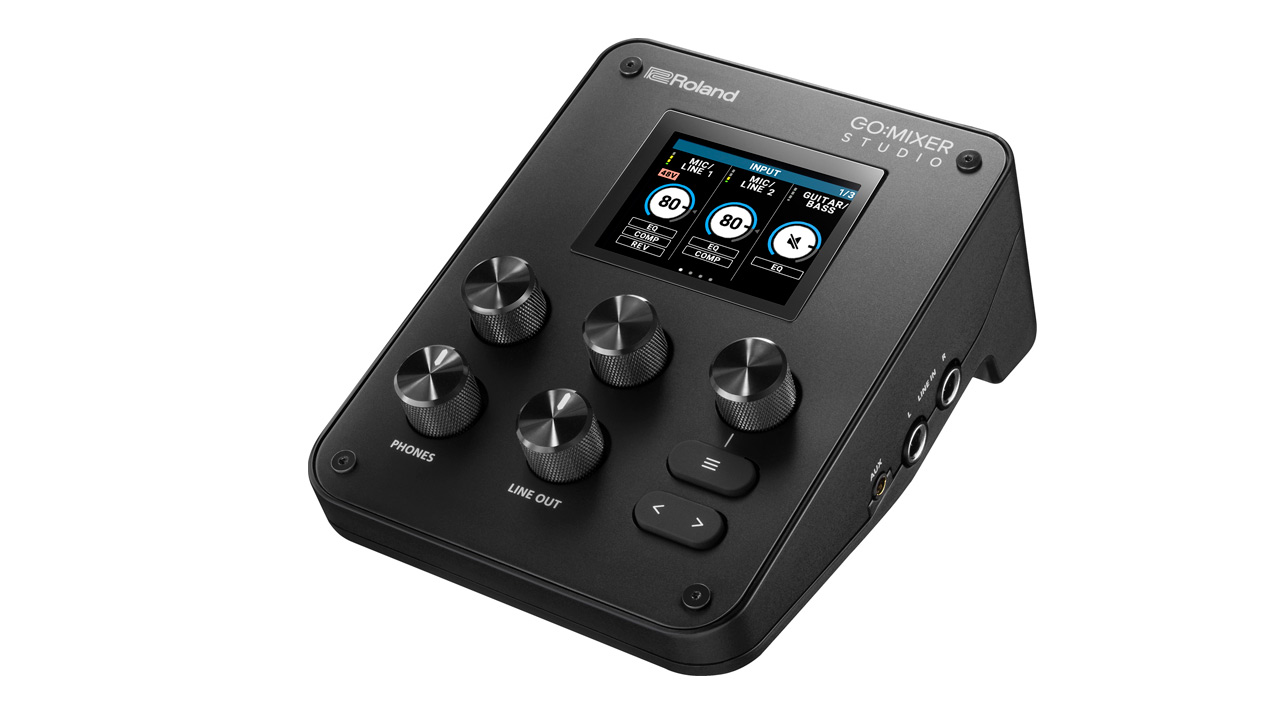
The latest model in the series, the GO:MIXER STUDIO, is an audio interface/mixer compatible with iPhone, iPad, and PC (Mac/Windows). It features a variety of new features, including high-output, high-quality microphone preamps and built-in high-quality effects (compressor, reverb) modeled after studio equipment.
The Roland GO:MIXER STUDIO also has a wide range of input and output terminals, including XLR microphone inputs (2 systems), guitar/bass input, LINE input/output, AUX input, headset microphone input, TRS MIDI input/output, USB input/output, and headphone output, making it suitable for a wide range of uses.

In addition, with support for a maximum sample rate of 24-bit/192kHz, the GO:MIXER STUDIO can be used as a high-quality audio interface for music production in conjunction with music production software on a PC. Despite its multifunctionality, the lightweight and compact GO:MIXER STUDIO weighs just 440g, making it easy to carry around and create high-quality content anywhere.
Roland GO:MIXER STUDIO Features
- Compact audio interface compatible with iPhone/iPad/PC (Mac/Windows). can be used for recording performance videos and creating music.
- Equipped with a wide range of input and output terminals, including XLR microphone input, guitar/bass input, LINE input/output, USB input/output, and headphone output
- Equipped with a variety of functions, including high-output, high-quality microphone preamps and effects modeled after studio equipment (compressor, reverb).
- Compatible with the iOS app “GO:MIXER Cam.” This app enables multi-track audio recording while shooting video.
- Also works with the PC app “GO:MIXER Editor,” allowing visual adjustment of settings when creating music.
Other Features
Equipped with a wide range of input and output terminals, it is also compatible with PCs
GO:MIXER STUDIO is equipped with a wide range of inputs and outputs, making it suitable for a wide range of applications. It features two XLR microphone/line inputs for recording a variety of sound sources, including vocals and acoustic instruments, as well as a guitar/bass input and a 1/4-inch jack input for recording stereo audio from keyboards and electronic drums. The AUX input for stereo sound sources uses a TRRS connector, allowing for two-way audio connection with mobile devices.
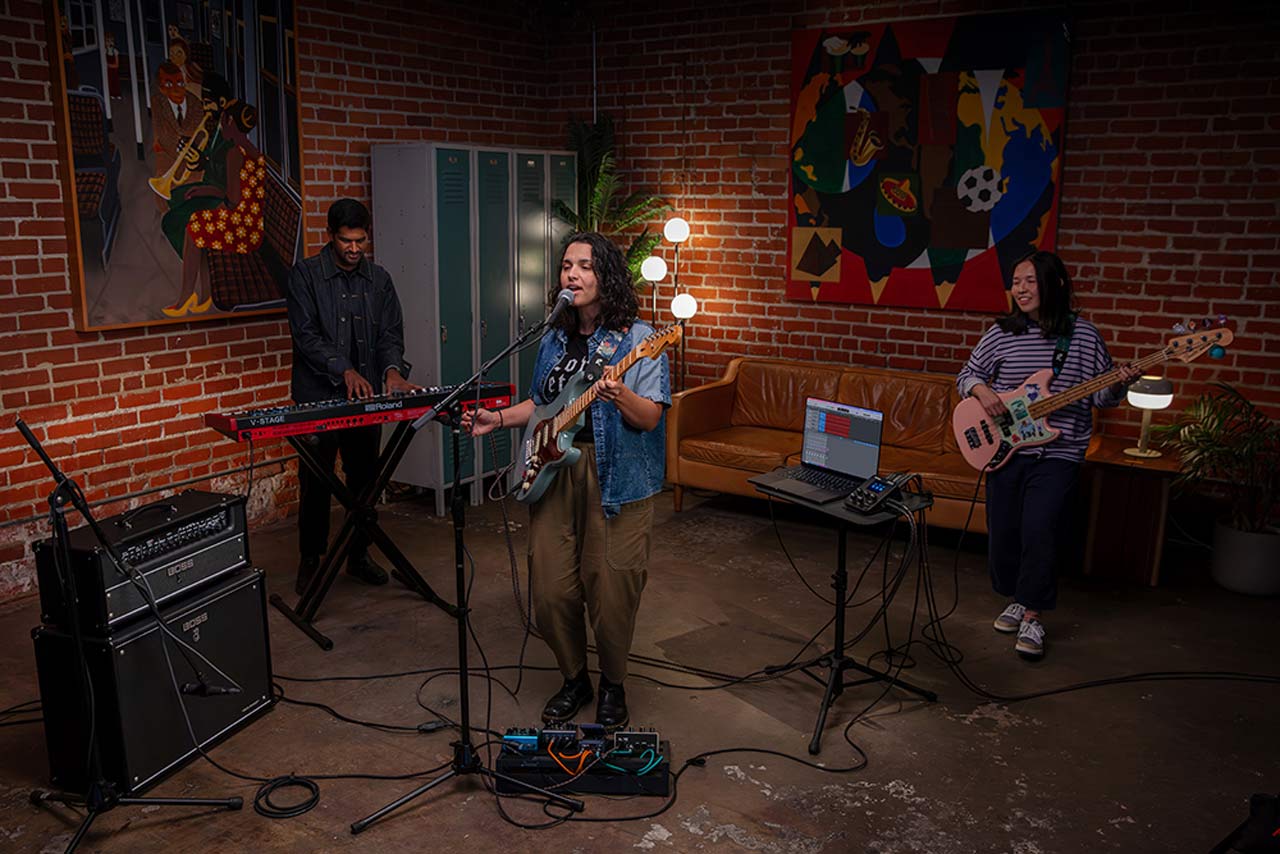
The output is equipped with a 1/4-inch jack for standard studio headphones as well as a mini jack for wired earphones (the mini jack is compatible with headsets and in-line microphones). There are also two 1/4-inch jack line outputs that can be connected to speaker systems in studios or on set.
It also now supports PC (Mac/Windows) connection, and as a high-quality audio interface with a maximum sample rate of 24-bit/192kHz and 12 inputs/6 outputs (8 inputs/4 outputs for 192kHz), it can be used for music production in conjunction with music production software.
Extensive functionality to support high-quality creative work
Equipped with two high-output, high-quality microphone preamps for high-quality vocal recording. Even low-sensitivity dynamic microphones can provide sufficient output. High-quality effects (compressor, reverb) modeled after studio equipment are built in, and EQ can be adjusted for each channel. The analog output uses dual buses, allowing you to select and adjust the headphone and line output mixing combinations and EQ independently.
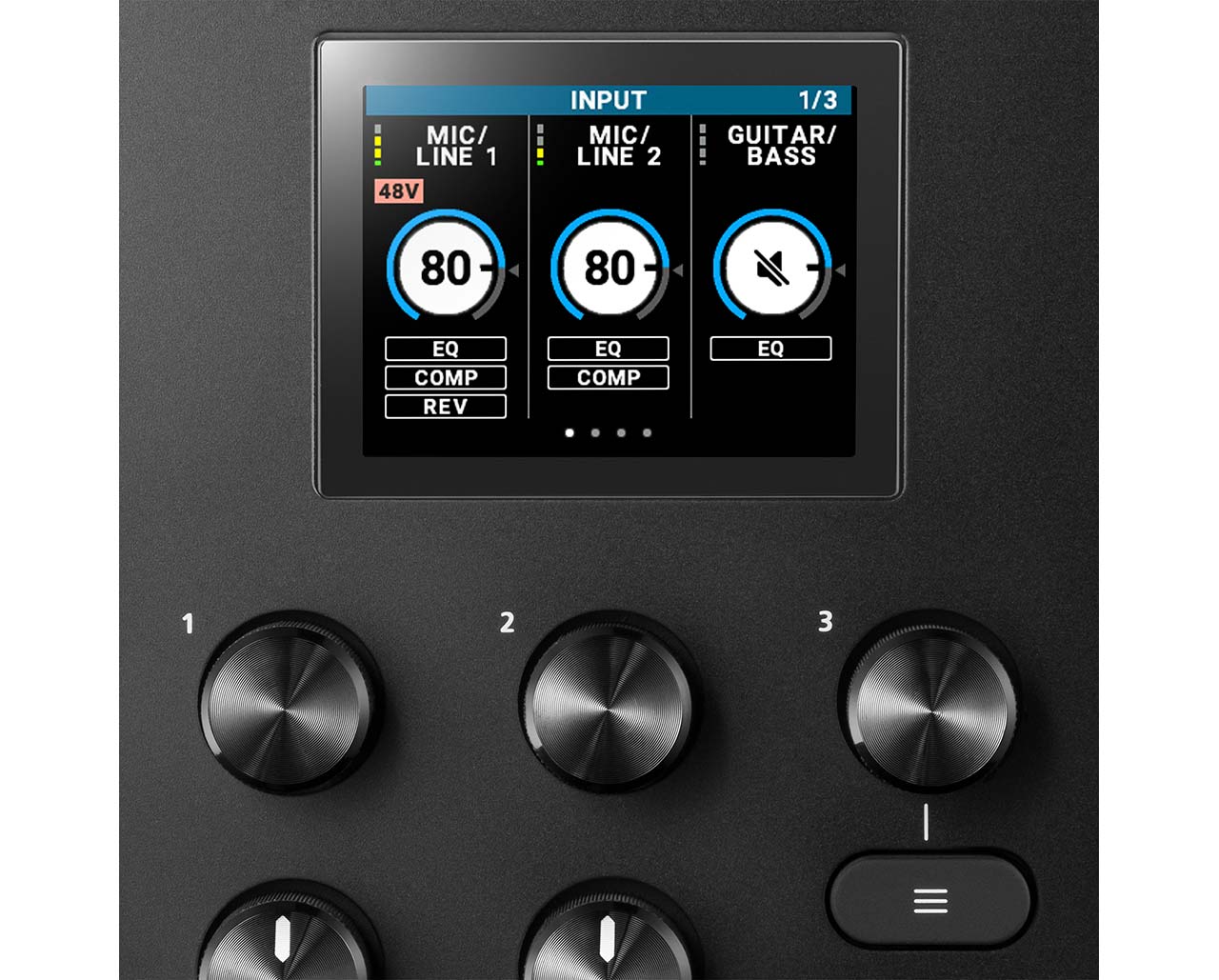
It also supports USB multi-channel and is recognized as multiple USB inputs and outputs on the PC, making it possible to independently adjust the audio of various apps on the PC, or send only the audio from a specific input terminal to music production software.
The GO:MIXER STUDIO also features a built-in color LCD monitor that lets you intuitively adjust all of these features. While viewing the screen, you can use the knobs and buttons to make detailed adjustments. What’s more, the mix settings you make on the GO:MIXER STUDIO can be saved as 16 scene memories, allowing you to quickly switch between settings depending on the situation, whether you’re creating music in the studio or performing outdoors.
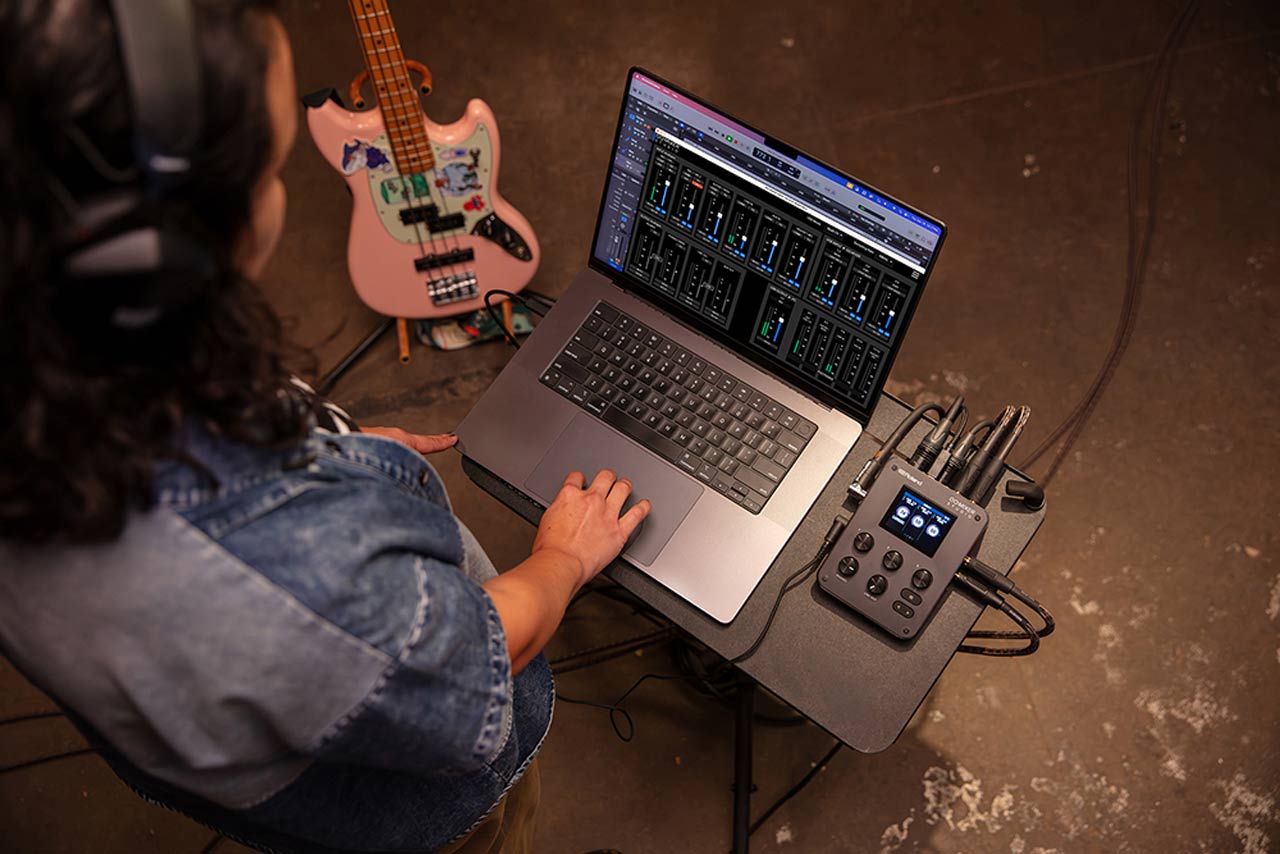
The bottom of the GO:MIXER STUDIO is equipped with a tripod screw hole, allowing you to attach it to a camera tripod for comfortable operation.
GO:MIXER Cam is an iOS app that lets you record multi-track audio and video of your performance at the same time.
Using the GO:MIXER Cam app, you can record multi-track audio simultaneously while shooting video on your iPhone/iPad, and adjust the audio balance for each input on the GO:MIXER STUDIO within the app.
The audio volume balance can be adjusted even after shooting, so for example, if you’re shooting a guitar performance, you can increase the vocal volume later without changing the guitar volume. Multi-track audio files can also be exported for mixing in music production software or PC video editing software.
GO:MIXER Editor is a PC app that can be used for music production.
When producing music, the GO:MIXER Editor PC app, compatible with Mac and Windows, allows you to check and edit all channel settings of the GO:MIXER STUDIO on your PC’s large screen, allowing you to adjust settings more visually.
Roland GO:MIXER STUDIO Specifications
| External dimensions | 110 (width) x 156 (depth) x 65 (height) mm |
| mass | 440g |
| accessories | USB Type-C to Type-C cable (1.5m) |