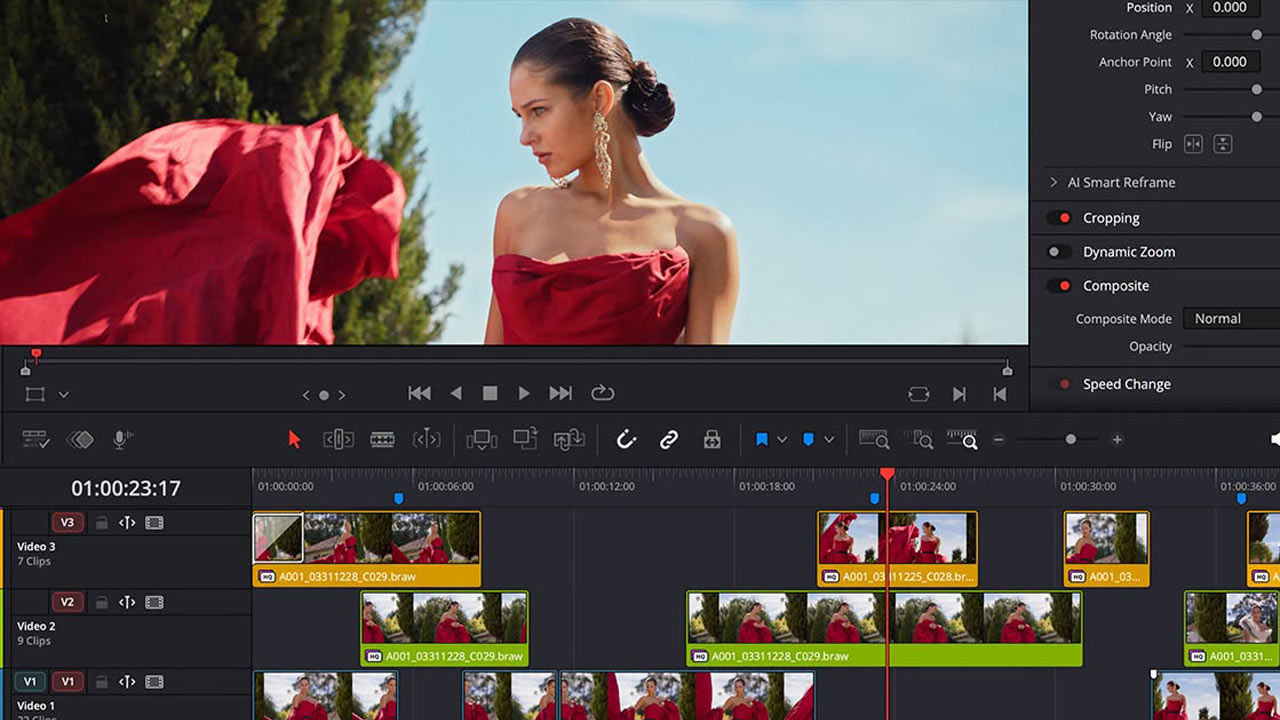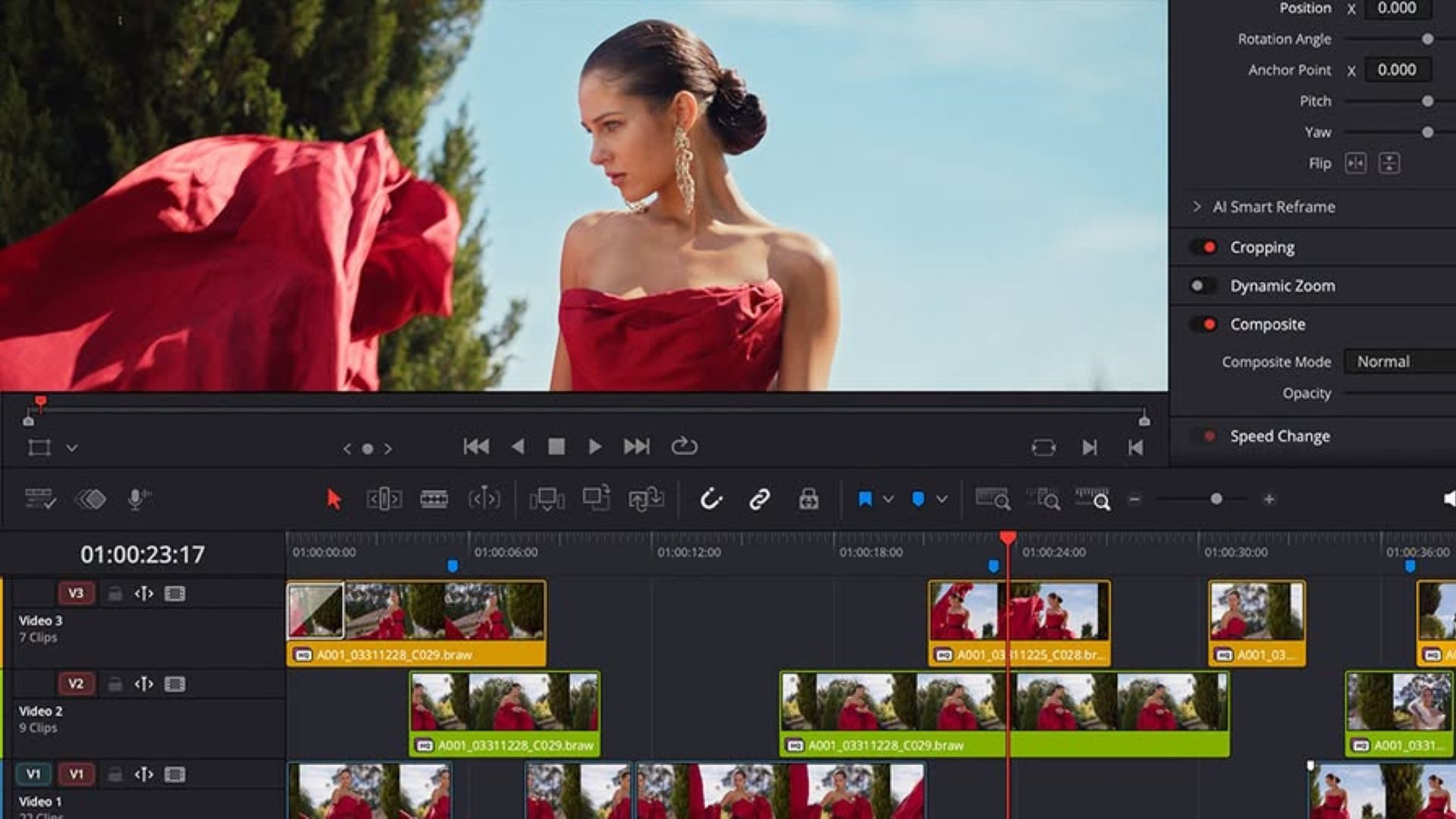
Blackmagic Design announced the start of downloads of its video editing software, DaVinci Resolve 21.2. It can be downloaded from the company’s website .
This update adds support for new touchscreen-enabled Apple MacBook Pro laptops with PROLED XDR displays. Additionally, it enables up to 5x faster effect rendering with the M5 Pro and M5 Max Apple silicon chips.
Blackmagic Design DaVinci Resolve 21.2 Update Details
On the new touchscreen-enabled MacBook Pro laptops, DaVinci Resolve users can scroll the timeline with their fingertips, drag and drop effects and titles onto the timeline, or clips into the media pool. They can also pan the viewer with their fingertips and zoom with pinch gestures on the Photo, Edit, Color, Media, and Deliver pages.
In addition to virtual sliders on all pages, the audio mixer on Cut, Edit, and Fairlight pages now supports multi-touch operation. On color pages, you can adjust the color wheel and master wheel with your fingertips, and applying color charts, color warpers, annotations, and Power Window overlays is also touch-enabled.
Furthermore, the use of source timecode in extracted audio files makes it easier to synchronize and rearrange audio clips on the timeline. Access speed to audio in MXF clips when using network storage has also been improved. Loading and rendering speeds of OGraf templates from network storage have also been optimized, resulting in improved speed and stability for loading and writing OGraf graphics. AAF timecode accuracy for interlaced media audio has also been enhanced.
DaVinci Resolve 21.2 offers improved overall performance and stability.