Adobe released version 27.0 of its motion graphics and VFX software, Adobe After Effects, in November 2026.
The new features of Adobe After Effects 27.0 are as follows:
Adobe After Effects 27.0 Features
After Effects AI Assistant
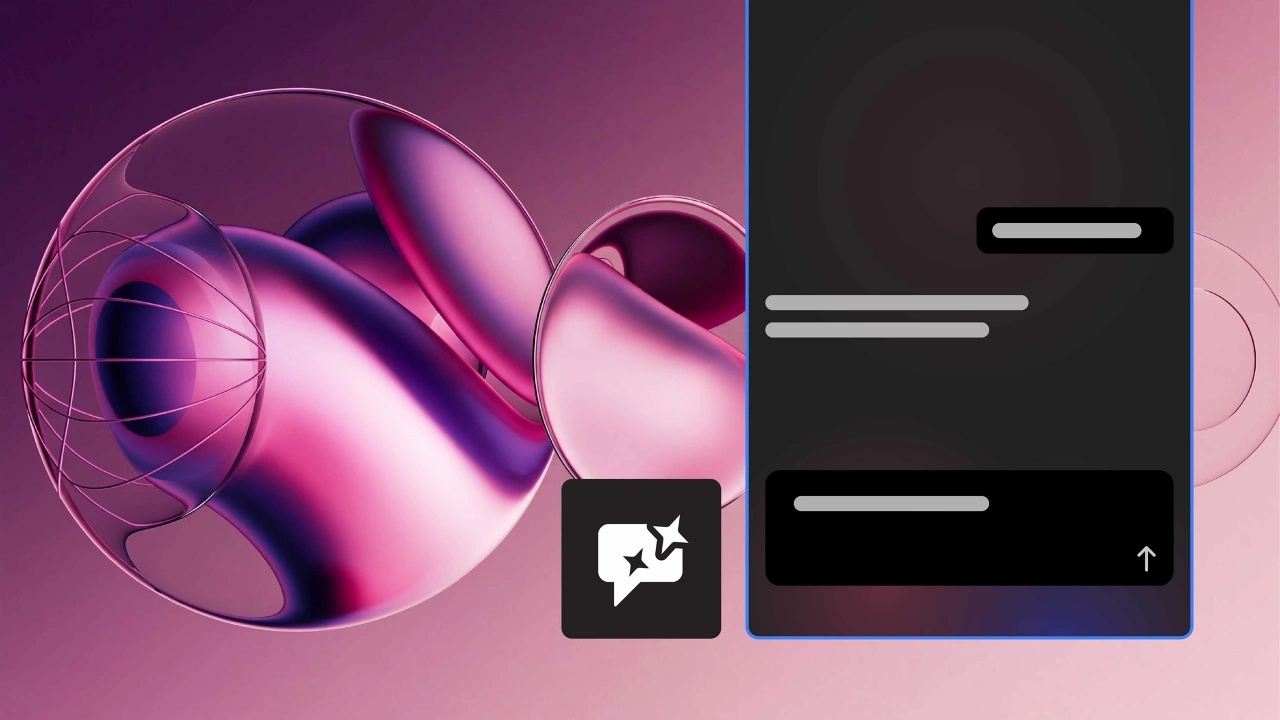
The new Assistant panel explains what you need to do. This allows you to organize your project, create and modify expressions, generate images and videos, and more.
Learn more about After Effects AI Assistant here .
Use layers as material sources
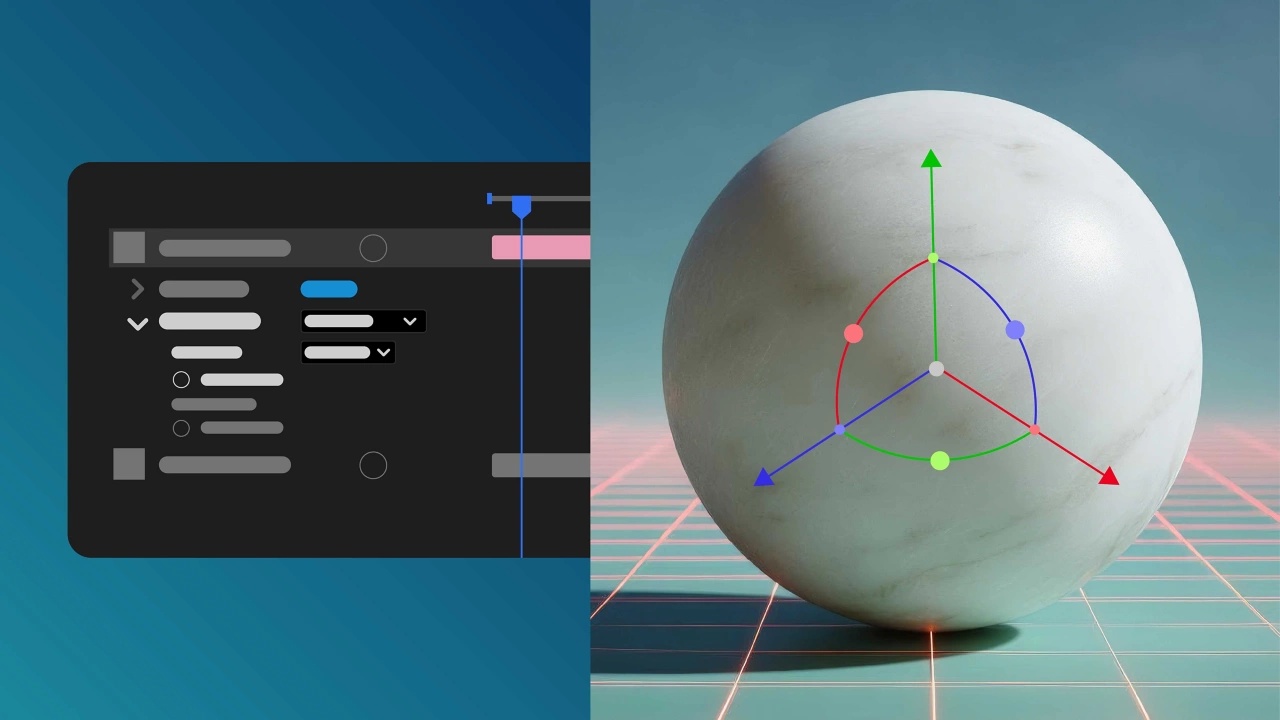
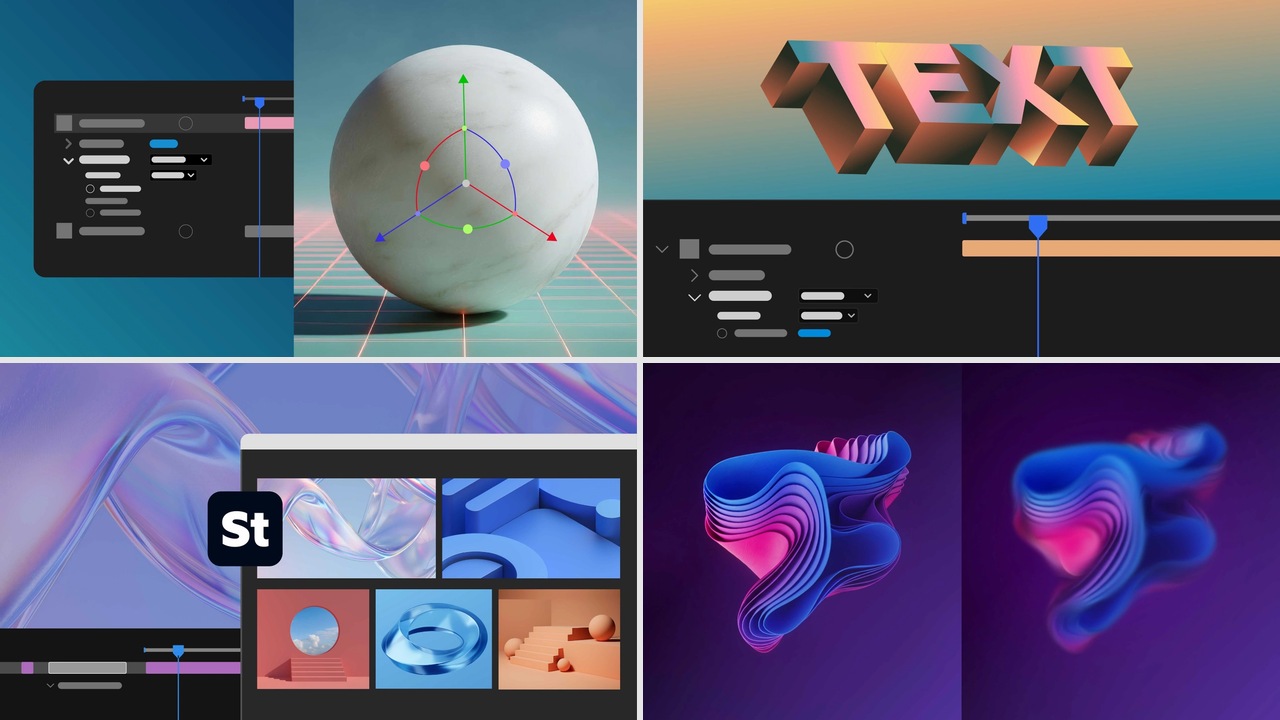
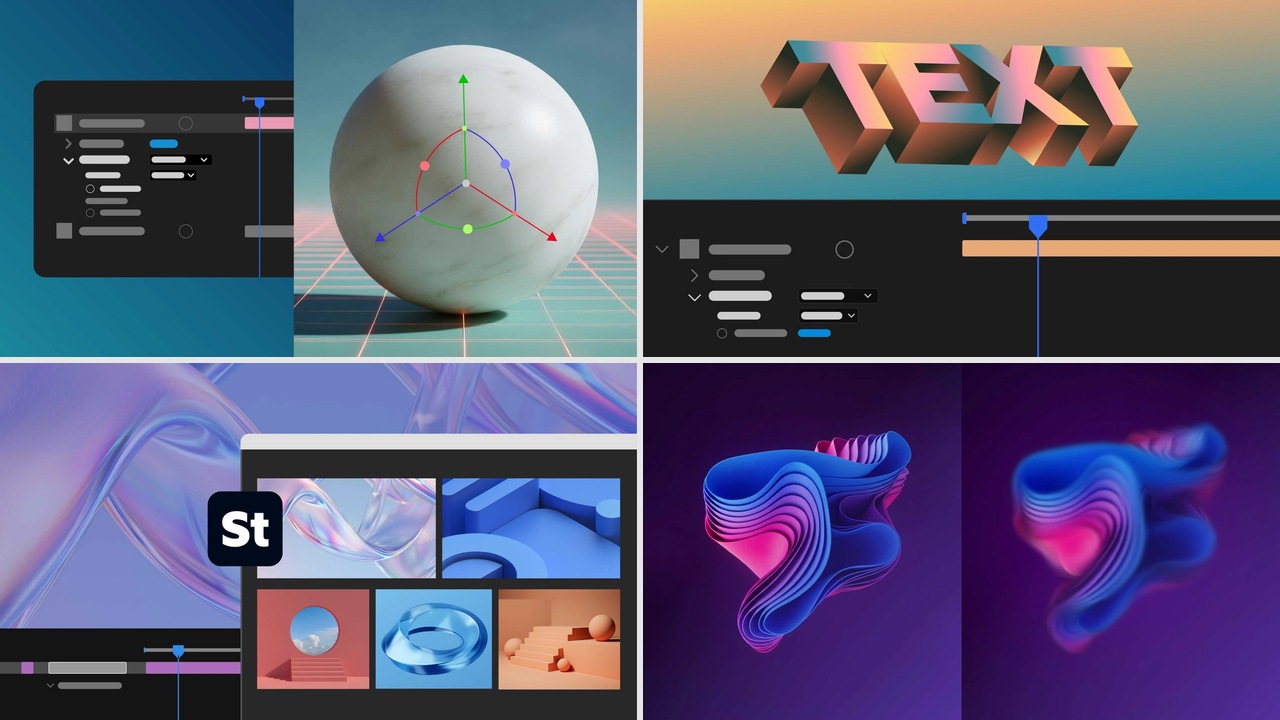
When working with the Advanced 3D renderer, you can use animated pre-compositions, planes, images, and videos as materials for 3D objects.
Apply materials to 3D text and shapes.
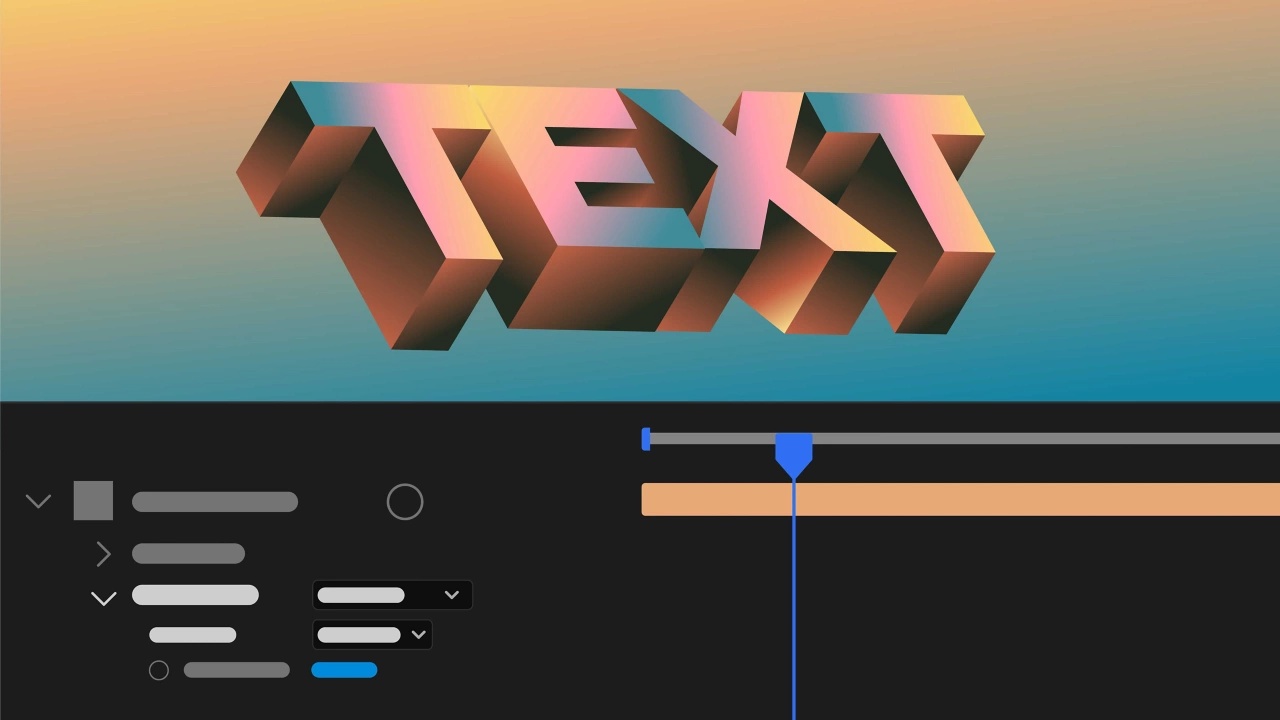
Apply Substance 3D materials directly to 3D text and shape layers to replace default legacy materials with a photorealistic or stylized look.
Import Illustrator text as an editable text layer.
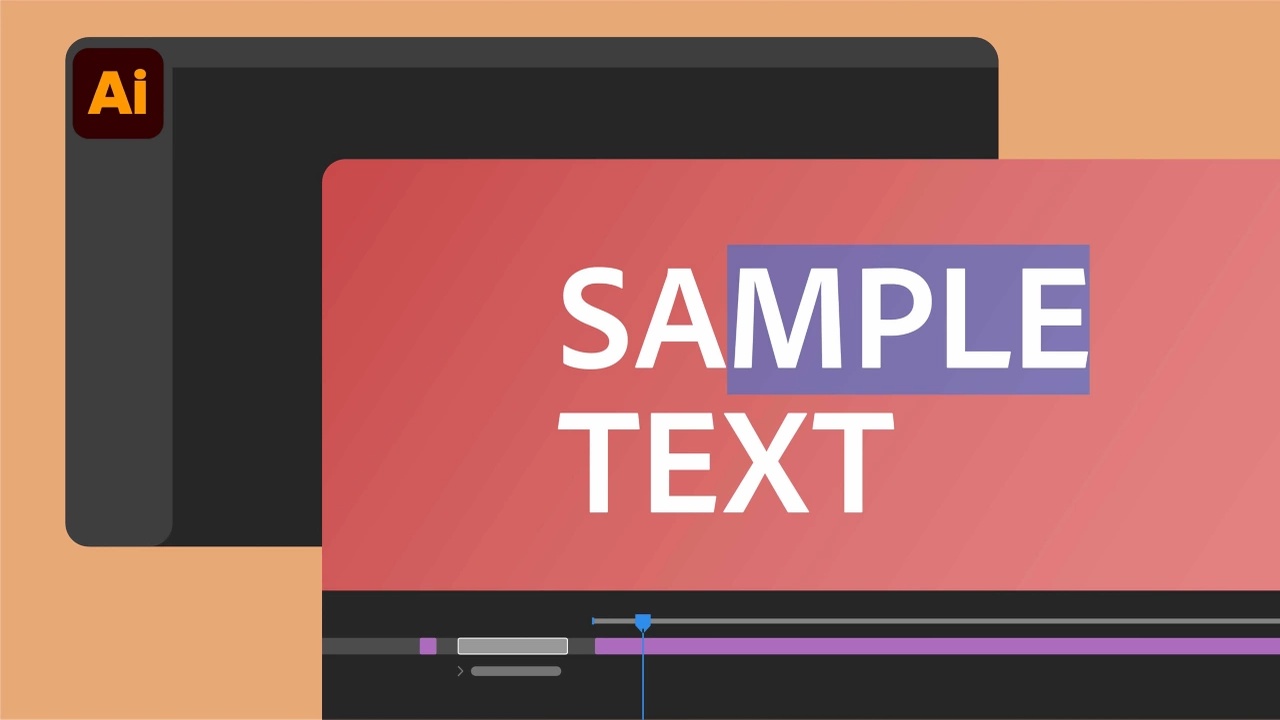
Convert Illustrator text into an editable text layer while preserving font, size, fill, position, style, and variable font settings.
Learn more about how to import Illustrator text as an editable text layer here .
Adobe Stock panel in After Effects
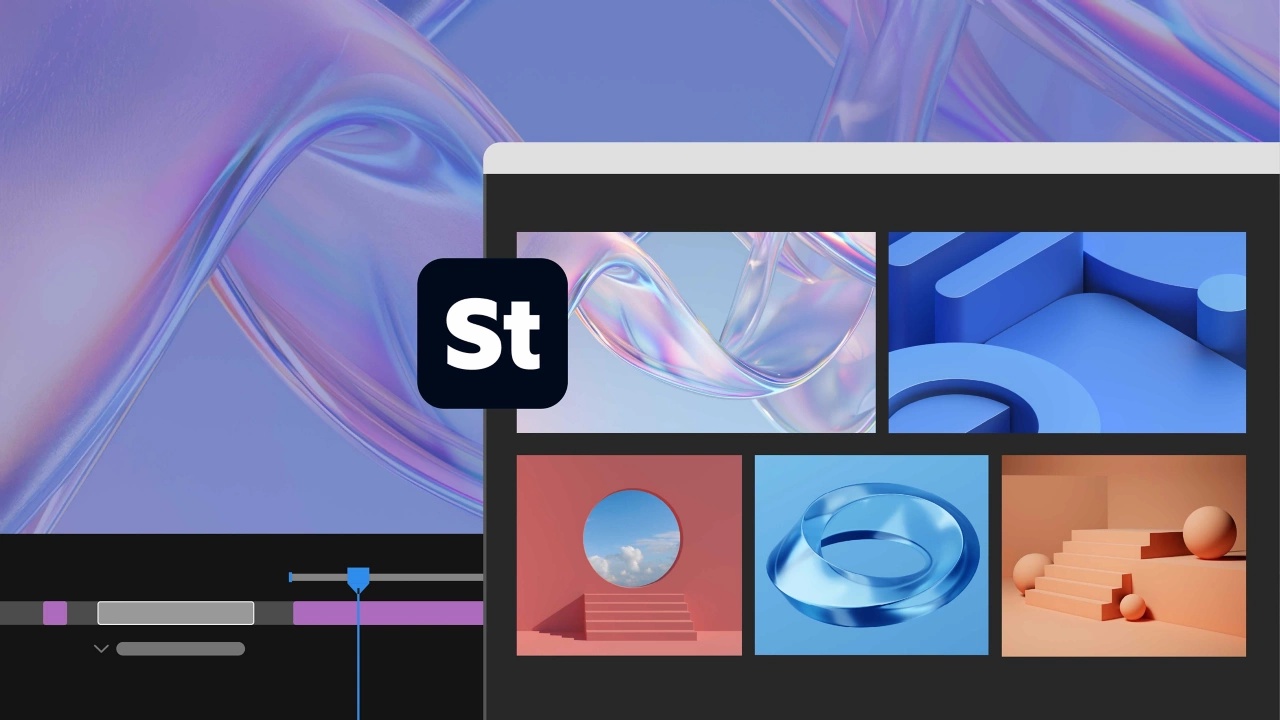
The new Adobe Stock panel lets you add stock assets without leaving After Effects and download them directly to the Project panel.
Learn more about the Adobe Stock panel here .
Stylize your footage with the Contour Paint effect.
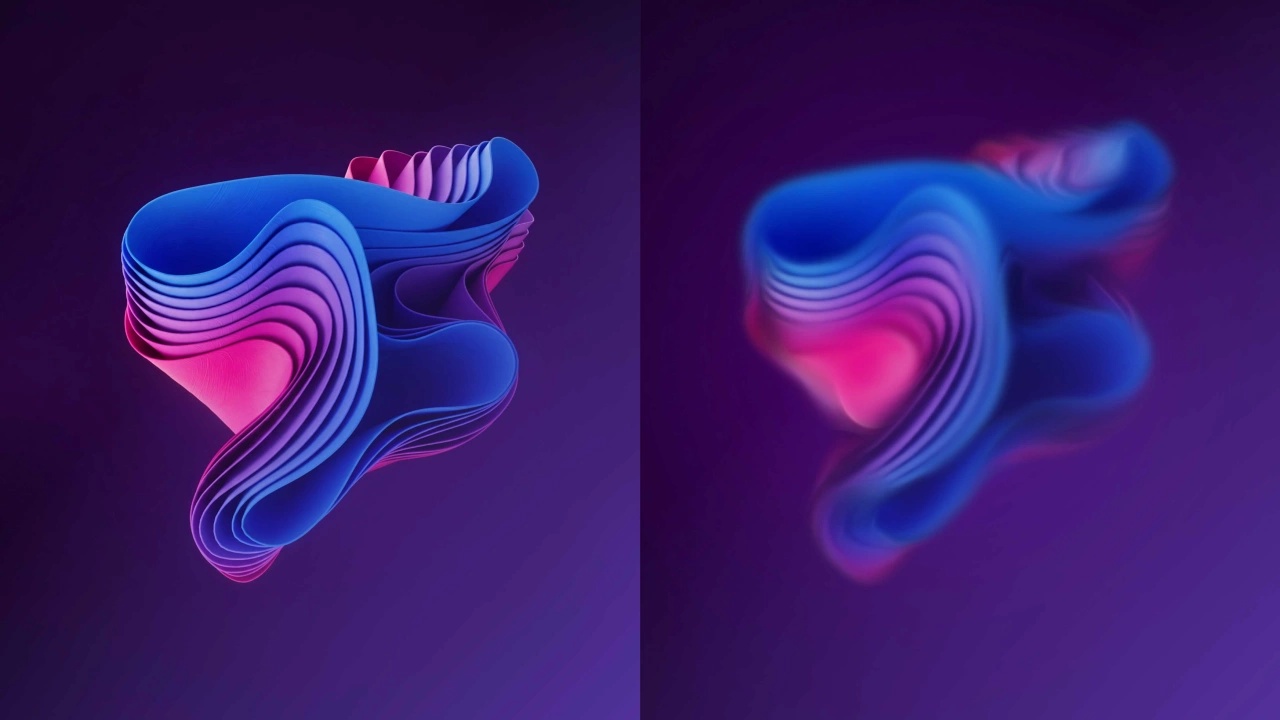
The new Contour Paint effect analyzes the contours within the frame, blurs and posterizes the pixels along those contours, and creates a highly stylized result.
For more details about the Contour Paint effect, please click here .
Improved autosave makes it easy to restore your projects.
Auto-save safeguards your project, allowing you to quickly restore your work even if After Effects crashes unexpectedly.
Set the PNG compression level when exporting.
The new Compression slider for exporting PNG sequences allows you to balance file size and export speed while maintaining the same lossless image quality.
De-esser effect reduces sibilant sounds.
It automatically detects unpleasant “s” and “sh” sounds within the target frequency range and lowers their volume until they are no longer unpleasant.
Quick Apply Recently Used Items
Accessing the history of effects, animation presets, and menu commands applied using Quick Apply allows you to repeat them without having to search again.