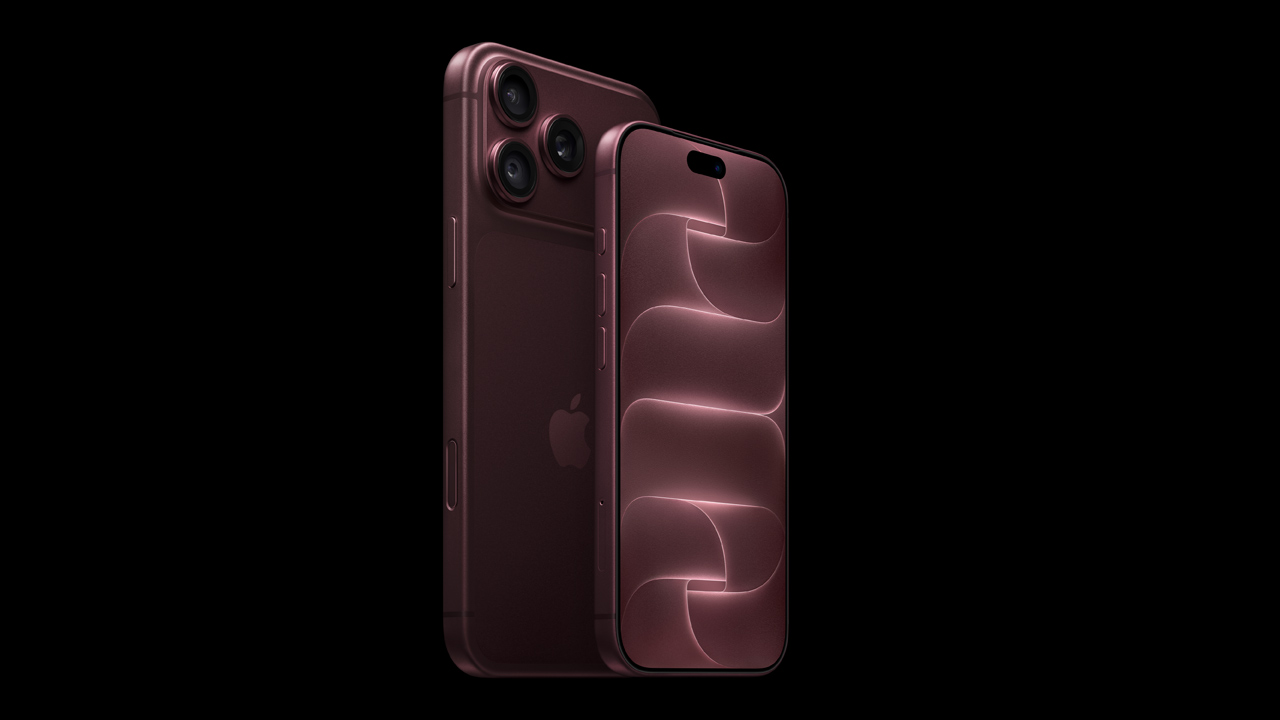
Mavis released Mavis Camera version 8.2, the latest version of its professional camera app for iPhone and iPad. This update adds support for the iPhone 18 Pro and iPhone 18 Pro Max, and includes control over a newly added variable aperture function, ProRes RAW recording, professional HDMI output, and a new API for integrating Mavis Camera into custom workflows.
Mavis Camera Version 8.2 Adds Control to Variable Aperture
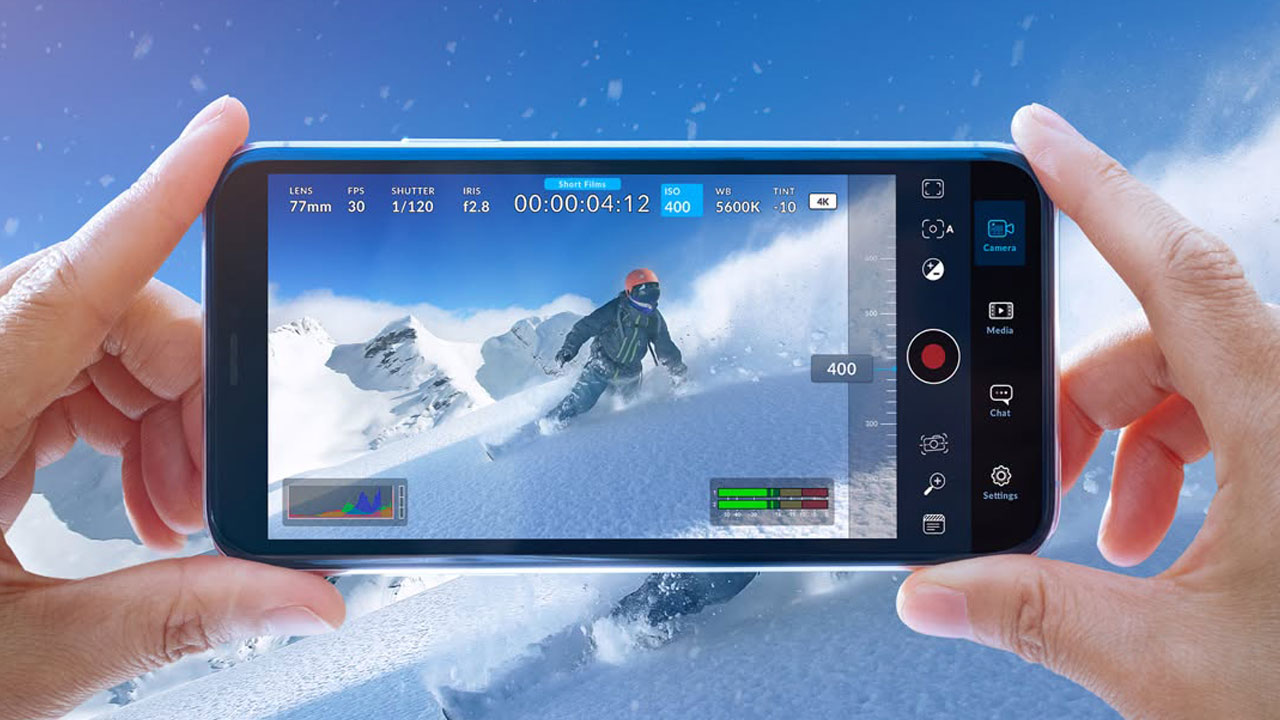
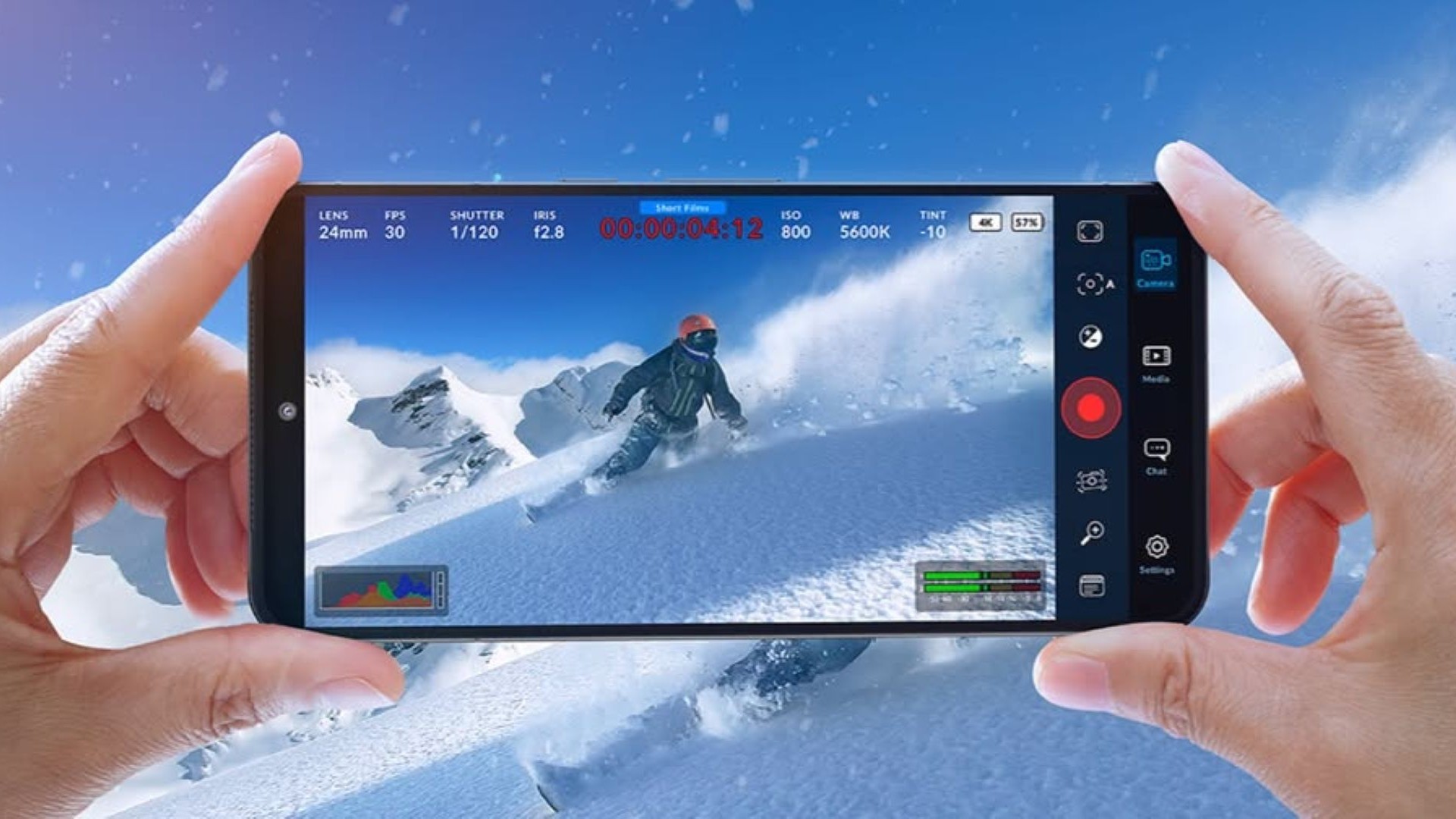
On the iPhone 18 Pro and Pro Max, the variable aperture function can be accessed directly through the camera control wheel and on-screen thumb rail in “Mavis Camera.” The aperture can be adjusted while recording and works with both manual and automatic exposure, giving filmmakers and production teams another practical way to manage exposure and depth of field directly within the “Mavis” interface.
Mavis Camera 8.2 also introduces ProRes RAW recording capabilities for all compatible iPhone models. Users can record ProRes RAW in 4K or Open Gate format to an external SSD, allowing for flexible adjustment of exposure, white balance, and other image parameters during post-production.
For external monitoring, the Mavis Camera offers a low-latency HDMI output, allowing users to choose between clean video or professional information display. This information display feature shows important details about the camera, recording, and output, such as exposure settings, focal length, recording status, timecode, shooting format, audio levels, and device status, on a connected monitor. Users can also display monitoring tools and overlays such as tally, guides, aspect ratio mask, focus peaking, zebra, and false color on the HDMI display.
Matches Refresh Rates
The Mavis Camera can also match the refresh rate of its HDMI output to the camera’s shooting frame rate, ensuring the output is perfectly suited to professional monitoring and production workflows. Mavis tests measured an HDMI latency of 2 frames at 29.97 fps. The “Pro HDMI Output” feature works via a compatible HDMI adapter.
The new Mavis Camera API allows external applications, devices, and production systems to connect to the camera over a local network. Through WebSocket connections, users can control recording, exposure, focus, white balance, zoom, lens selection, tally, and color shading, and receive real-time updates when camera settings or status change. Additionally, a browser-based, built-in API playground allows users to experiment with these controls without writing any code.
This two-way communication allows developers, broadcasters, and production technology companies to integrate the Mavis Camera into custom remote controllers, hardware control panels, multi-camera systems, studio automation, bespoke applications, and even broader production infrastructure.
Freeware app
Mavis Camera remains available for free download. A new annual subscription will grant access to all features included in the Pro Pack, Film Kit, NDI, and API. This will be offered alongside existing in-app one-time purchases and will remain valid for users who have already purchased them.
Variable aperture control, ProRes RAW recording, and professional HDMI output are available for free. Access to the API is available via in-app purchase and is also included in the new Mavis Camera annual subscription.
Mavis Camera 8.2 is available for free download from the App Store .
For more details, please check here .