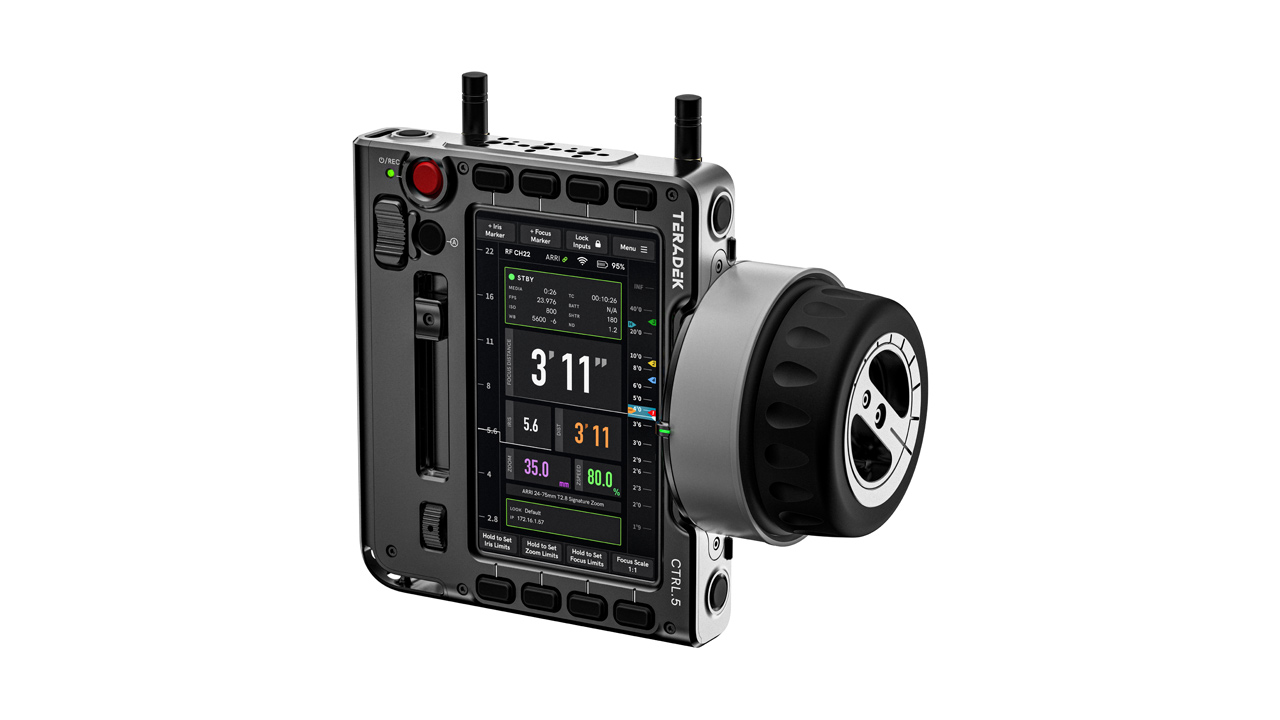
Teradek announced the launch of new camera control functionality for its multi-axis hand unit “CTRL.5” controller.
WiFi camera control is now available for RED and ARRI cameras. This feature introduces a camera page to the CTRL.5 display, allowing users to see real-time camera status and make basic setting adjustments directly from the controller. Key camera settings such as ISO, FPS, shutter speed and white balance can be assigned to user buttons for quick access in the field.
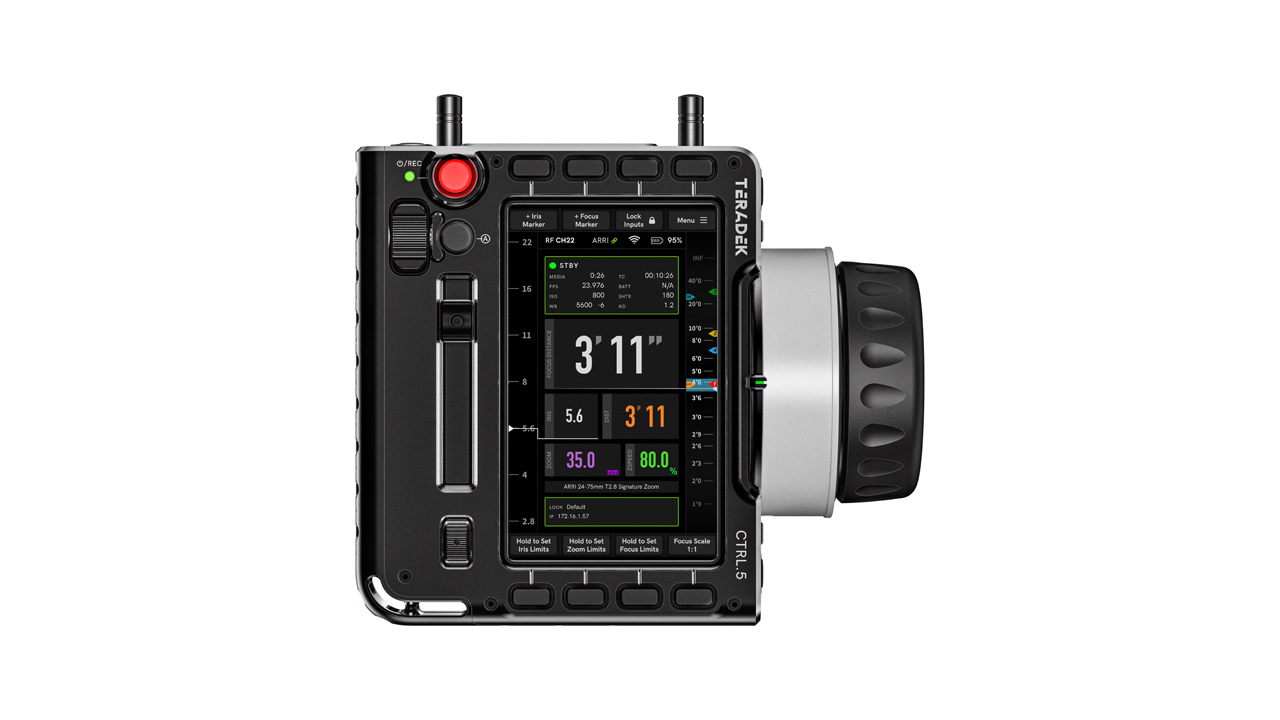
“Our goal with CTRL.5 is to streamline the art of focus pulling,” Colin McDonald, Cine Product Manager, said. “Camera control has always been part of our roadmap. After extensive testing, we’re excited to offer WiFi support for RED and ARRI cameras. We’re actively working on expanding to Sony, and have plans to support other camera manufacturers as well. This feature wasn’t available at launch, so as a token of our appreciation for your patience, we’re offering it free for a limited time to all existing CTRL.5 owners and new buyers.“
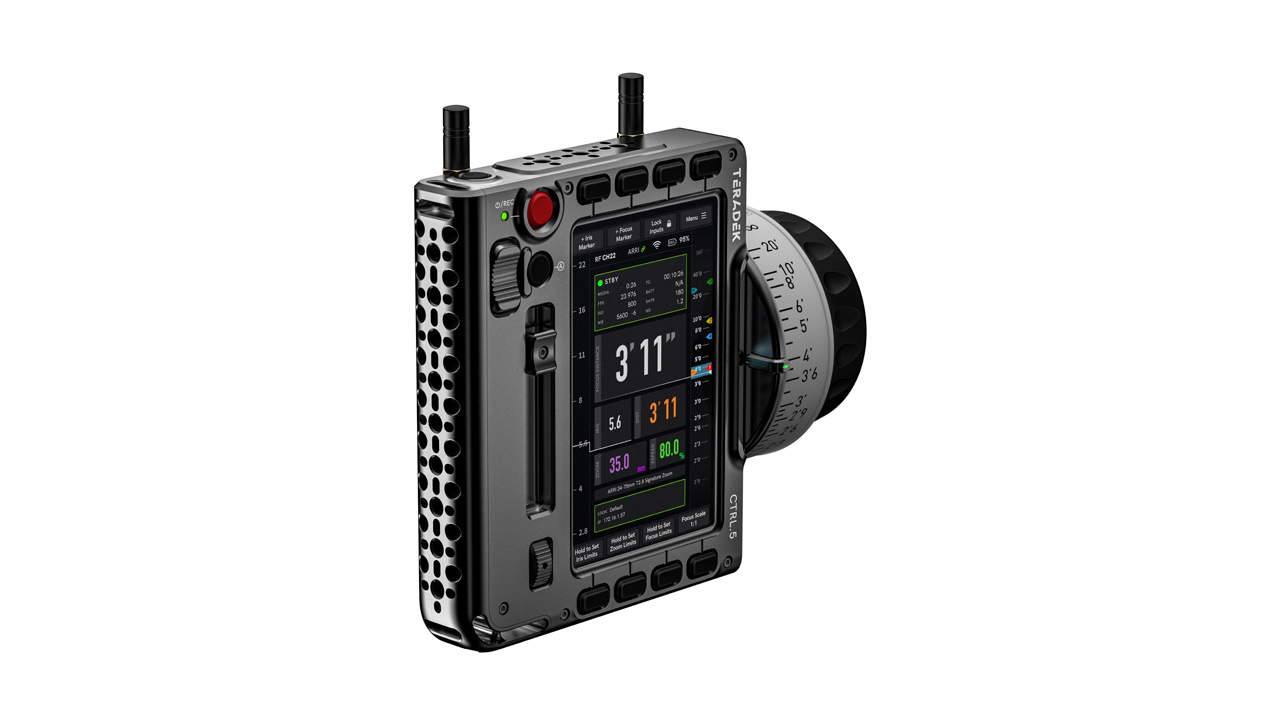
WiFi camera control allows the CTRL.5 to access multiple cameras on the same network using IP settings, giving users several flexible connection options:
- Connect the CTRL.5 to the camera’s WiFi network
- Connect the camera to the CTRL.5’s built-in WiFi access point
- Connect both devices to a shared router like the Link AX
- Enable remote camera control from an offset over IP
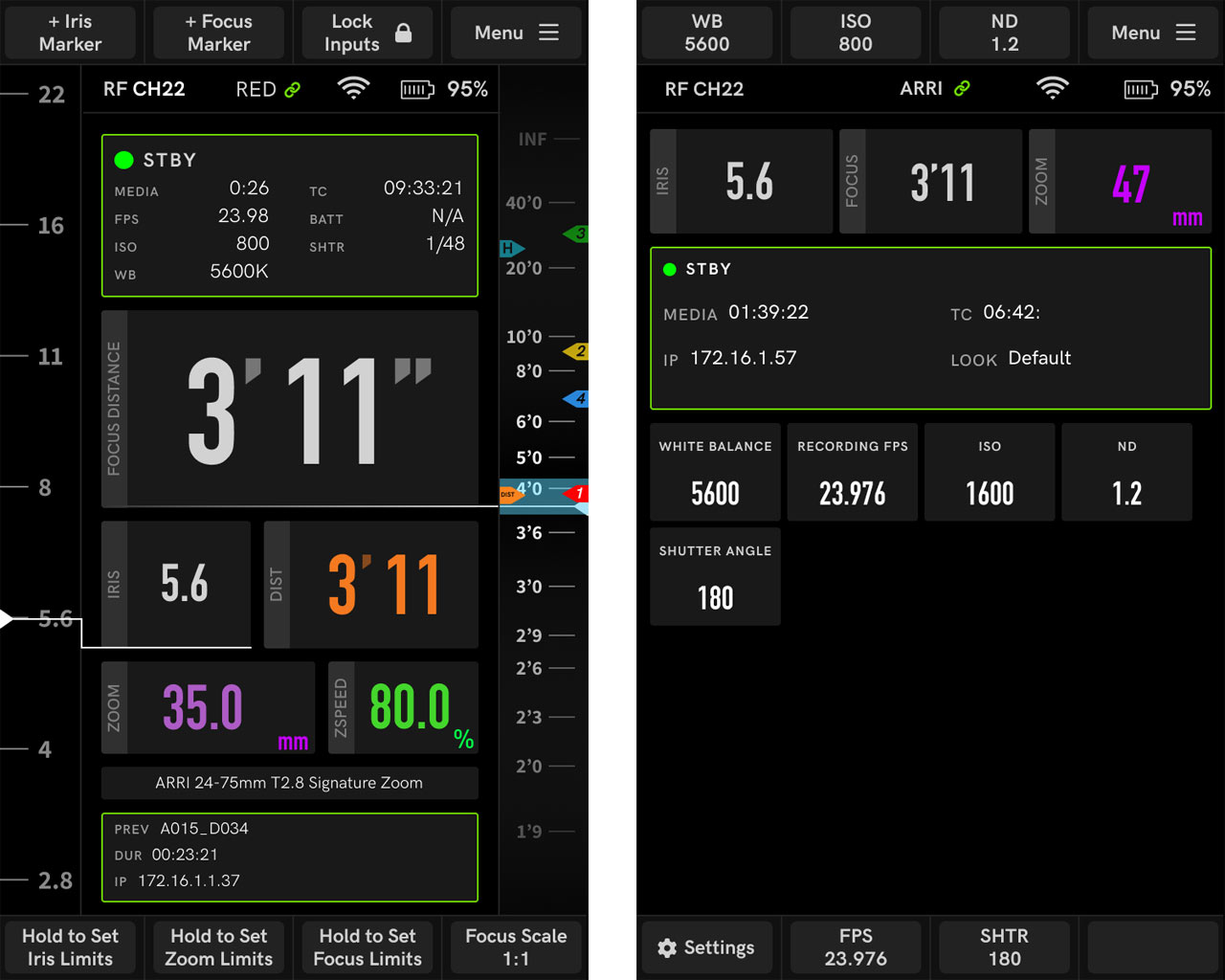
Camera control supports a wide range of RED and ARRI cameras, including:
- RED KOMODO, V-RAPTOR, DRAGON, MONSTRO, GEMINI
- ARRI ALEXA 35, ALEXA Mini, ALEXA LF, AMIRA, and others
“We’ve worked closely with our beta testers to refine this feature, and their feedback has been invaluable,” said Mr. McDonald. ” With camera control, we’re taking a big step towards simplifying workflows on set.”