Blackmagic Design announced DaVinci Resolve 20.1. We’d like to share more details about the news we reported yesterday .
This major update adds support for Apple Immersive Video workflows to the macOS version of DaVinci Resolve Studio. This makes it easy to edit, color grade, create VFX, mix spatial audio, and export Apple Immersive Video shot with the new Blackmagic URSA Cine Immersive camera. Available as a free download from the company’s website .
The new immersive video viewer allows users to pan, tilt and roll clips to watch them on a 2D monitor or stream directly to Apple Vision Pro for a more immersive editing experience.
“We’re very excited to release an update to DaVinci Resolve Studio that adds tools for Apple Immersive Video to the Edit, Color, Fairlight and Fusion pages,” comments Grant Petty, CEO of Blackmagic Design. “This enables filmmakers to create compelling immersive content that was previously too complex or expensive to create. Best of all, you can now edit, grade and mix 3D immersive video and audio using the same tools you’re familiar with for your 2D projects. We can’t wait to see the immersive action, drama, concert, sports and other compelling content you create with DaVinci Resolve!”

Immersive Editing
DaVinci Resolve Studio for macOS is the world’s only solution for editing, color, VFX, audio post production and export of Apple Immersive Video. It supports decoding and playback of stereoscopic 8K 90fps Blackmagic RAW files recorded with the URSA Cine Immersive camera, providing a complete workflow from editing to playback on Apple Vision Pro.
The industry standard tools customers are familiar with for 2D projects have been updated for 3D immersive video and work right out of the box.
New project settings allow you to use Apple Immersive Video on every page, including an immersive video viewer that lets you see your work on any standard monitor, an updated spatial audio editor, and the ability to export Apple Immersive Video for viewing on Apple Vision Pro.
Edit Page
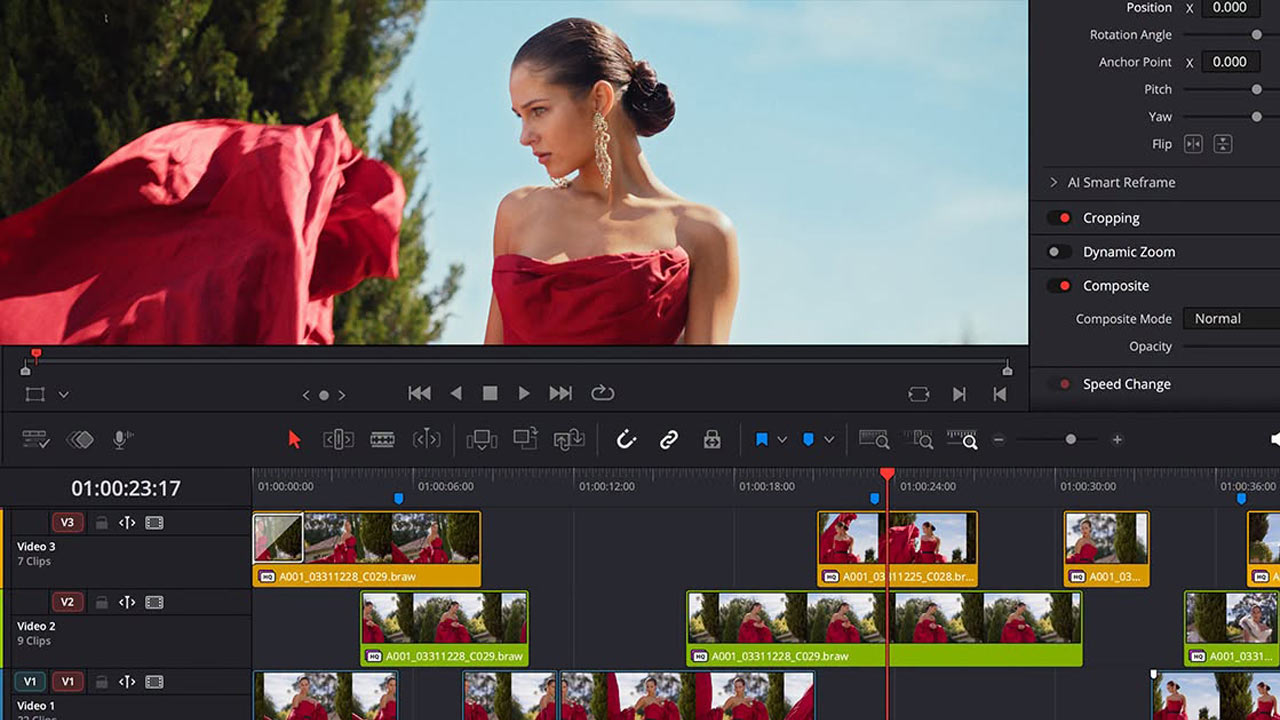
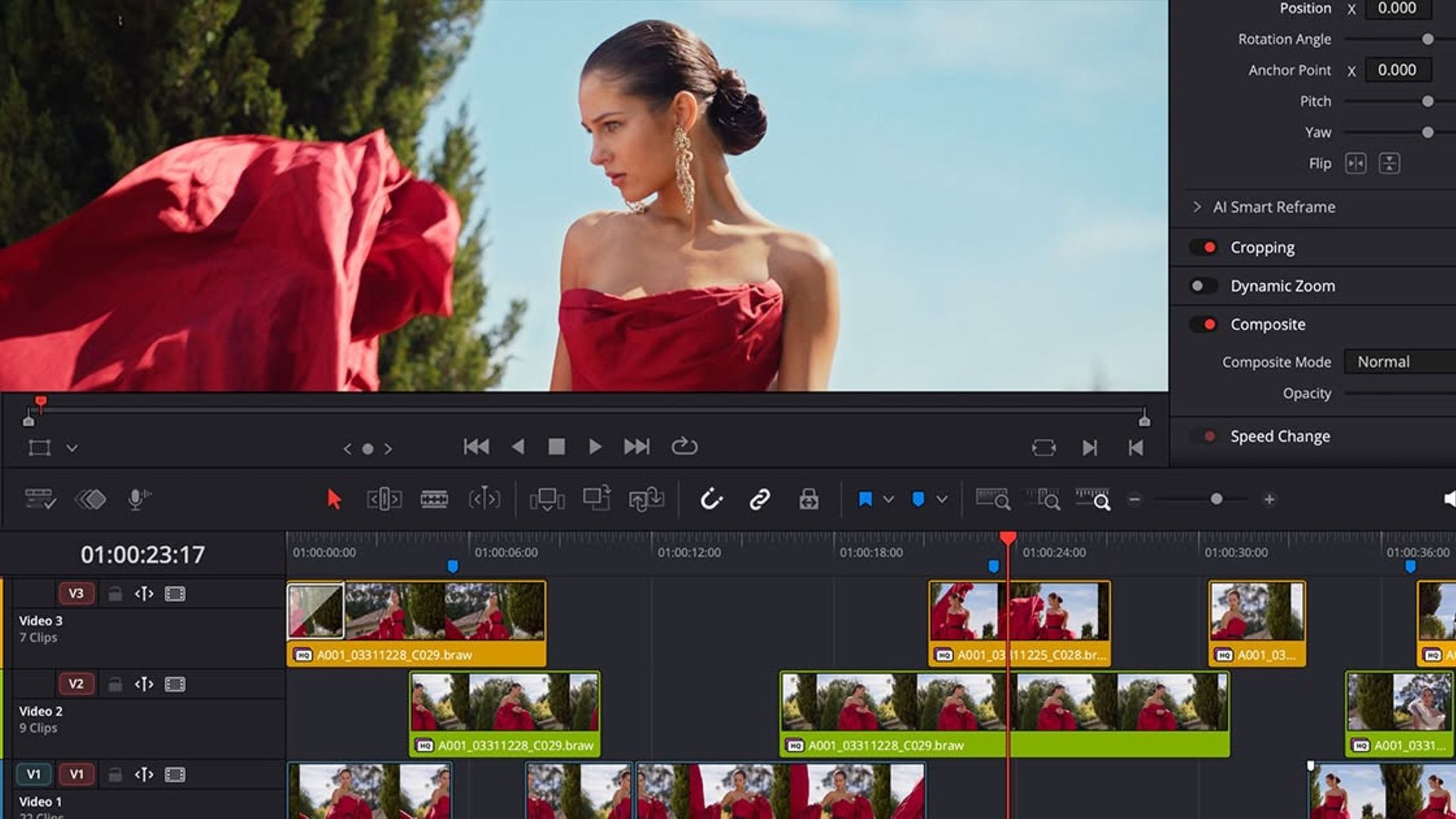
The edit page lets customers work with files recorded with the URSA Cine Immersive camera just like any other 2D media, with a familiar drag and drop interface. The new immersive viewer can display immersive video in its original state, converted to LatLong or converted to a viewport view that can be panned around the screen. Customers can also add 360 degree background tracks that appear outside of the projected immersive imagery.
Color Page
The color page gives customers all of the primary color correction tools and a selection of secondary color grading tools when working with files recorded with URSA Cine Immersive. New tools in the 3D palette include edge masking, which lets customers adjust the field of view of URSA Cine Immersive footage to remove items like microphones that end up in the frame. Edge masking also lets customers adjust the mask blending rate to create a smooth transition from the projected space to the background.
Fusion Page
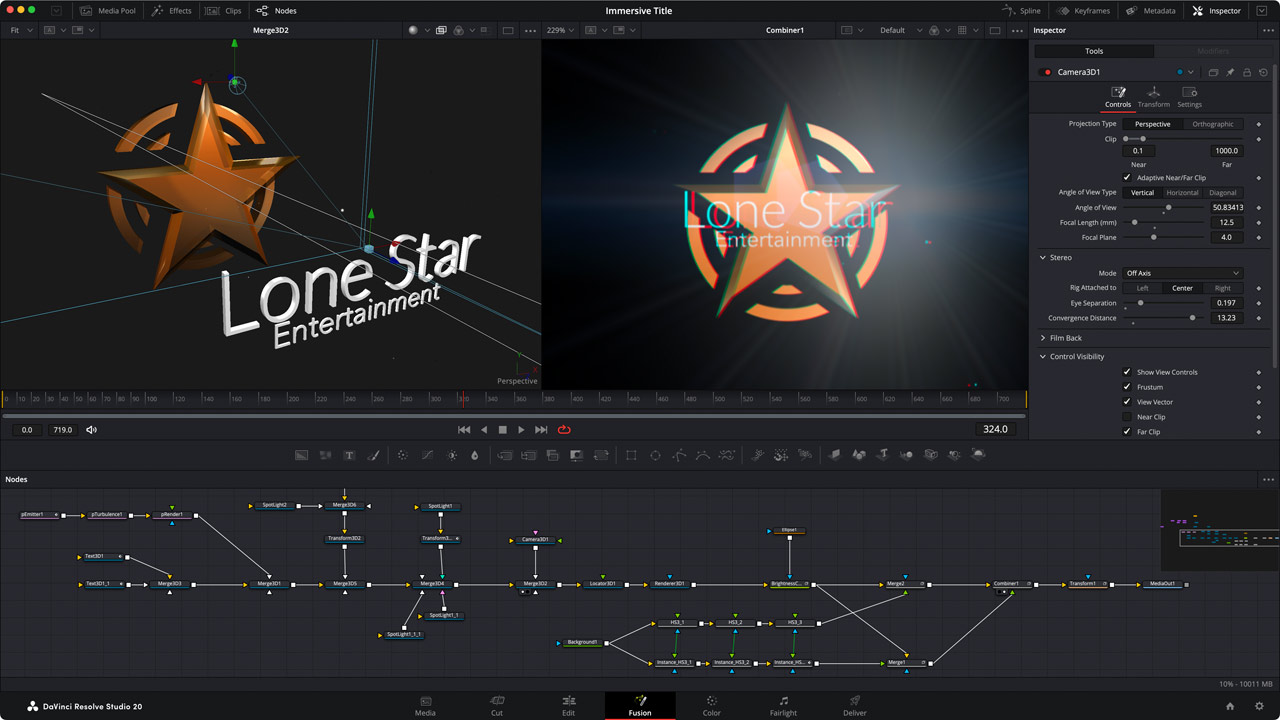
The Fusion page lets customers create sweeping 3D titles and broadcast graphics, or use USD files to create professional Hollywood quality effects for immersive footage. Existing tools such as patcher and distortion have been updated so they work seamlessly with immersive footage.
The Immersive Patcher converts lens space images into flattened images that can be patched, painted, and even have graphics and text added to them, then converted back to lens space so they can be properly composited back onto the original camera’s lens space image.

Composite Editing
3D images or composites created with immersive workflows on the Fusion page are automatically converted from the virtual 3D space on the Fusion page to the immersive lens space in the timeline. Timeline title creation has been simplified with the addition of lens space correction and a convergence slider for title templates.
DaVinci Resolve Studio 20.1 also lets customers mix and master immersive Apple Spatial Audio Format (ASAF) soundtracks. Fairlight fully supports up to seventh-order ambisonic busses, along with integrated native manipulation of objects and channels. The 3D panner view has been enhanced for ASAF, allowing customers to freely position sounds in 3D space, including object position, orientation and spatial simulation. Customers can also import existing 3D audio formats and remix them to ASAF for Apple Vision Pro.
The Media and Deliver pages have also been updated to include Apple Immersive Video export presets. Using these presets, immersive projects can be rendered like regular projects and the files can be dragged and dropped into the Apple Immersive Video Utility on macOS. This exports immersive video ready for delivery to Apple Vision Pro. Customers can also use Apple Compressor to render ProRes bundles for viewing.
Sample immersive video clips for use with DaVinci Resolve Studio 20.1 for macOS can be downloaded from this page .

Blackmagic URSA Cine Immersive features a custom fixed lens system pre-mounted into the enclosure that was designed specifically for Apple Immersive Video.
The sensors feature 8160 x 7200 resolution per eye with pixel-perfect synchronization and an incredible 16 stops of dynamic range, allowing cinematographers to record 90 frames per second stereoscopic 3D immersive cinema content in a single file. The custom lens system is designed specifically for URSA Cine’s large format image sensor and captures and stores extremely accurate positional data during manufacturing.
This immersive lens data is mapped, calibrated and stored for each eye and saved into Blackmagic RAW files for use in post production.
Immersive Features in DaVinci Resolve 20.1
- DaVinci Resolve Studio on macOS now supports Apple Vision Pro immersive video workflows.
- Apple Vision Pro allows you to monitor immersive video from the timeline.
- Supports Apple Spatial Audio Format (ASAF).
- You can use the head tracking of your AirPods to listen to Apple’s spatial audio binaurally.
- You can edit Blackmagic RAW Immersive video shot with Blackmagic URSA Cine Immersive.
- Immersive video viewer on a 2D screen with support for panning, tilting and rolling images.
- Supports dual-file stereoscopic 3D immersive content with automatic Apple Immersive Video (left and right eye) recognition.
- Option to bypass transitions that would normally be rendered with Apple Vision Pro.
- Export native files viewable on Apple Vision Pro.
Blackmagic URSA Cine Immersive Features
- Dual custom lenses for Apple Immersive Video recording on Apple Vision Pro.
- Dual 8160×7200 (58.7 megapixel) sensors capable of capturing stereoscopic 3D immersive images.
- 16 stops of dynamic range.
- Lightweight and durable camera housing with industry-standard connectors.
- Supports the new film curve of 5th generation color science.
- Each sensor supports capture at 8K at 90 frames per second to a single Blackmagic RAW file.
- Includes a high-performance Blackmagic Media Module 8TB for recording.
- Stay connected with fast Wi-Fi, 10G Ethernet, and mobile data.
- Includes DaVinci Resolve Studio for post-production.