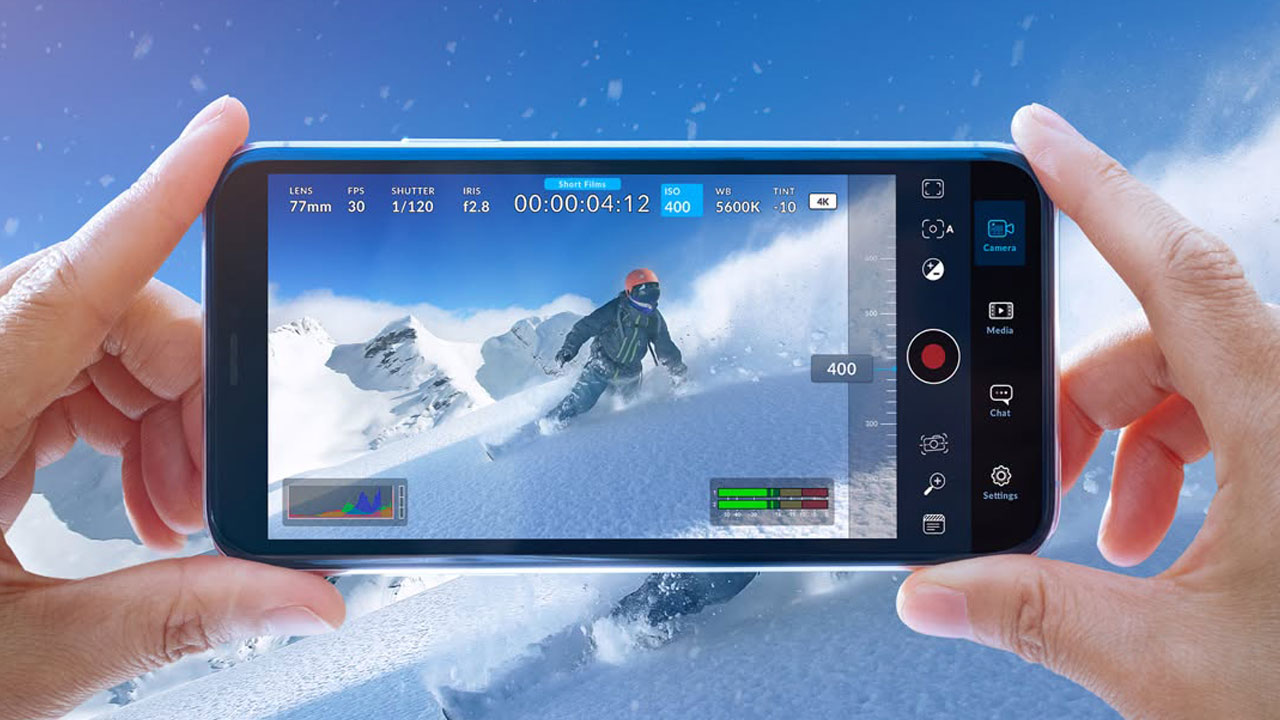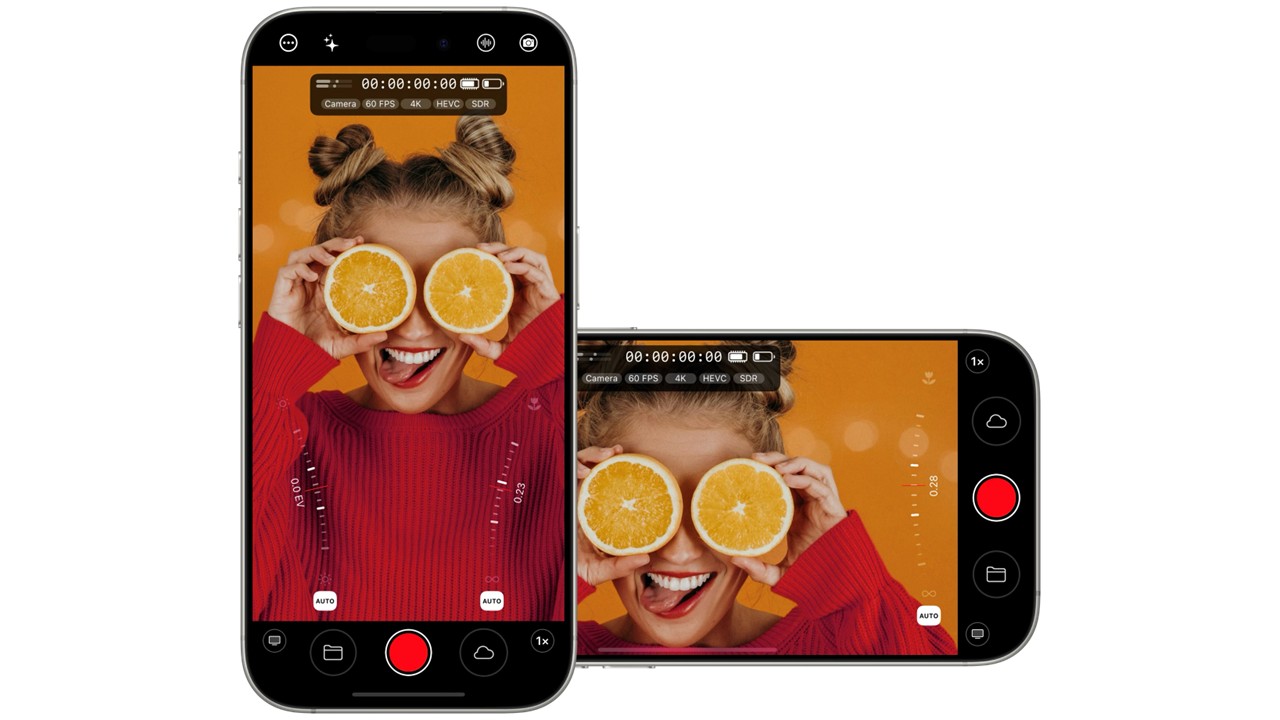
Blackmagic Design released version 3.1 of its Blackmagic Camera app for Android, which includes several enhancements, including support for open gate shooting and improved customization of function buttons.
Blackmagic Camera for Android Version 3.1 Details
This update enables Open Gate shooting on compatible Android devices. This feature uses the entire image sensor area to capture images, allowing for greater flexibility in framing and cropping in post-production. When shooting, users can choose the aspect ratio they need to meet their project requirements, including Open Gate 4:3, 16:9, and 2:1.
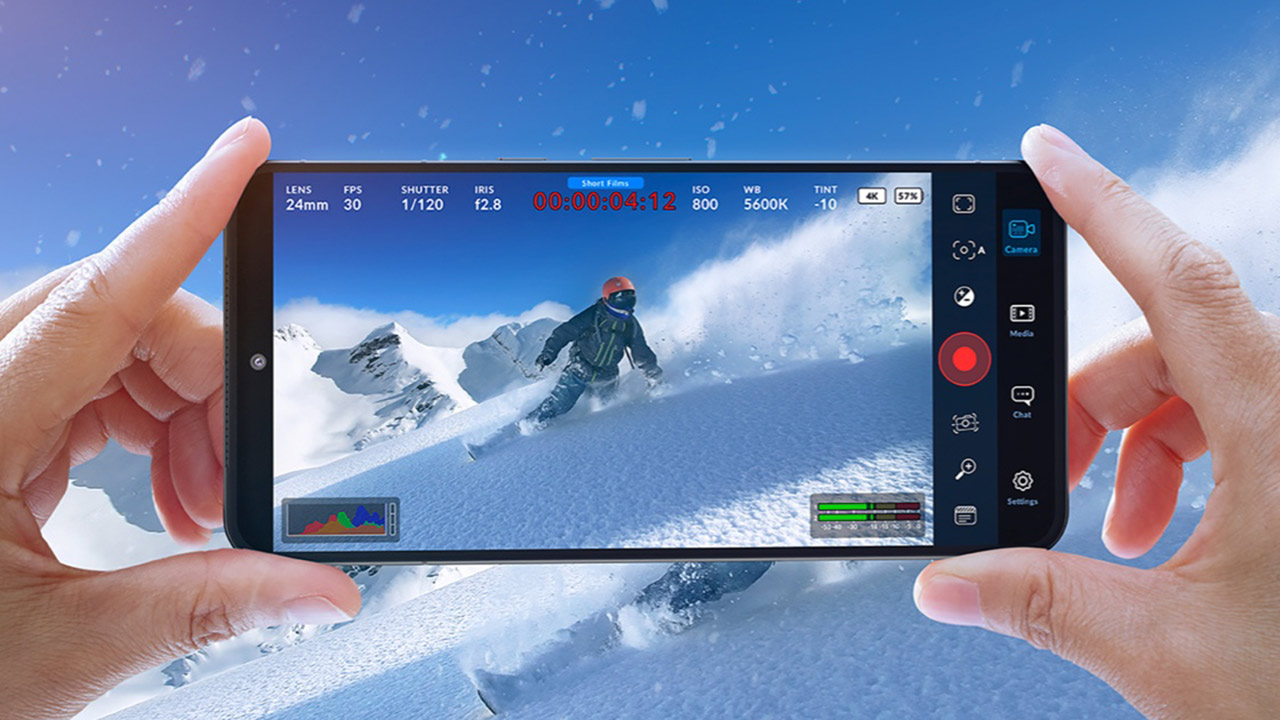
In terms of operability, the function buttons are now more customizable. With more assignable controls, operations such as selecting the audio source, toggling false color or zebra overlay, and enabling live streaming can now be mapped directly to the buttons. This allows users to quickly adjust key settings without switching screens while shooting, streamlining their workflow.
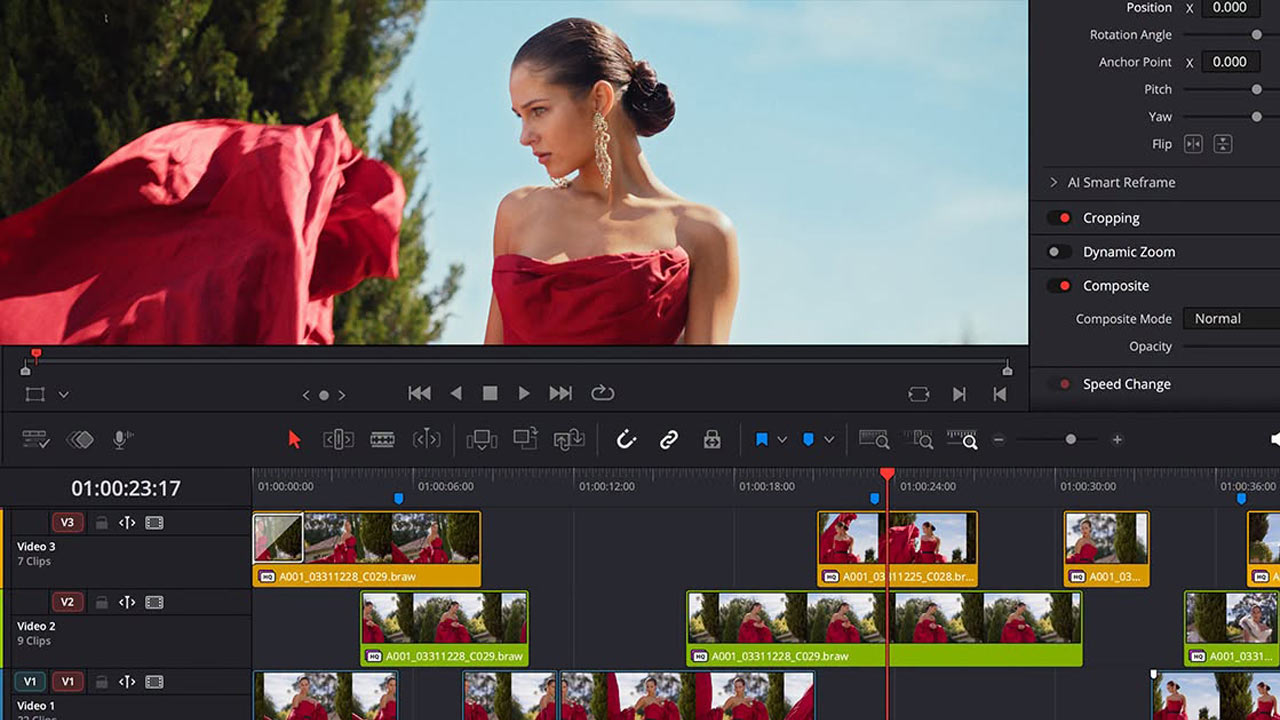
Additionally, some compatible Samsung cameras now allow users to apply the built-in Samsung Log LUT, which not only allows users to apply the LUT for monitoring during shooting, but also allows users to record the LUT directly into clips, making it easier to maintain consistency in color and metadata from shooting to post-production.
The remote camera function has also been enhanced. When using a smartphone as a remote camera controller, it is now possible to connect it to an external monitor via HDMI. Simply tapping the smartphone screen allows you to switch between the images from the remote cameras being monitored, making it easy to check each angle on a large screen when shooting with multiple cameras.