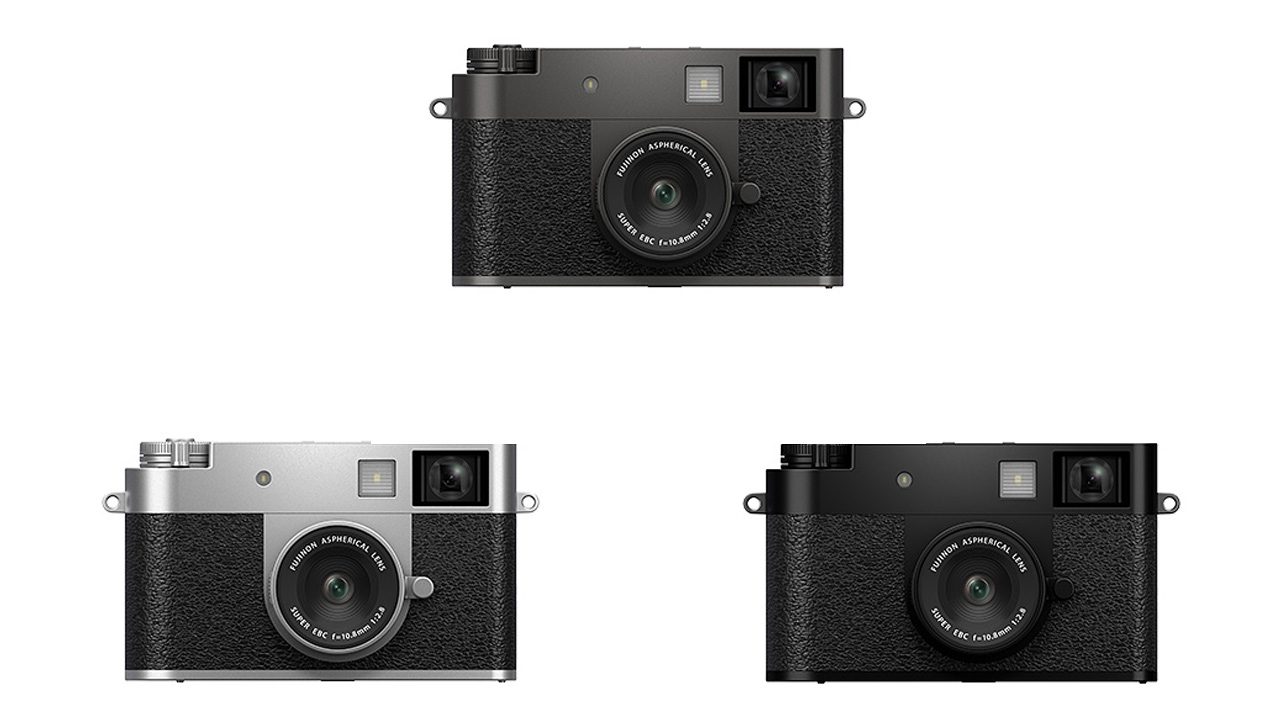
Fujifilm released update version 1.30 for its compact digital camera, “X half,” adding Instax Evo printer compatibilities. This firmware is available for download from the company’s support page .
Update contents
Please refer to the X half New Features Guide for the following changed items No. 1 to No. 6 .
- Fujifilm X-Half compatibility added to Instax Evo, allowing users to print with Instax by connecting to the Instax Evo series and Instax LiPlay series.
- When the AF mode is set to “Area Selection,” you can now swipe to move the AF frame on the LCD monitor.
- In film camera mode, you can now pull the frame switching lever to prepare for the next shot even while recording an image.
- The video icon is now displayed on the 9-frame playback screen.
- The screen design has been changed to improve the ease of pairing with smartphones.
- A direct print icon has been added to the single-frame playback screen. When connected to an instax printer, you can tap the icon to print directly from the playback screen.
*For details, see No. 4 of the New Features Guide. - If you exit film camera mode without taking any pictures, you will no longer be able to develop them in the X half app.
- Bug fixes
- Fixed an issue where, if pairing was performed without setting the area during initial setup, the date and time of the area setting displayed the next time the power was turned on would differ from the date and time obtained from the smartphone during pairing.
- Corrected the phenomenon that the through image may flicker depending on the brightness of the shooting environment.
- Fixed an issue where the camera would freeze when starting video recording while looking through the viewfinder with the Face/Eye AF setting set to anything other than OFF.
- Fixed an issue where the image would stop being displayed when swiping left or right while enlarging a 2-in-1 image.
- Fixed an issue where the number of shutters was unnecessarily counted up.
- Fixed the issue where the charging indicator light would not turn off even after the battery (NP-W126S) was fully charged in the camera.
- Fixed other minor bugs.