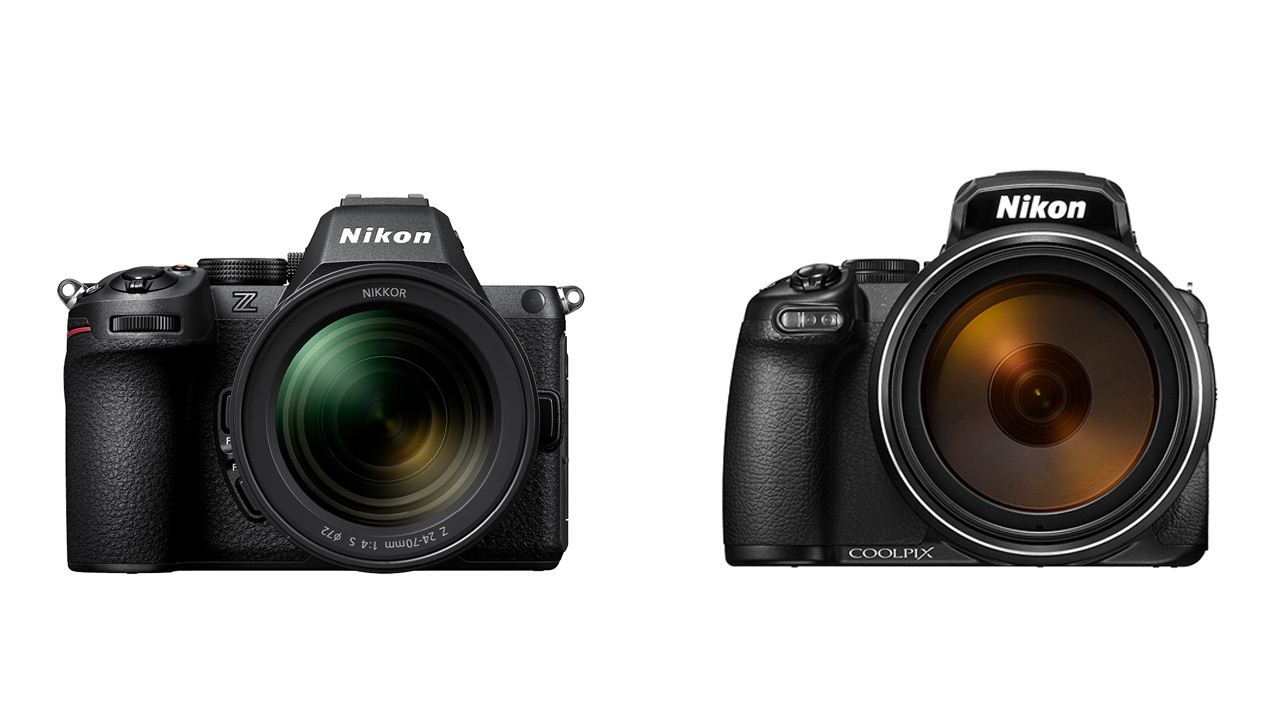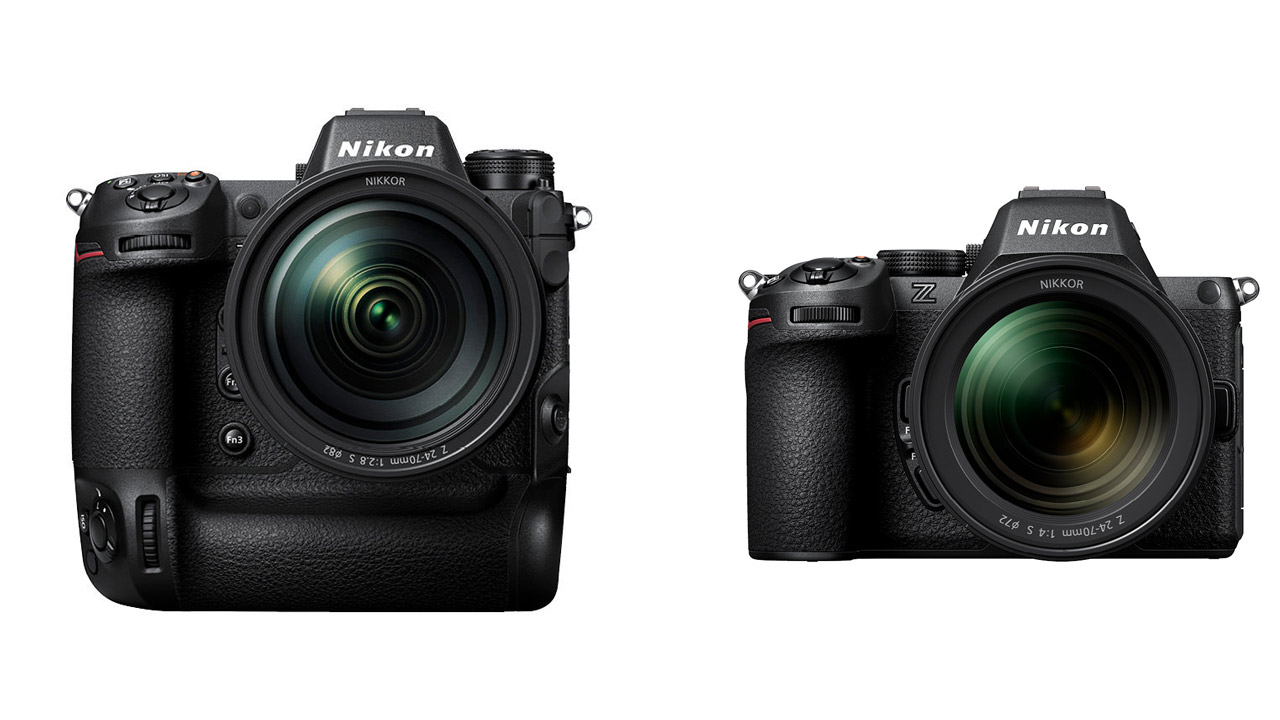
Nikon announced the latest firmware for its mirrorless cameras, the Z9 and Z5II. Z9 Ver. 5.30 and Z5II Ver. 1.10 have been released.
The contents of the Nikon Z9 and Z5II updates are as follows:
Z9 Ver. 5.30
-
Still image shooting fixes
- Subject detection is now possible even when the AF area mode is set to Single-point AF, Dynamic AF (S), Dynamic AF (M), or Dynamic AF (L).
- The range of AF areas that can be set in AF-area modes [Wide-area AF (C1)] and [Wide-area AF (C2)] has been expanded.
- The Picture Controls “Flat Monochrome” and “Deep Tone Monochrome” have been added, and the Flexible Color function is now supported.
- Added the “Reset focus position after capture” option to the “Auto Capture” function. Also, added “Face” to the subject detection options.
-
Video shooting related
- Subject detection is now possible even when the AF area mode is set to Single-point AF.
- The range of AF areas that can be set in AF-area modes [Wide-area AF (C1)] and [Wide-area AF (C2)] has been expanded.
- The Picture Controls “Flat Monochrome” and “Deep Tone Monochrome” have been added, and the Flexible Color function is now supported.
- Added the option to reset focus position after capture to Auto Capture. Also added Face to the subject detection options.
- When [Video Shooting Menu] > [High Res Zoom] is set to [ON], a subject detection frame will now be displayed on the shooting screen when the camera detects a subject.
-
Playback
- [Date] has been added to the [Filter Playback Condition Settings] in the playback menu and iMenu during playback.
- Added “Loop Playback” to the iMenu items when playing videos.
- Added [Auto-rotate screen during playback] to the playback menu.
-
Operation
- [Custom Menu] > [Enable Subject Detection] has been added to the a10 and g6.
- [Customization Menu] a14 [Aperture Maximum Level in Manual Focus] has been changed to a15 [Aperture Maximum Level].
- Added Custom Setting a17 (Focus Limiter Setting) to the Custom Setting menu.
- The following functions have been added to the Custom Menu > f2 (Custom Button Function (Shooting)) and g2 (Custom Button Function): Focus Limiter and Cycle through Subject Detection Settings. Individual settings can now be registered for Call Up Shooting Functions and Call Up Shooting Functions (Hold). Also, 400% has been added to Switch to Magnified Screen.
- Added the function “Jump to image before editing” to the Custom Menu > f3 [Custom button function (playback)].
- Added f11 [Image area switching with built-in TC] to the [Custom Setting] menu.
-
Network
- It is now possible to add a description to connection settings already configured in [Network Menu] > [Connect to FTP Server].
- Added [Synchronize Date and Time with NTP Server] to [Network Menu] > [Connect to FTP Server] > [Options].
- Added [Overwrite Copyright Information] to [Network Menu] > [Connect to Camera].
- It is now possible to detect and connect to remote cameras on the same network from the master camera.
- [USB Streaming (UVC/UAC)] has been added to [Network Menu] > [USB].
-
Others
- The operation and stability of autofocus, such as subject capture when taking still images, have been improved.
- By operating from an application such as NX Tether, it is now possible to obtain preset manual white balance even for still images.
- When recording a voice memo, if an external microphone is connected, you can now record using that external microphone.
- When connected to an HDMI device such as an external monitor, the video output will not be interrupted when video recording ends.
- You can now change the headphone volume from the iMenu while recording a video.
- The specifications have been changed so that videos will not automatically rotate even if [Playback Menu] > [Auto-rotate Images] is set to [ON].
- The picture control functions “Flat Monochrome” and “Deep Tone Monochrome” have been added to “RAW Development” in “Image Editing,” and the flexible color function has also been added.
- Changed the specifications so that the focus point movement speed does not slow down even if the direction of movement is changed while moving the focus point with the multi-selector or sub-selector.
- The gradation characteristics when [Custom Menu] > g14 [View Assist] is set to [ON] have been changed.
- Fixed an error that would appear on the monitor when pressing a custom button with “Switch shooting menu” assigned to Custom Control Button Function in Custom Setting Menu g2 while the histogram or waveform monitor was displayed on the monitor during video recording.
Ver. 1.10 for Z5II
- When connected to an HDMI device such as an external monitor, the video output will not be interrupted when video recording ends.