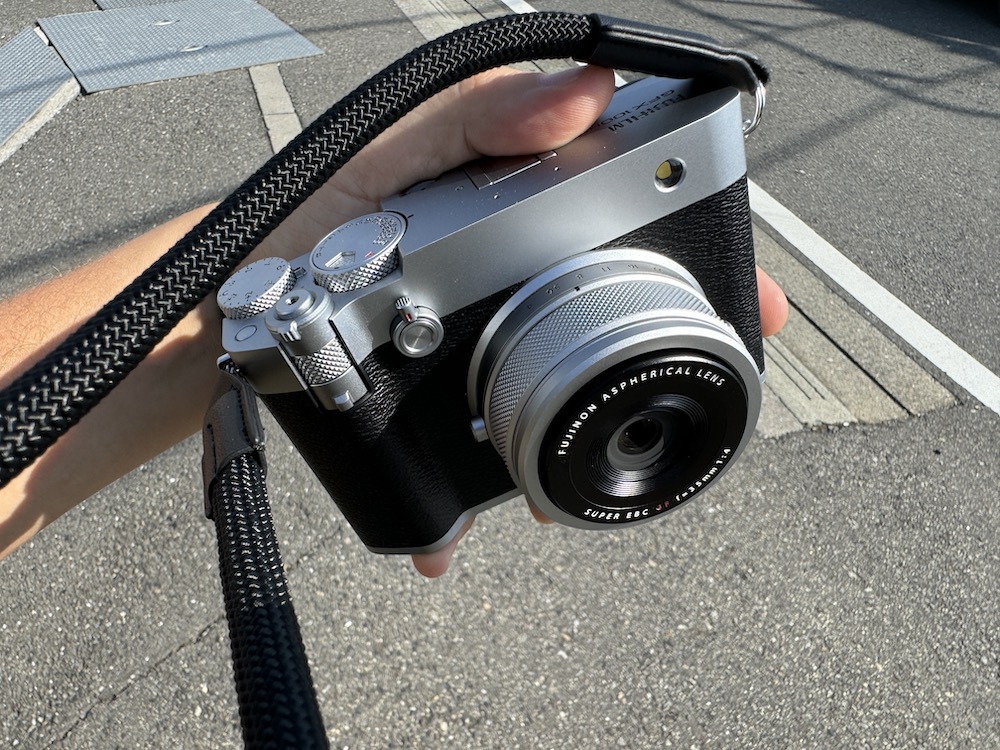
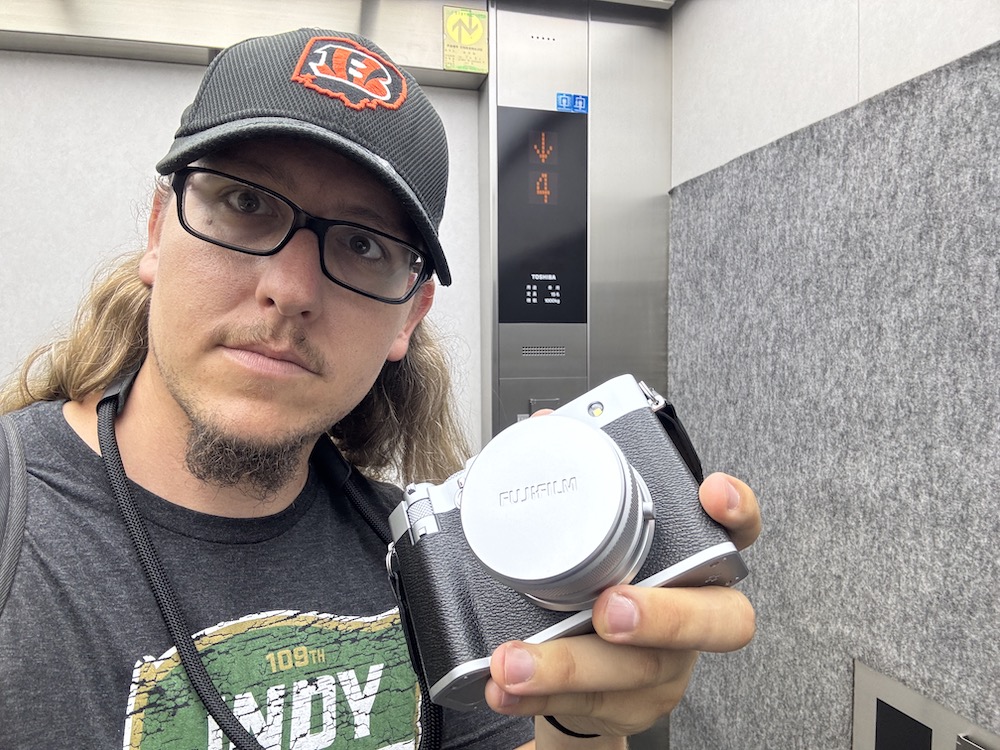
The Fujifilm GFX100RF, announced earlier this year, made waves when it was announced. A compact, GFX-sensor medium format, highly functional rangefinder-style a la the X100 series of popular Fujifilm cameras, this camera features all of the popular functions of those rangefinder cameras, including the ever-growing focus on the film simulation modes from Fujifilm. These functions are coupled with a 35mm (in GFX parlance) f/4 fixed lens, all powered by a 102MP medium format sensor.
Fujifilm is quite interesting to me in terms of their business philosophy. They don’t have 35mm full-frame cameras, only the X series APS-C cameras or the GFX medium-format camera line, which the company refers to as “Large Format.” With this business philosophy in mind, Fujifilm adds the GFX100RF into the market.

During my review of this camera, I found a number of peculiarities with the camera, but I also tested a few requested functions from Fujifilm. In particular, with the GFX100RF, Fujifilm emphasized a notion of compactness and functionality while still utilizing the medium format sensor. I took the camera out with me to a hiking trip in Okutama, Western Tokyo, to test just that. Let’s go over all of this, and more, in our comprehensive review of the Fujifilm GFX100RF camera.
The functionality of the Fujifilm GFX100RF
From an operationability perspective, the Fujifilm GFX100RF operates similarly to other fixed-lens Fujifilm cameras.
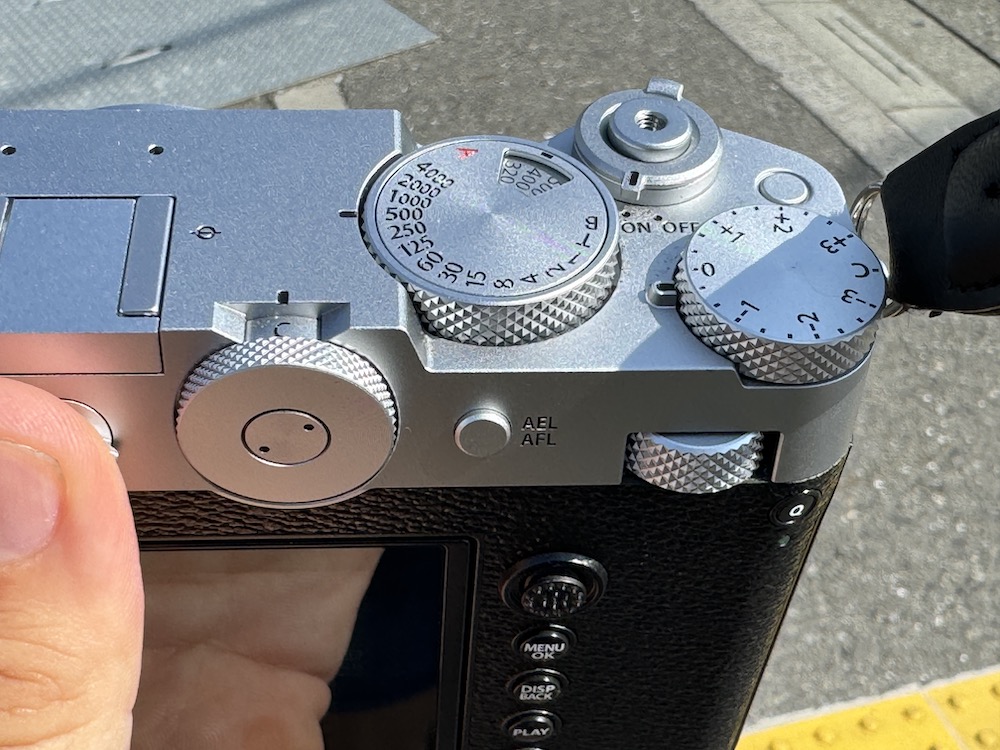
Shutter speed is controlled from a dial at the top right of the body. Adjusting the ISO comes from the same dial, by pulling up and twisting the dial to your desired ISO. Aperture on the lens is controlled manually, and one can feel the adjustment happen.

Interestingly enough however, the camera operating with all settings in automatic worked quite well. For quick-needed shots in the field, I could see news agencies using this in auto mode with little sacrifice to quality. However, the experienced PRONEWS reader knows that I like to use my cameras in manual mode.
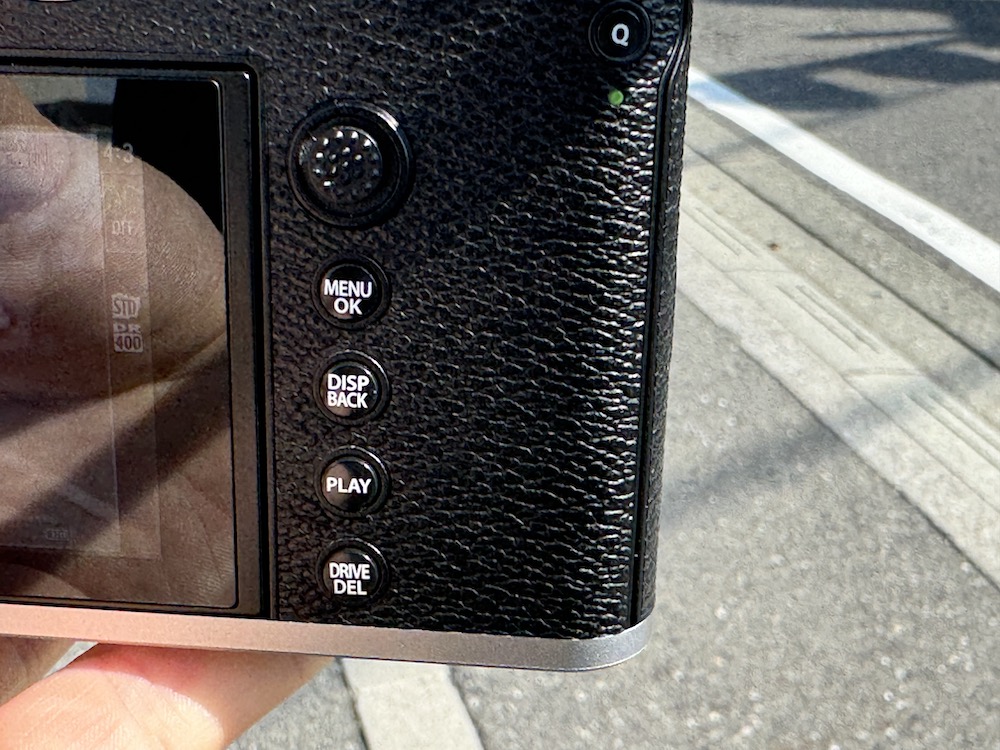
The camera back has a joystick used for selecting and pinpointing the desired focus location or other setting. Many photographers mention they prefer this sort of functionality for their cameras, and I admittedly do like it myself. I didn’t experiment with customized settings so much however; I am not sure if the scroll speed of the joystick operation in selecting a focus point can go any faster than it currently does.

A customizable function button is on the front. I chose the film simulation option, selectable by rotating the control dial on the back.

The rangefinder-inspired viewfinder felt natural to the eye, was bright, and didn’t sacrifice quality, either.
Overall, the camera functionality is what you’d expect from a Fujifilm GFX camera.
Image Resolution Control
I will get into image quality and the debate about medium format cameras in a moment, but surrounding the customizable button was a selector which digitally zoomed in (Fujifilm calls this “Digital Teleconverter” however, more accurately, the image is simply cropped in) the photo to be taken as a JPG. At the top back of the Fujifilm GFX100RF, users select the image resolution, with multiple popular settings available. These photos taken are cropped in digitally, and like I said just above, are saved as a JPG.

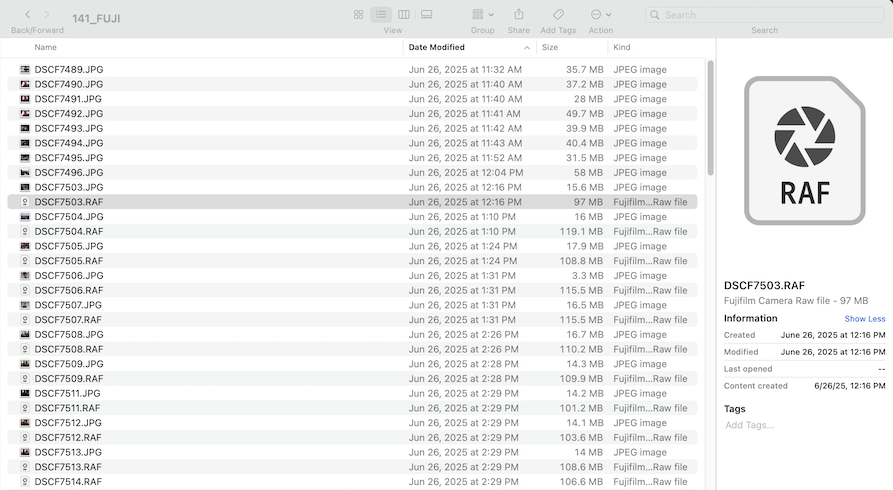
If you change your settings to save both the JPG and Fujifilm RAW (as many photographers do for editing on Lightroom), the entirety of the photo, irrespective of your selected resolution setting, will be saved as a RAW. That is something to keep in mind in terms of your storage options.
Let me show you some examples from when I edited the sample photos on Lightroom.


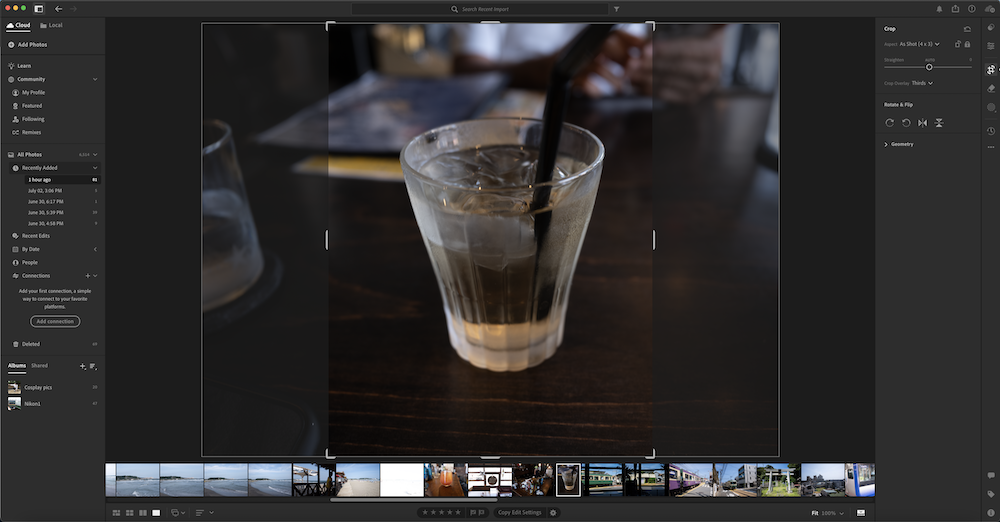
The digital crop zooms in 3 settings. Take a look at the crop levels visible from the RAW file in Lightroom:


You can see how the digital crop works. The image itself maintains its resolution within the RAW file. The cropped JPG, however, saves as its smaller resolution size. This perhaps is a nice benefit of the larger file size.
Storage Options
Speaking of, let’s go over how your images are stored: SD cards. Honestly, that was one thing I found interesting, or shall I say, a weakness, about the Fujifilm GFX100RF. I think I am right by saying other medium format GFX cameras in Fujifilm’s arsenal have CFExpress storage options. These cards, preferred by professionals, have much faster write speeds and are catered to higher resolution photos and videos. For the Fujifilm GFX100RF not to have that as an option is a bit perplexing. Make sure your SD cards are the absolute top of the line if you purchase a Fujifilm GFX100RF.
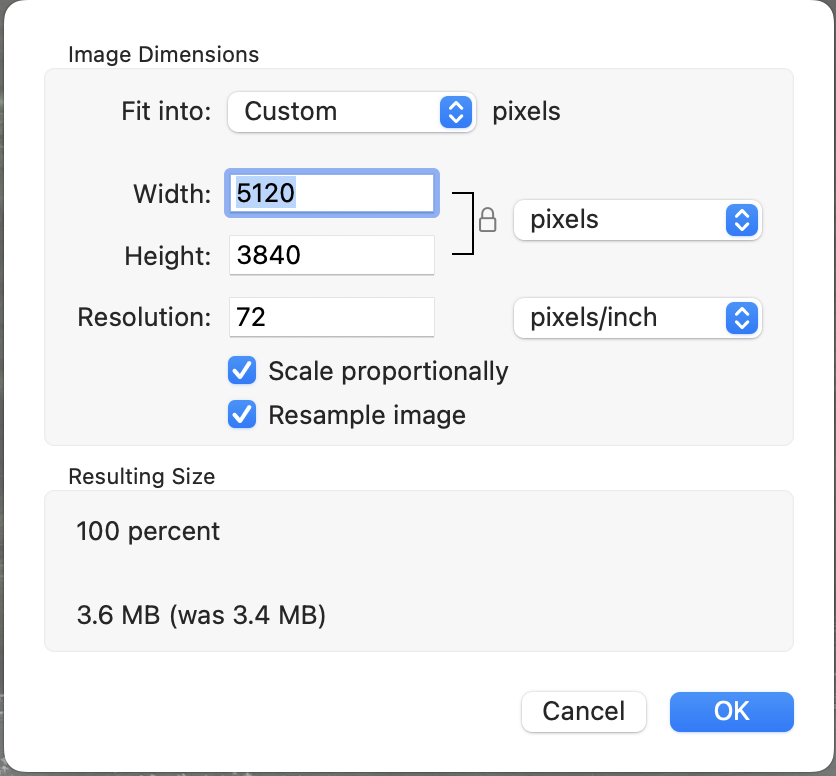
The file sizes for both the RAW and JPG, from the SD card, can be viewed below. For this article, I had to export the images twice, both at a normal resolution for publishing on a website (1200 pixels wide) and at its native resolution (approx. 11,000 pixels wide).
I can see this resolution being used to maximize image resolution for posters and other large-print use cases, like on those screens in Shibuya. For websites, normal prints, and social media, a super-large resolution size is overpowered.
The massive size of these files also impacts your editing platform. You need to make sure your computer can process large files. The 27 inch iMac I use for editing sometimes struggled with processing speeds too, even with such a strong processor and a large amount of RAM.
The Fujifilm GFX100RF Lens

The lens affixed to the Fujifilm GFX100RF, the “Fujinon Aspherical Lens Super EBC GF 35mm f/4,” comes designed with compactness in mind. In 35mm equivalencies, the lens is a wide-angle 28mm lens, with a 35mm equivalent f-stop of 3.2. Lens construction contains 10 elements in 8 groups (including 2 aspherical elements).

Obviously, the lens isn’t nearly as sharp as lenses I tend to use in my arsenal, but even then, it does work quite well for what it can do. The autofocus, quick and seamless, precisely holds the subject where I want it. Portraiture with the medium format sensor indeed boosts sharpness, bokeh, and clarity.

There is a bit of a weakness with this fixed lens, however. Unlike some of the other Fujifilm rangefinder-style cameras, the lens is limited with its f/4 aperture. Quite often I found myself boosting the ISO or sacrificing shutter speed to get more light. I especially needed to do this when I was indoors or in a shady area.
Portability of the Fujifilm GFX100RF
Including the battery, the camera weighs in at approximately 735 grams. It does not occupy much space at all, slotting right in with my two-camera easy carry case, and does not cause any undue neck strain when I carry it around my neck. Comparatively speaking, it weighs slightly less than my mirrorless camera I use on a daily basis.
Fujifilm designed the GFX100RF to be the ultimate camera for field work, in my opinion. Especially with the focus on adjustable resolution, this thing really makes it easy for, let’s say for example, a news team or sports team, to get the highest quality image, all while not interfering with whatever is going on in front of them with a large, bulky setup with a lens. I especially can see production houses using this as an all-in-one cam to snap pics and videos of sporting events for social media while also retaining the ultimate quality needed for producing high-res posters, TV and movie-quality content, and other needs for photos with a resolution of over 10,000 pixels. That 10,000 pixels thing, however, I will cover again later.
Some of the restrictions on portability
There are a couple of knocks on the portability of this camera, however, and I feel like this part has been the most difficult to write. I am obviously, without a doubt, honored to have been able to test this camera for a couple weeks in late June and early July, taking it with me on my adventures throughout Japan. That said, a couple of things about this camera sort of impacted its “portable-ness” to a degree.
The Screen
First, the screen. I am not a fan of the touchscreens that don’t fold in or have limited mobility. Many times these screens can be prone to impact damage or scratches. If you are out on the field with this camera, your screen will inevitably impact your jacket, camera bag, and other peoples’ belongings. I personally prefer that the monitor/screen/touchscreen of a camera be the folding-in type, so when I have it around my neck, only the back of the touchscreen is susceptible to potential damage. Many camera makers reinforce their touchscreen, too. However, there may be protective screen glass, like what you’d put on an iPhone, for example, available for the Fujifilm GFX100RF. I am currently not aware of any available at market as of writing, but I am sure that some might be available soon.
The Included Strap
For a camera that costs as much as the Fujifilm GFX100RF, this was a massive letdown. If you value your cameras, use a much more secure strap than the one Fujifilm provides for the GFX100RF. The strap is a thick rope kind with a leather neck contact area. While the strap itself is sturdy and doesn’t get in the way, the only way to attach this to the camera was with a keyring-style connector. All my other cameras, film and digital, use a much more secure loop to connect the strap to the camera. My Fujifilm-user friends often use Peak Design straps, too, I noticed.
This strap actually came off when I was walking with the Fujifilm GFX100RF. I was lucky to have caught the camera before it fell to the floor but that seriously was problematic. What had happened was the keyring itself got into the leather part connecting the strap to the keyring, and eventually, the movement of me simply walking around with the camera around my neck undid the connection, and it fell. For the rest of my time with the camera, I attached a spare strap to the Fujifilm GFX100RF, just to be extra-safe.
Other than these, the Fujifilm GFX100RF is a relatively portable medium format camera.
Fujifilm GFX100RF Photography Testing – Nature
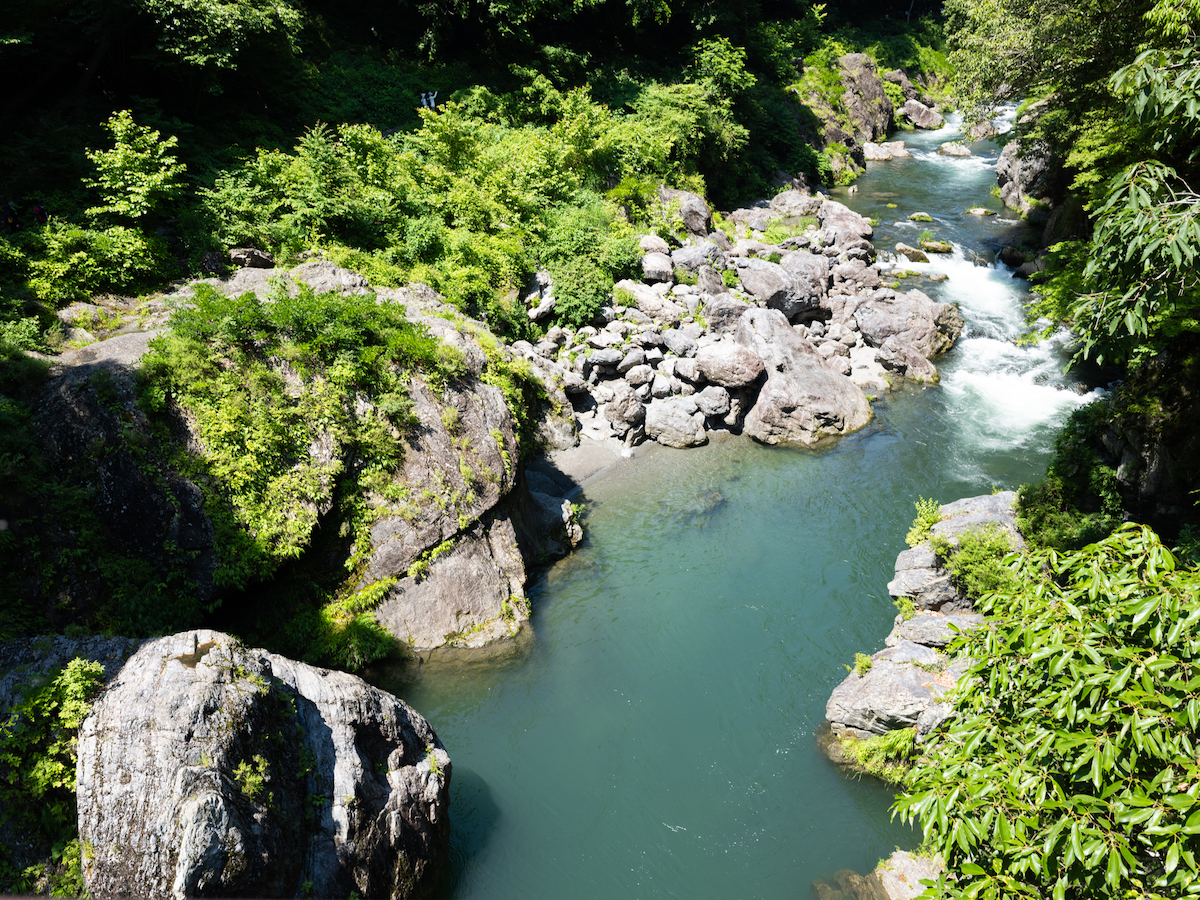
During an outing to Okutama with my friends, I packed my film cameras and the Fujifilm GFX100RF and set off to test how the camera works in varied light and in nature. Here are some of the results below:


How are the Images from Okutama?
Personally, I love how crisp these photos are. Having control over how the camera operates allows for incredible versatility.


Fujifilm has a strong reputation for having strong greens, thus me going to a very green area in Tokyo with the GFX100RF. Nature photography and Fujifilm go hand-in-hand.
Fujifilm’s Film Simulation Modes
One of the coolest things Fujifilm has done with their cameras is their LUT settings built-in to their cameras, the “Film Simulation” modes as they call it. Many camera companies spend a lot of resources harkening back to the old days of cameras (like my own camera for example) but Fujifilm has done this with their easy-to-access and easy-to-use Film Simulation modes.
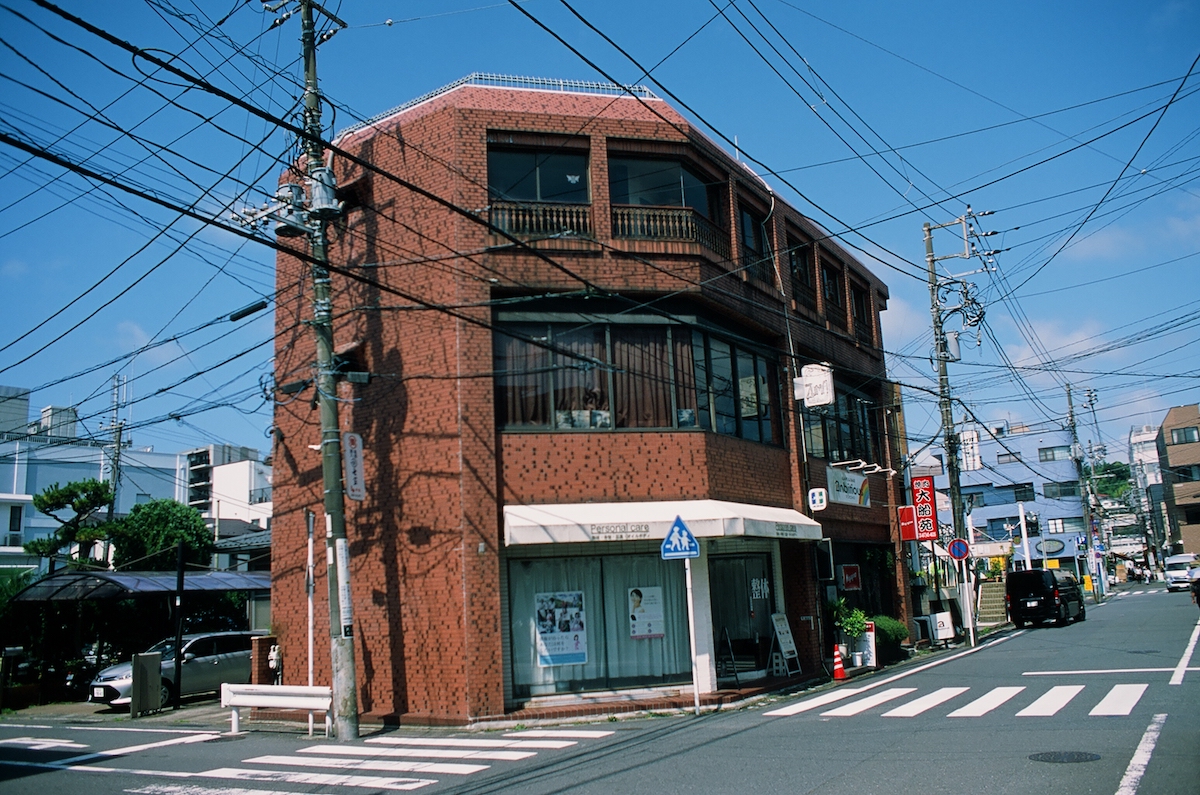
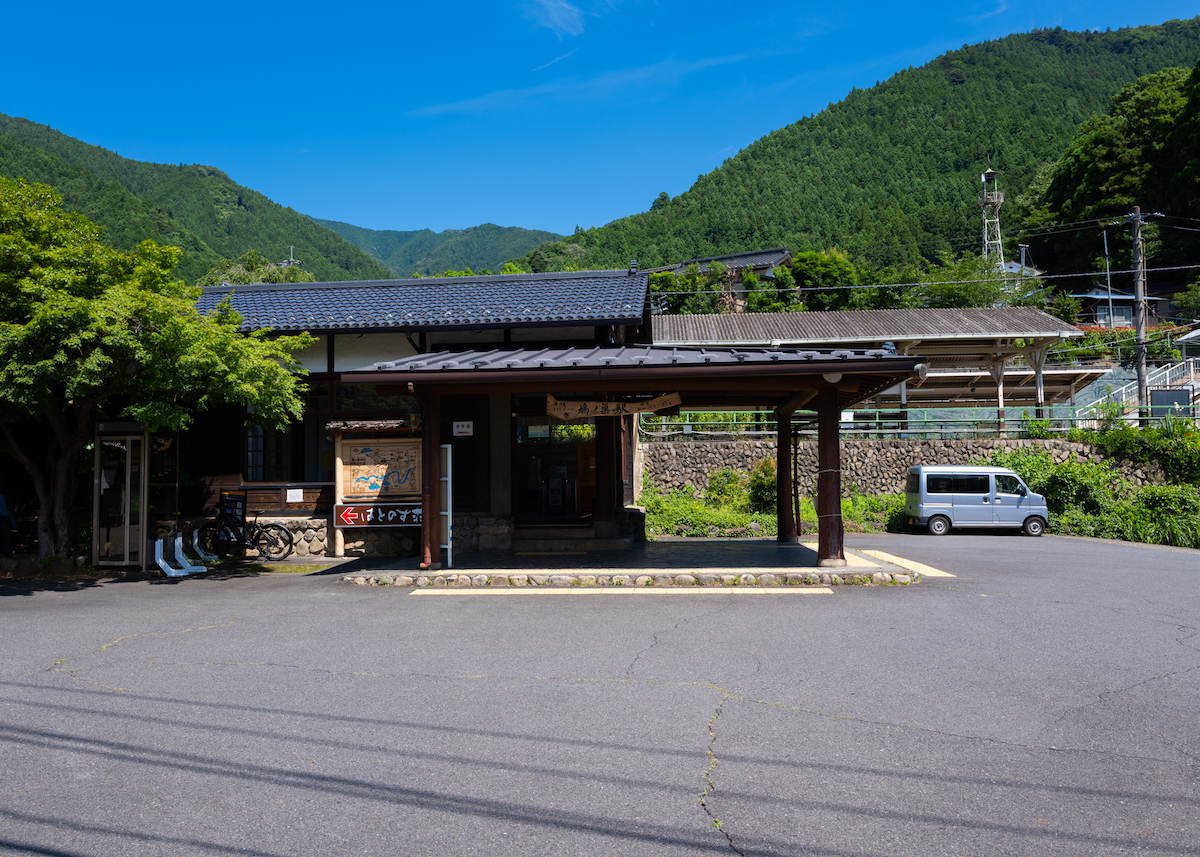
I use Fujifilm Superia Premium film a lot with my Nikon FE camera. In the Fujifilm film sim settings, the Superia Premium is represented by the “Classic Pro Negative” setting. The Standard sim setting for Fujifilm digital cameras, however, is the “Provia/Standard” mode.

I decided to embark on a little side quest during my trip to Okutama, with a ¥5,000 roll of Provia film. Here are some sample comparison photos, one from my neighborhood and one from Okutama.


Fujifilm GFX100RF Photography Testing – Street Shots, Day and Night
I took the Fujifilm GFX100RF around Shonan with me to test out how the camera operates in street photography environments. Comparable use cases would be tourism companies making billboards or signs of these locales, where you need the ultimate resolution size to maintain quality.


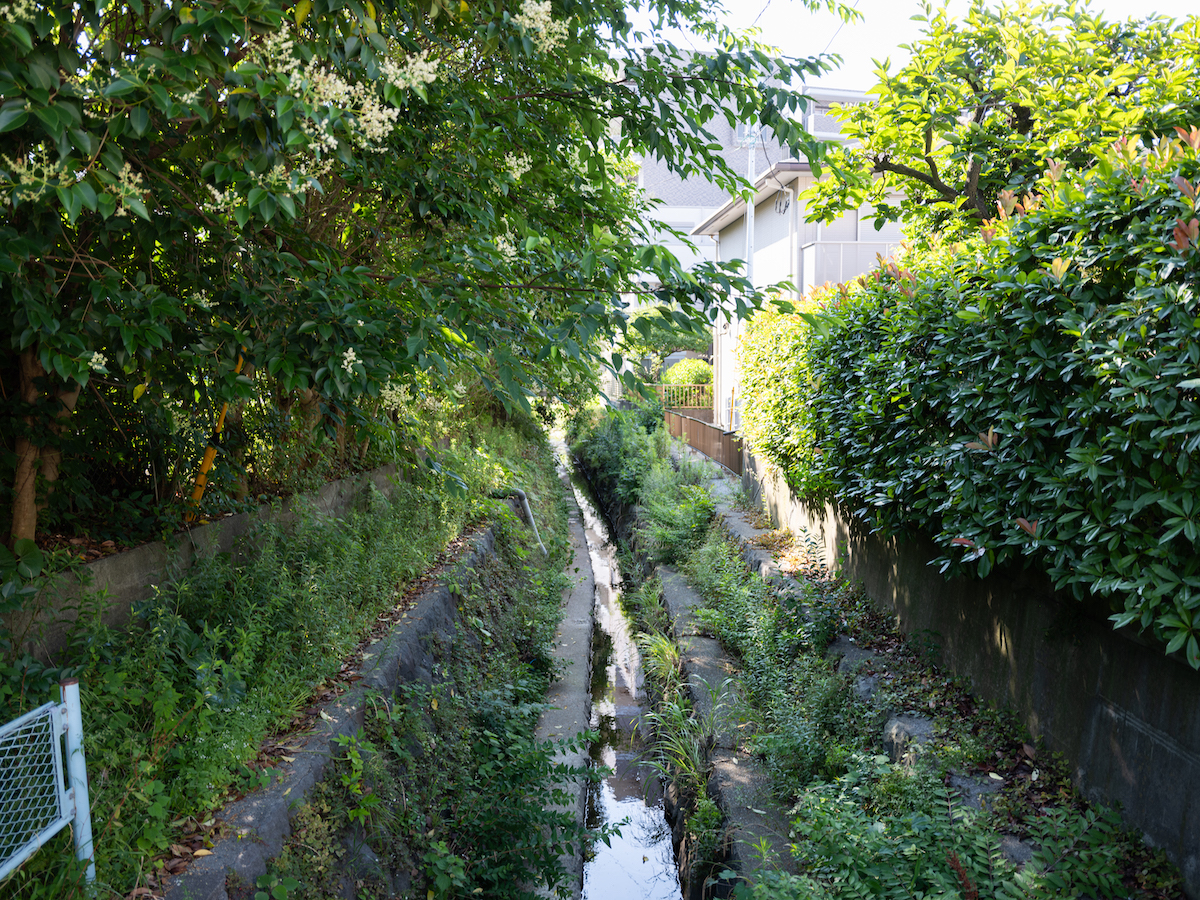
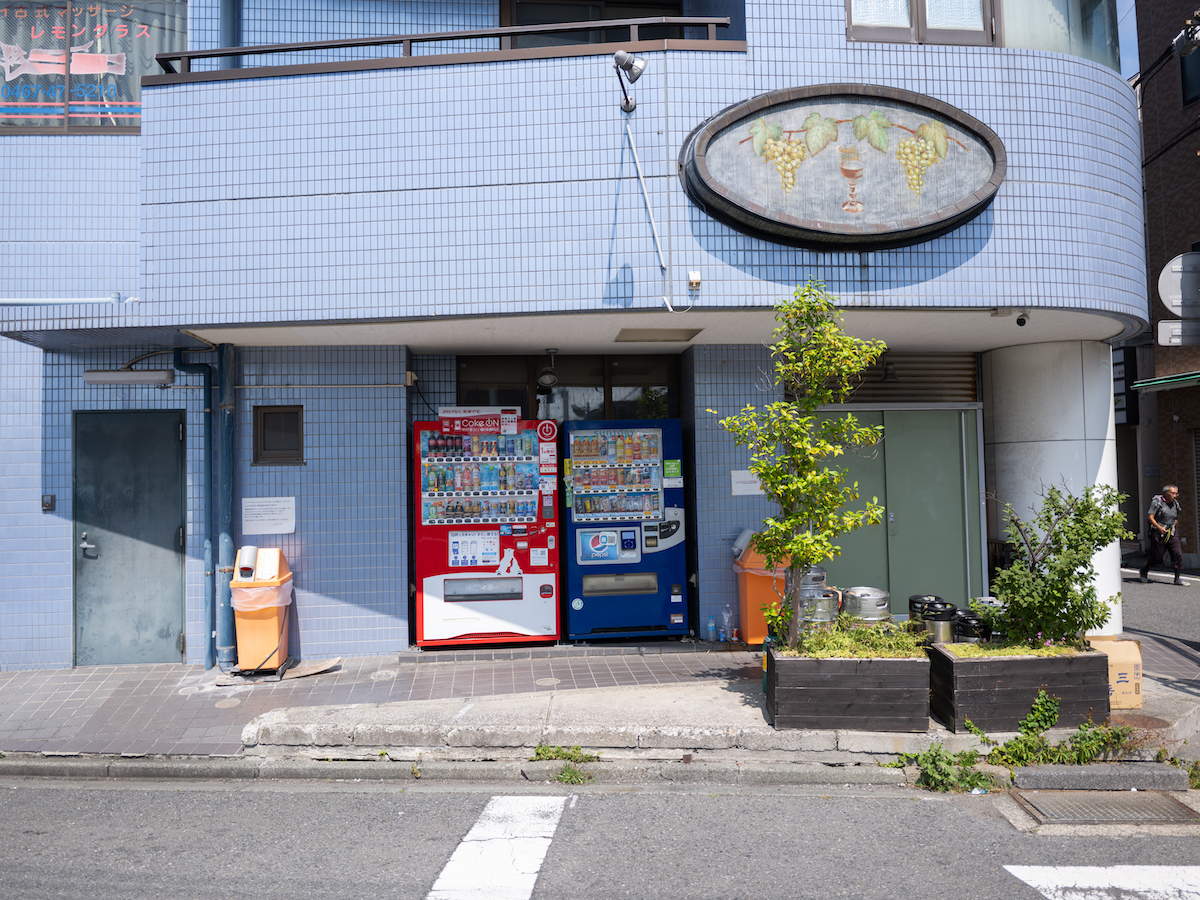


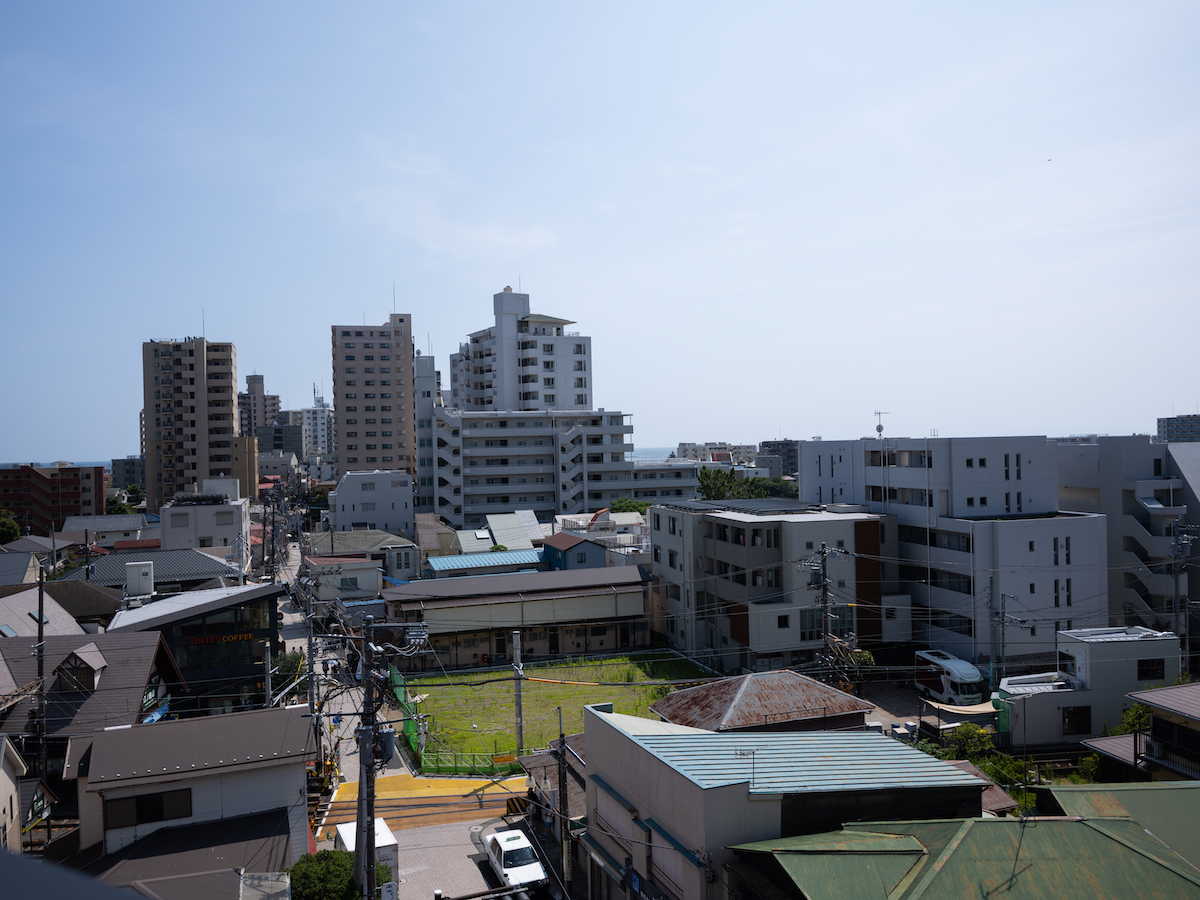

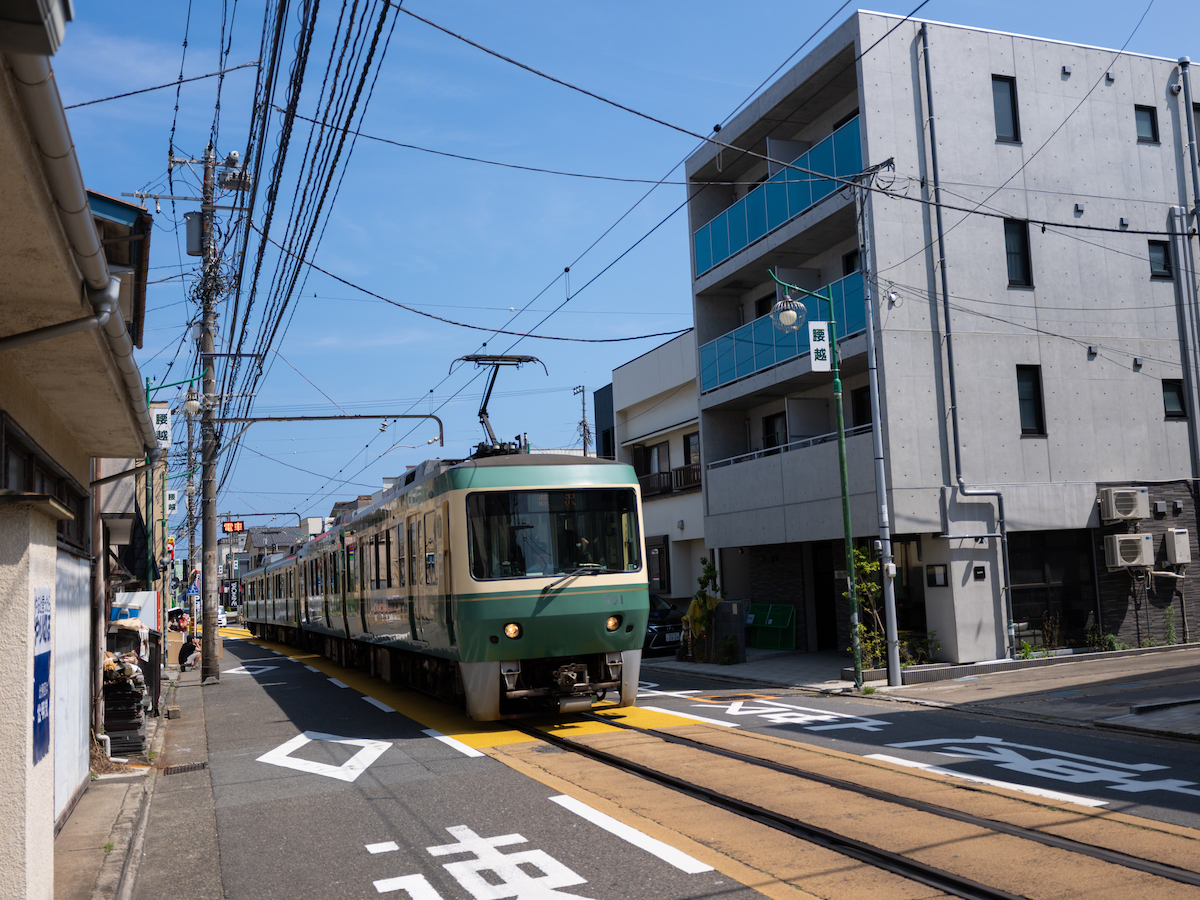
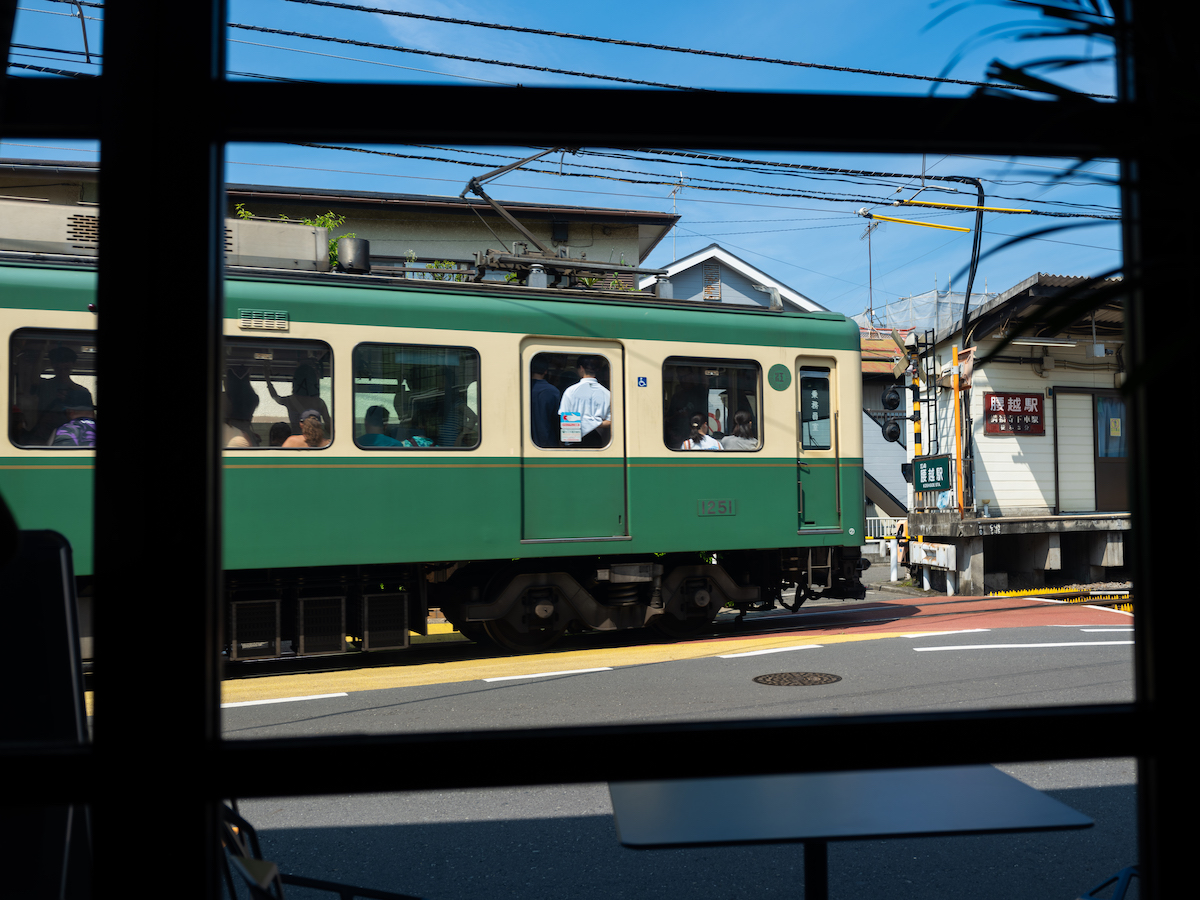

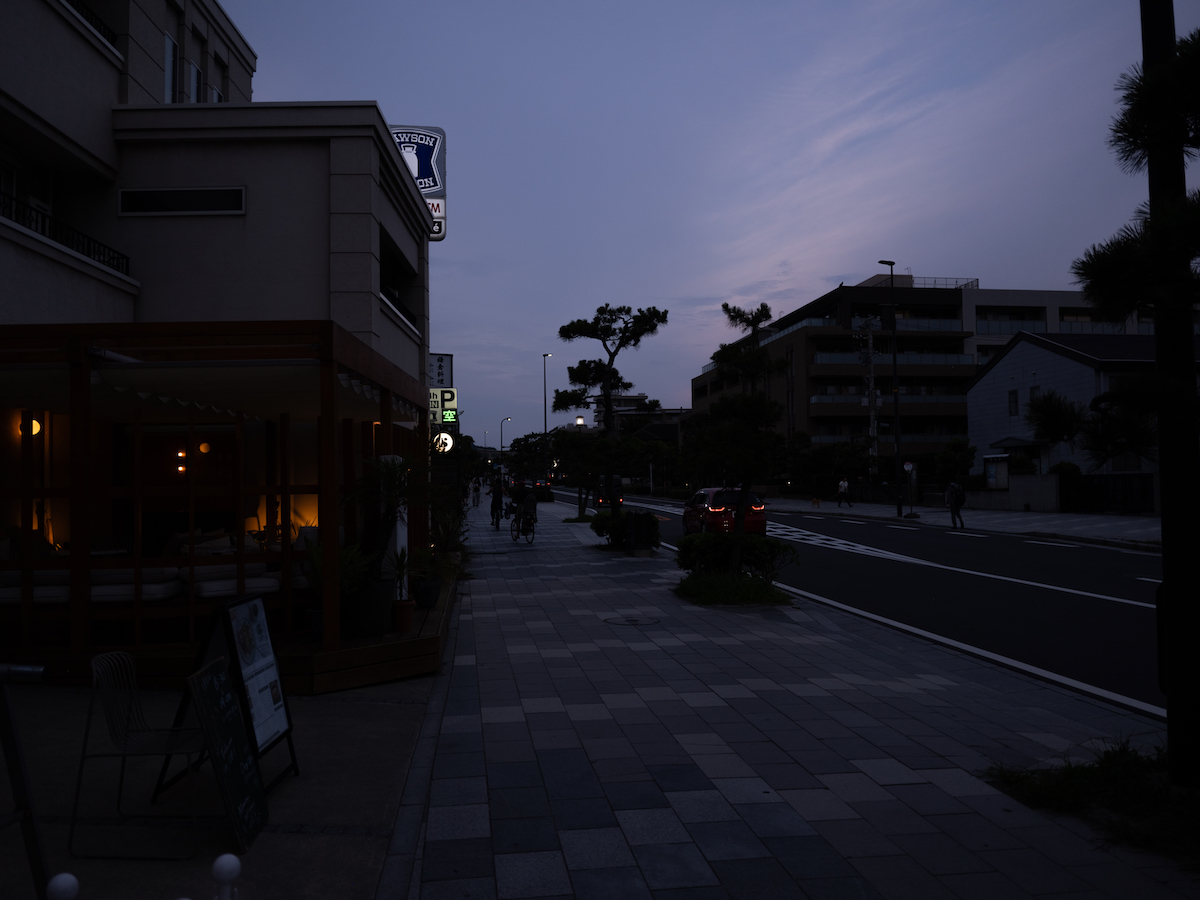

I absolutely love the contrast with this camera. Indeed, trying out various Film Simulation modes produced a variety of results, but I truly love how much dynamic colors this camera produces.
Function Test – Burst mode (CH High Speed Burst)
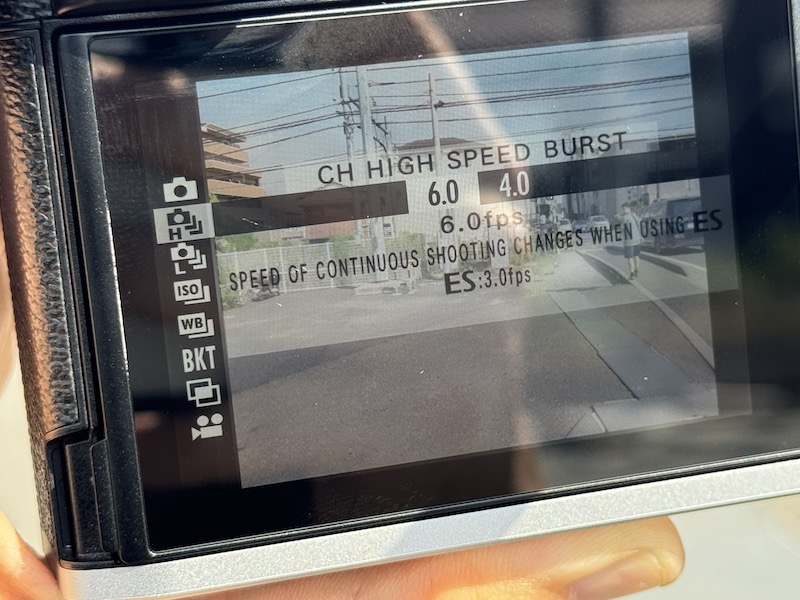
As mentioned above, due to the storage and write speed limits of SD cards, photographing in single-shot mode on a rapid-fire basis like I am used to is impossible. If you want to take multiple photos with the Fujifilm GFX100RF, you have to set the cameras to burst mode, the CH mode on the settings.

Above is the first shot from the burst.

This is the final shot from the burst. I edited both of these images, just for the record. My primary worry was that quality would be reduced, but the only sacrifice made seems to have been in color science quality. That issue is common for pretty much all makers with their burst mode settings, and can easily be fixed in post.
Summary – What do I think about the Fujifilm GFX100RF?
This review was the hardest for me to write. I wanted to be as objective as possible with this camera, but the limitations of the storage speeds, the worries I have about an expensive camera being damaged during regular usage, and limits to the lens made operating it difficult.

For me personally, and for the kind of photography I do, the Fujifilm X100 series of cameras would fulfill that role. But again, I can see this camera being used by professional houses for content creation of all kinds.
Operationally, aside from the storage write speed limitations, this camera is highly functional, user-friendly, easy to learn from coming from a different photography philosophy, and indeed a fun camera.

Is this camera for you? Well, like I said, this thing is the ultimate example of a Time-Place-Occasion camera. Without truly understanding what the Fujifilm GFX100RF can do, users might buy it and may regret buying it due to the aforementioned limits. However, if you can fully utilize the GFX medium format sensor for your work, then you have yourself the ultimate user-friendly professional camera.


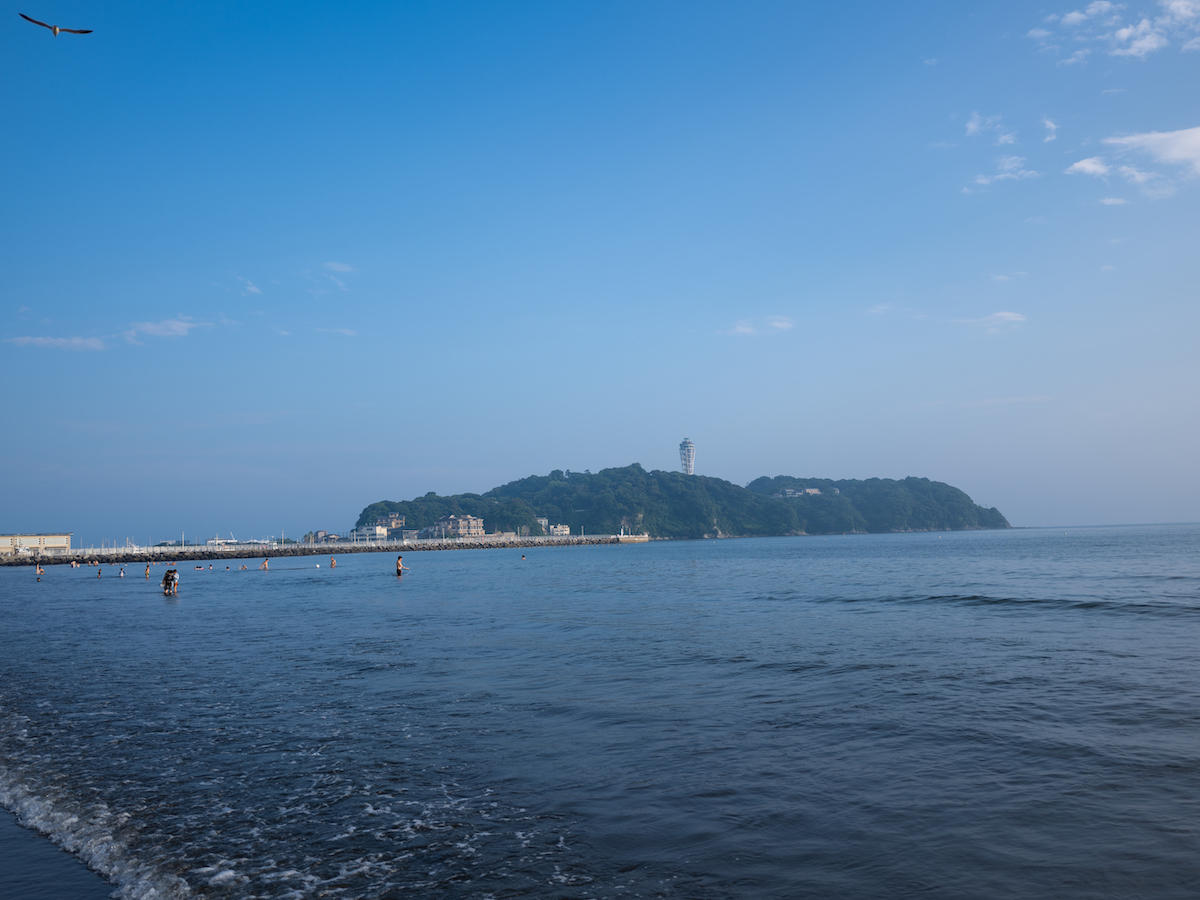

Written by Zach Kuhn – profile
Zach is the web editor for PRONEWS Global, and a multi-media film and digital photographer. His work in social media content creation stretches back to the early days of social networking sites. His Instagram can be found here.