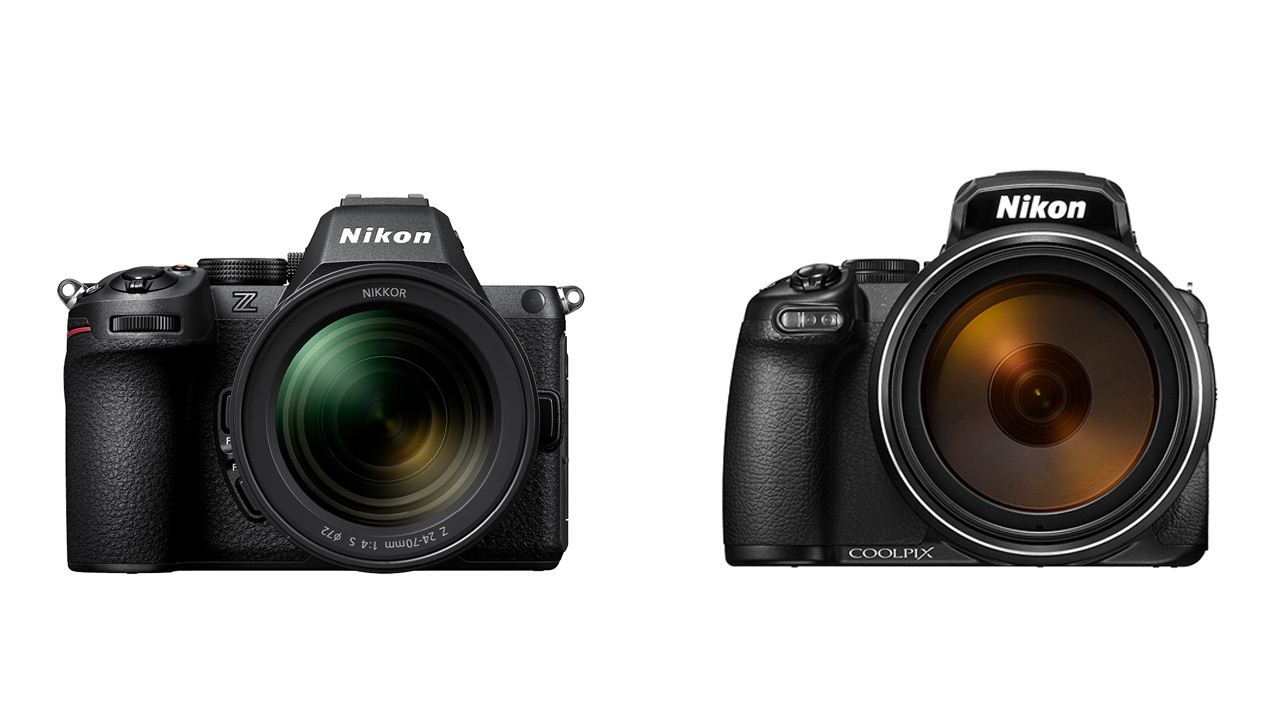
Nikon Corporation released firmware version 2.00 for the Nikon Z6III full-frame/FX-format mirrorless camera (released in July 2024). The firmware is available for download from the Nikon Download Center.
Read our review of the Nikon Z6III Here!
Nikon releases major update Ver. 2.00 for the Z6III
Firmware version 2.00 is the first major update since the release of the Z6III. The update adds several features equivalent to those of the flagship models, the Nikon Z9 (released in December 2021) and the Nikon Z8 (released in May 2023).
In addition to the overwhelmingly high-speed performance of the Z6III, the camera adds a long-awaited “bird” mode to its subject detection. Bird detection mode provides a shooting experience that maximizes the expression of still images and videos of birds. Furthermore, the auto-capture function, which automatically captures images under preset conditions, enables flexible shooting styles according to the scene.
Furthermore, for the first time, Nikon will support the Nikon Authenticity Service, primarily targeted at media organizations and creators who require the reliability of their work. Compliant with the C2PA (Coalition for Content Provenance and Authenticity) standard, the service clarifies the provenance of content from shooting to editing, enhancing the transparency and reliability of information.
Main features of Z6III firmware Ver. 2.00
Added “Bird” mode to subject detection
A “Bird” mode has been added to the subject detection function. It tracks birds in flight with high precision and maintains focus even against complex, high-contrast backgrounds such as rocky mountains and forests. This allows photographers to concentrate on framing, making it easier to capture the decisive moment.
Additionally, an in-body focus limiter has been added that can be combined with a custom button to limit the shooting distance range and adjust the focus, allowing you to focus on the desired subject more accurately.
Furthermore, the Pre-Capture function, which can record up to one second before the subject, now allows you to select the higher image quality [FINE] setting, which, when combined with 60 frames per second continuous shooting without cropping, allows you to capture the moment a bird takes flight in high quality.

Now Complies with C2PA standards
Nikon has been working on developing a provenance recording function that supports verifying the authenticity of images, with the aim of protecting people and companies involved in the imaging industry from the disadvantages and negative effects of image tampering and unauthorized use, and realizing a society in which creative and business activities can be carried out with peace of mind.
Firmware version 2.00 for the Z6III includes a provenance recording function that complies with the C2PA standard, which is part of the Nikon Authenticity Service. By applying for use in advance on the Nikon Imaging Cloud, the Z6III can load the digital certificate required for provenance recording. The provenance recording function certifies that a photo was taken with a Nikon camera by adding metadata, such as the equipment used, and information such as a digital signature that makes it easier to determine whether the photo has been tampered with. (Some shooting capabilities are limited while the provenance recording function is enabled.)
If the editing software complies with the C2PA standard, the editing history information can be embedded in the captured image by adding it to the information at the time of shooting, making it possible to prove that the image has not been edited in a way that could lead to misunderstandings (the history information is not embedded in images that have been edited in the camera). In addition, the history information of captured images can be checked on “Nikon Imaging Cloud.”
New “auto capture” function, it allows for flexible shooting styles according to the scene
The new camera adds an “auto capture” function that automatically captures images under preset shooting conditions. This allows the camera to capture scenes that were previously difficult to capture, such as places where people cannot stay still, by combining the direction of the subject’s movement, the type of subject, and the shooting distance range. Note – This function only has been tested with NIKKOR Z Lenses. Other makers’ Z Mount Lenses might not work.
Furthermore, a timer function allows you to specify the start date and time of shooting in advance, reducing battery consumption from the time the camera is set up until the start of shooting. By combining it with a USB-LAN conversion adapter* that enables high-speed data communication even when the transfer destination is far from the installation location , it can meet the high demands of professional sites.
*A commercially available USB-LAN conversion adapter with a USB Type-C terminal is required. Check the instruction manual for USB-LAN conversion adapters that have been confirmed to work.
Improved operability and added other features of Nikon Z6III Ver. 2.00
- “Automatic Monitor Display Switching” feature added, automatically disabling the eye sensor when the vari-angle image monitor is deployed.
- First time in the Nikon Z series
- With manual focus, cancel magnification by pressing the shutter button halfway.
- Now supports the combined use of pixel shift photography with focus shift or AE bracketing, enabling more precise photographic expression than ever before.
- Supports “calling up shooting functions,” allowing you to switch to pre-registered shooting modes and shooting settings such as shutter speed, aperture, and ISO simply by pressing a button.
- Supports USB streaming (UVC/UAC) and can be used as a webcam simply by connecting it to a PC or smartphone.
- After connecting to “Nikon Imaging Cloud,” automatic firmware updates are now turned on by default. (A note regarding “setting the date and time on the camera body” has been added to the “Nikon Imaging Cloud” connection procedure page, and improvements have also been made to prevent connection issues between the cloud and the camera.)
- After registering an imaging recipe in Nikon Imaging Cloud, the operation flow has been simplified by automatically displaying an update confirmation screen on the camera.