Blackmagic Design has announced the release of DaVinci Resolve version 21.0.3. It is available for free download from the company’s website .
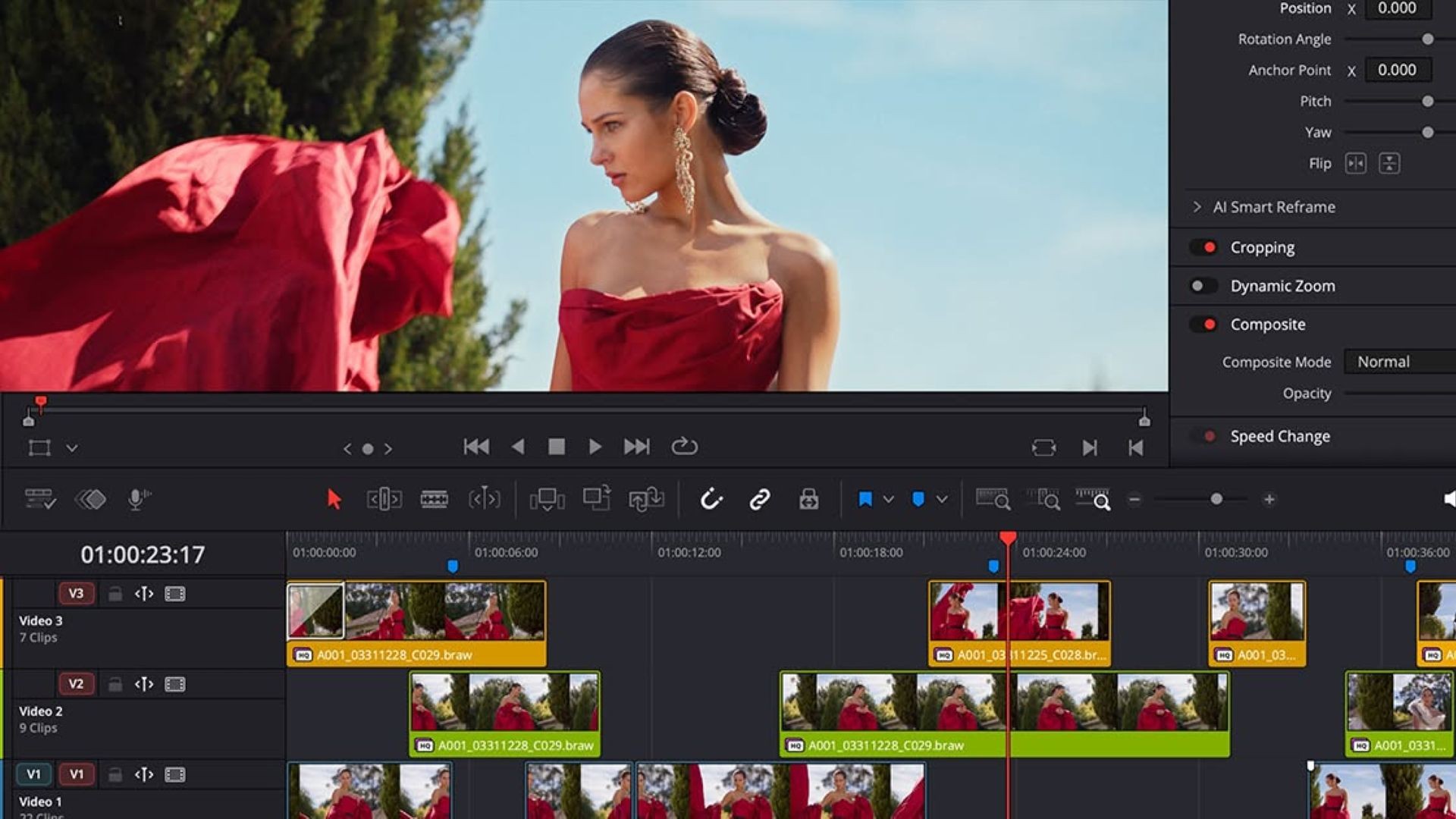
This update adds a new retime ease priority mode, allowing for more precise control over ease-in and ease-out of speed and frame curves.
Additionally, keyboard shortcuts can now be assigned to frequently used keyframe ease operations, allowing editors and motion graphics artists to apply them without opening additional controls. This makes repetitive animation tasks, such as applying ease to keyframes of multiple titles and graphics across a project, much more efficient.
Furthermore, this update also improves the interlaced workflow for broadcast deliveries. The length of generators, titles, and transitions now applies the frame count set in the preferences.
Additionally, in DaVinci Resolve Version 21.0.3, transition lengths are displayed in frames in the inspector, and audio and video lengths are maintained when adding segments of interlaced clips to the timeline. Improved priority field detection reduces the need to manually change clip settings. This results in more consistent results when setting lengths and editing clips in interlaced programs.
DaVinci Resolve Studio has brought back the QuickSync encoding option for supported older generation Intel systems, enabling hardware-accelerated H.264/H.265 rendering on a wider range of computers.
Furthermore, this update also includes a DaVinci Resolve 21 reference manual containing information on the latest features, which will be downloaded along with the installer.