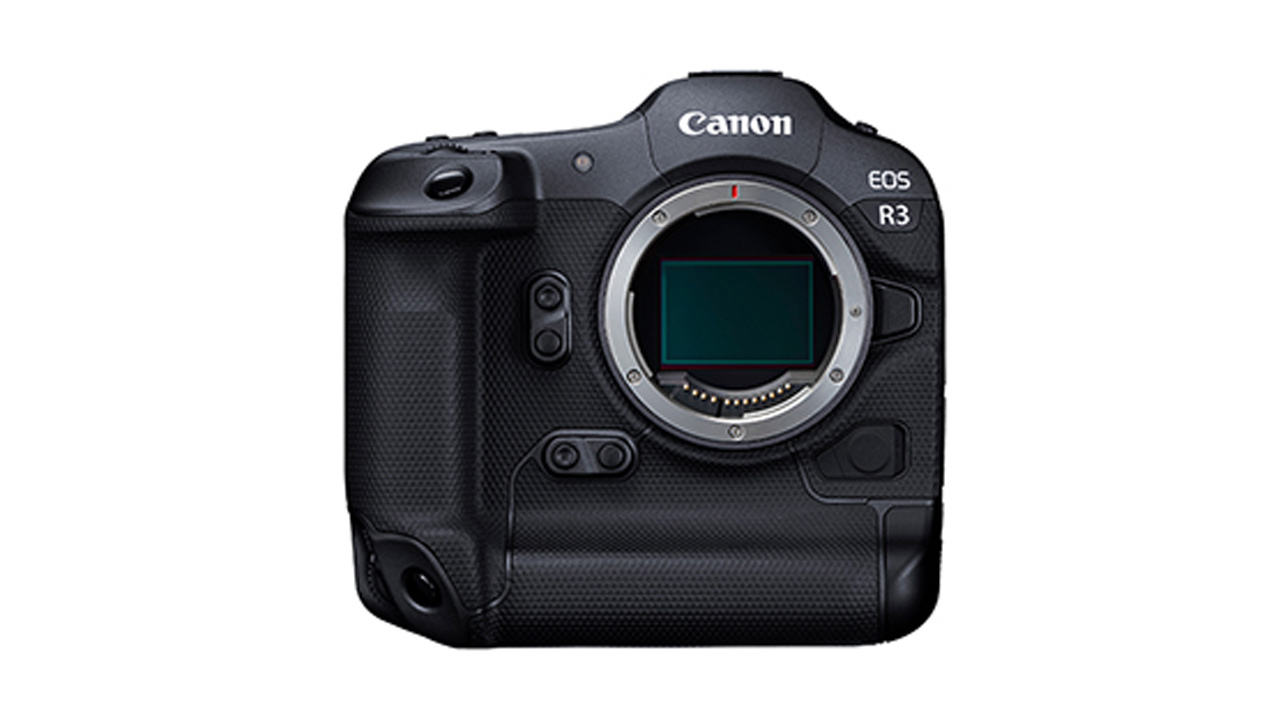
Canon has released the EOS Multi Remote mobile application/software, as well as firmware updates for the EOS R3, EOS R1, EOS R5 Mark II, EOS R5, and EOS R6 Mark III. The firmware is available for download from the company’s website .
Canon EOS Multi Remote App
Canon EOS Multi Remote is a remote camera control application that enables linked shooting with multiple cameras, setting changes, and automatic FTP transfers. It provides powerful support for professional photography, contributing to improved efficiency and quality on set. It can be downloaded from the company’s website .
Thanks to evolving camera technology, sporting moments can now be captured with unprecedented realism and intensity. However, at large-scale events, the number of photographers is limited, and there are many situations where one person needs to operate multiple cameras. The EOS Multi Remote is an innovative system that can remotely control up to 10 Canon cameras. It allows users to capture decisive moments from multiple angles, providing powerful support to professional photographers active in sports events.

Main Features
- Shoot from multiple angles with a single release: Multiple cameras shoot simultaneously in conjunction with the photographer’s camera. You can use a smartphone or tablet to configure cameras set up in different locations and synchronize them with your own camera.
- Control up to 10 cameras at once: Multiple cameras can be grouped together for shooting control.
- Never miss a decisive moment: Live view lets you capture the decisive moment without missing a beat.
- Intuitive operation: The intuitive shutter button placement allows you to shoot while looking at the subject.
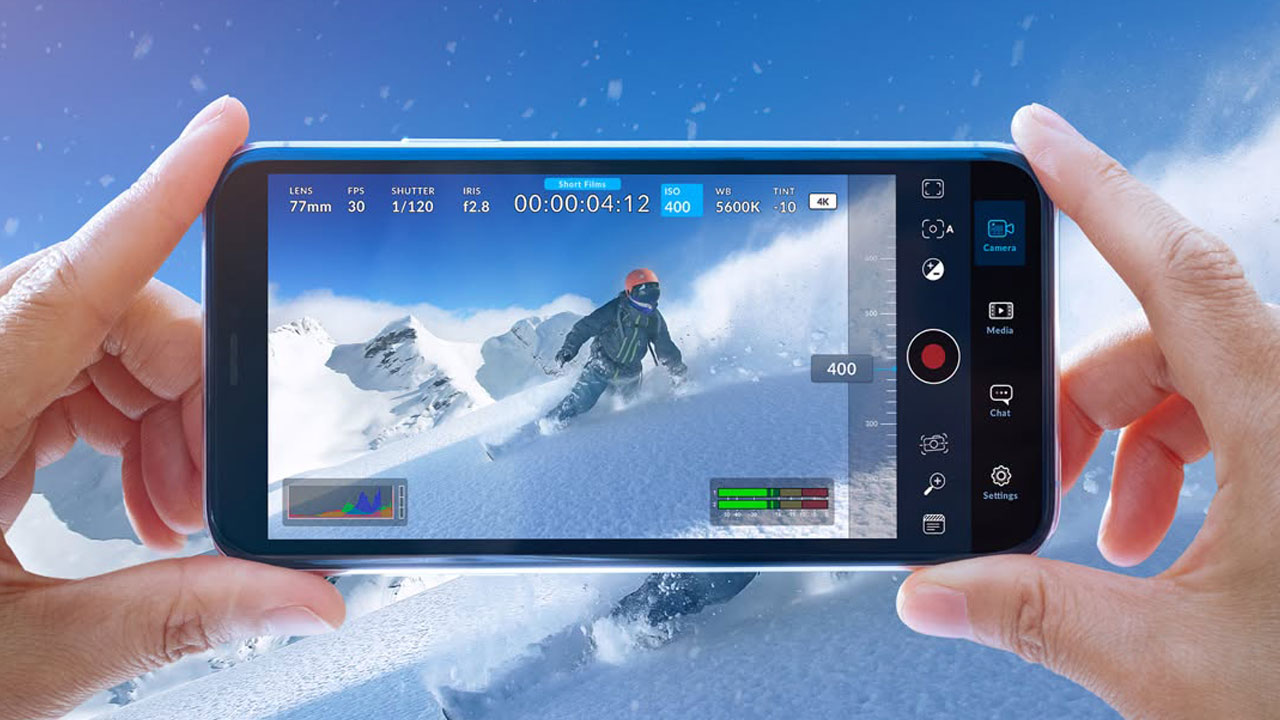
- Freely change shooting settings at your fingertips: You can change shooting settings such as ISO sensitivity, Tv, Av, and WB from your smartphone or tablet, and you can set them one by one or for all cameras at once.
- Shoot, review, and share in real time: You can review images immediately after shooting and use the information to improve your next shoot. Images can be transferred directly from the camera to the server using the app. Images are shared instantly.
- Reliability and portability: Supports both wired LAN connection for reliable shutter operation and versatile wireless network connection.
The contents of the firmware update for the EOS R3, EOS R1, EOS R5 Mark II, EOS R5, and EOS R6 Mark III are as follows:
Major updates
EOS R3 Firmware Version 2.0.0
- Compatible with the EOS Multi Remote remote shooting system for professional photographers
- Fixed a rare issue where Err50 would occur when using gaze input.
- Fixed an issue where images could not be transferred to an FTP server and Err41 was displayed.
- Changed formatting compatibility with some CFexpress cards.
EOS R1 Firmware Version 1.2.0
- Compatible with the EOS Multi Remote remote shooting system for professional photographers
- Fixed an issue where images could not be transferred to an FTP server and Err41 was displayed.
- Changed formatting compatibility with some CFexpress cards.
- Other operational stability improvements
EOS R5 Mark II Firmware Version 1.2.0
- Compatible with the EOS Multi Remote remote shooting system for professional photographers
- Fixed an issue where the displayed image would be stretched or Err70 would occur when shooting multiple exposures in a dark environment.
- Fixed an issue where images could not be transferred to an FTP server and Err41 was displayed.
- Changed formatting compatibility with some CFexpress cards.
- Other operational stability improvements
EOS R5 Firmware Version 2.2.1
- Changed formatting compatibility with some CFexpress cards.
- Fixed an issue where the function to download firmware from the Internet and update it did not work even with the camera alone.
EOS R6 Mark III Firmware Version 1.0.1
- Changed formatting compatibility with some CFexpress cards.