Blackmagic Design released the public beta 4 of DaVinci Resolve 21. It can be downloaded for free from the company’s website.
This update includes improvements and bug fixes related to ResolveFX for still photos, AI CineFocus quality, AI beauty tools, keyframe editor workflow, and immersive video support.
DaVinci Resolve 21 Public Beta 4 Details
In the Photos page, ResolveFX’s stability when transforming still photos has been improved. Resizing or rearranging photos with effects applied now correctly maintains the position of overlays and on-screen controls, allowing for seamless fine-tuning without interruption. Additionally, transparency handling for effects in still photos has been improved, ensuring your favorite effects are retained after restarting the app. Furthermore, the behavior of the Warper tool in photos has been corrected, allowing for more precise image transformation and adjustment.
The accuracy of highlight rendering in Canon CR2 and CR3 images has also been improved. This results in brighter areas in photographs appearing more natural, preventing them from appearing darker than expected during grading and compositing.
Edit and Cut Pages
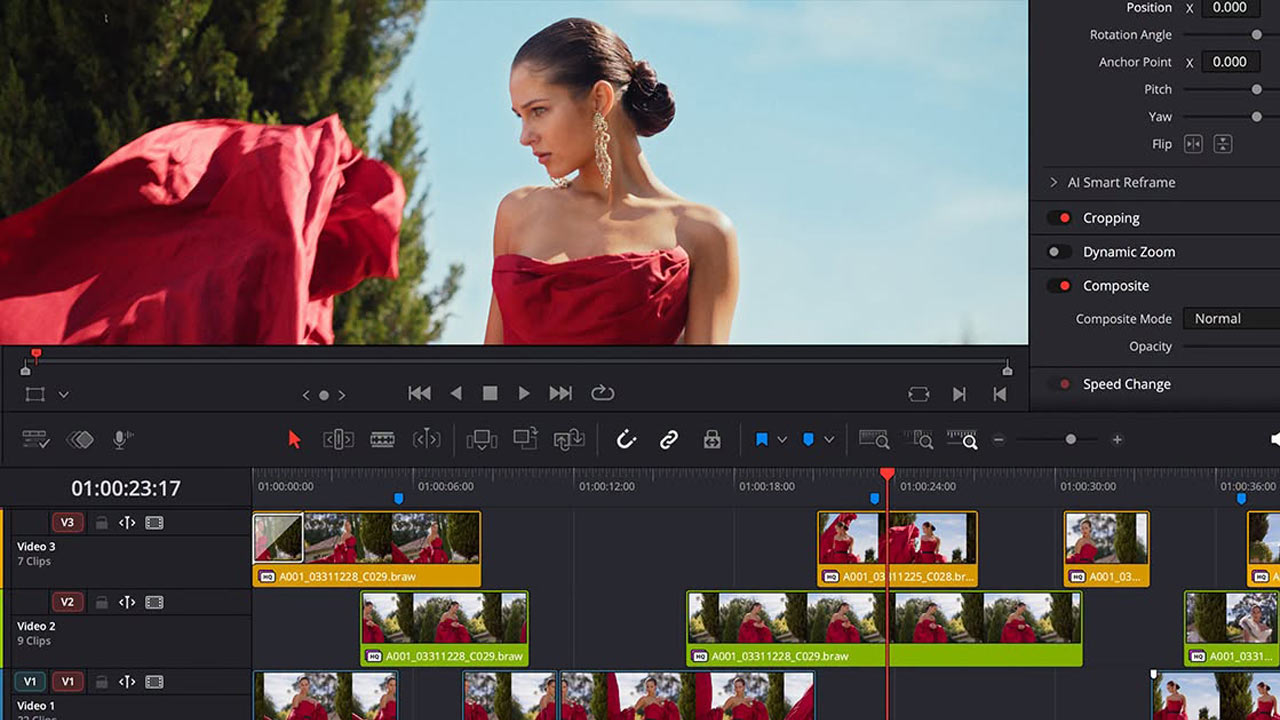
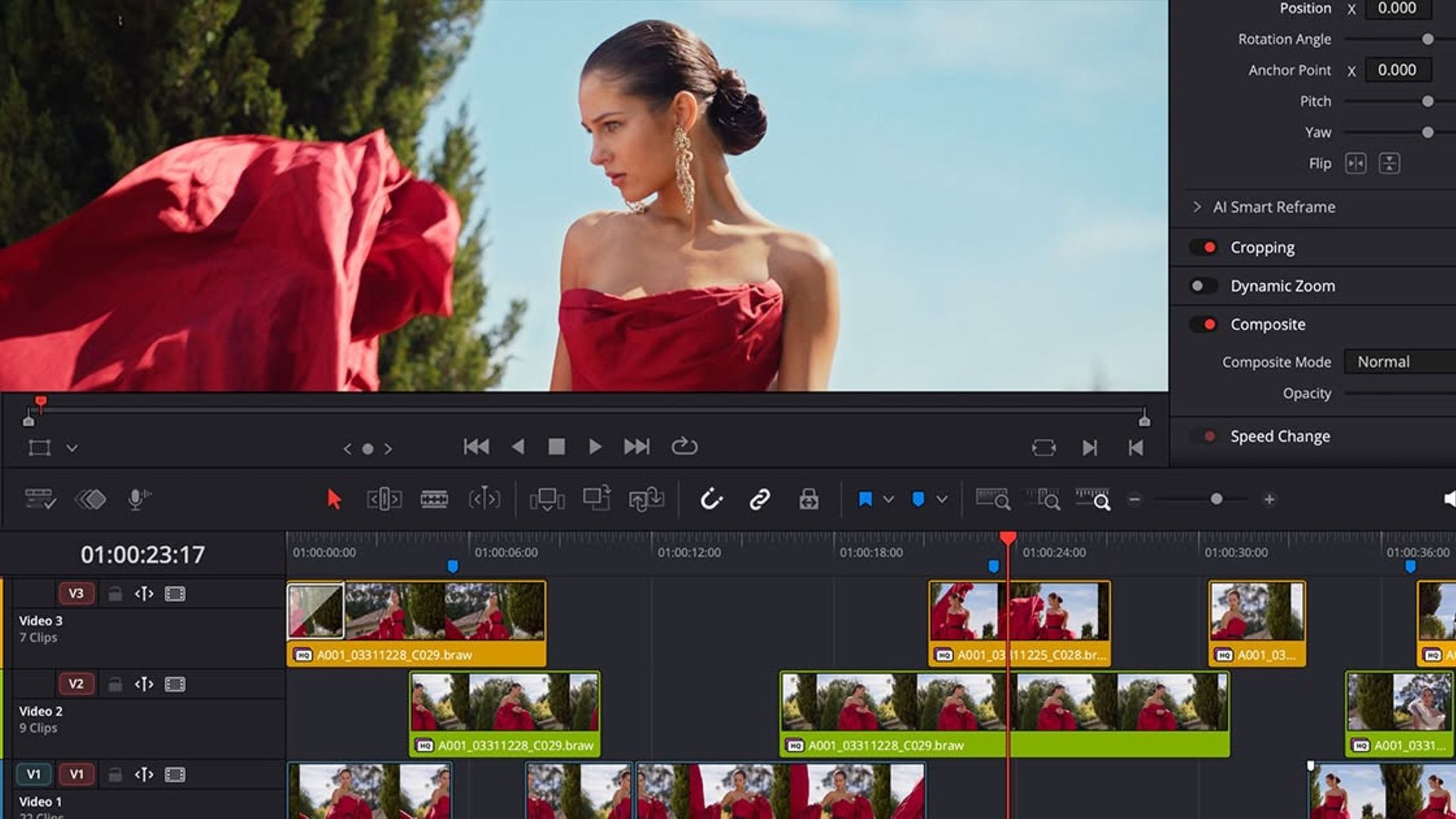
The Edit and Cut pages now support Fusion motion paths and other modifiers in the Keyframe Editor. This allows you to directly adjust animation curves, motion paths, and linked parameters included in Fusion titles, effects, and macros, along with keyframes on the timeline. Because you can adjust animated graphics and Fusion effects directly in the Keyframe Editor, you can quickly and easily fine-tune complex animations.
DaVinci Resolve Studio has improved AI CineFocus, now delivering a more realistic shallow depth-of-field effect. In Quality Priority and Speed Priority modes, subtle blur is handled more cleanly, and edge shimmer, jagged edges, and halos are reduced, allowing for a more natural separation of foreground subjects from the background. This is useful when simulating lens focus effects in interviews, close-ups, and archival footage.
Improvements have also been applied to the AI beauty tools. The blemish removal tool now has improved accuracy on the face, so corrections are applied only to the necessary areas. Support for the alpha layer workflow in the face correction tool has also been enhanced. This makes it easier to automatically isolate and track adjustments on the face, reducing the need for manual masking in shots such as beauty, fashion, and interviews.
Furthermore, this update adds support for Insta360’s native color space. DNG decoding has also been improved. Support for color values and ProfileLookTables means images are now reproduced more faithfully than ever before.