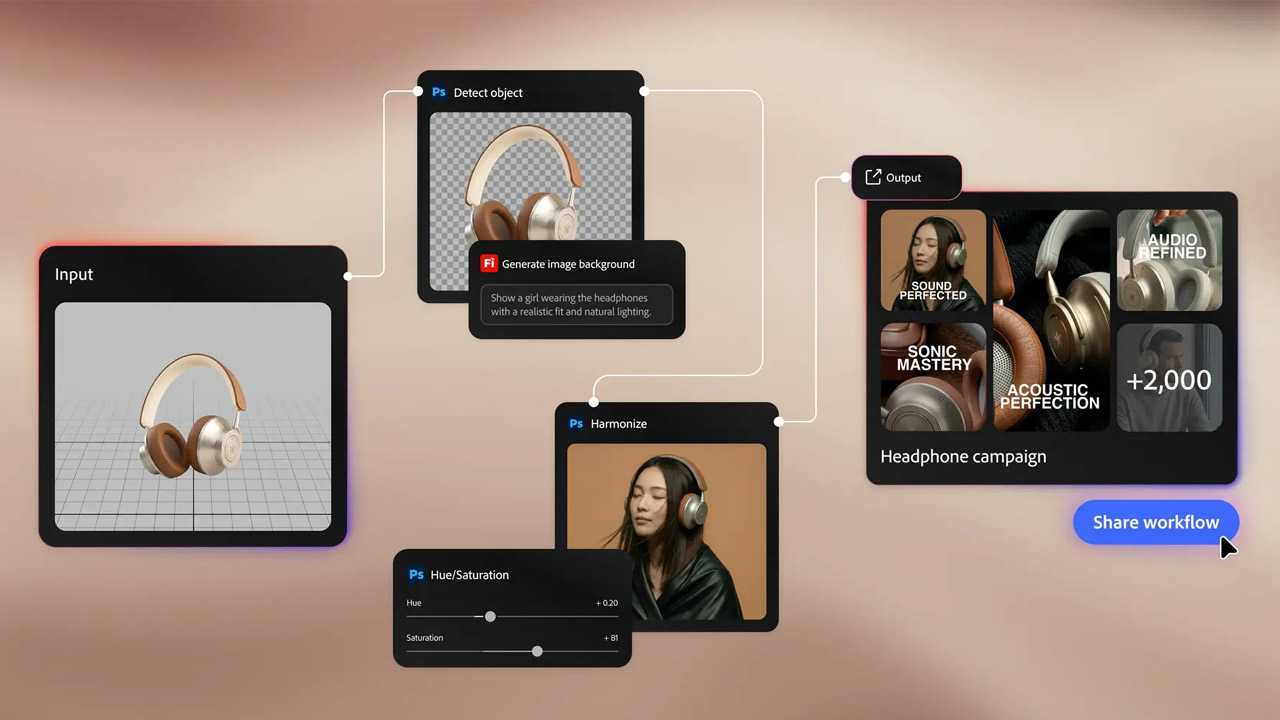
Adobe announced the release of new features for Adobe Creative Cloud that extend across the entire workflow, from asset selection to compositing.
Every creative project has tasks that are essentially important and tasks that are simply necessary. And the time spent on the latter is time that is taken away from the most important creative activity.
Adobe has released new features and enhancements designed to eliminate such friction and help creators focus on their core creative work while maintaining creative control.
The following new features have been released for some of the Adobe Creative Cloud apps:
Adobe Lightroom: New features for faster photo selection and video editing, and sharper results.
Adobe Lightroom evolved into a comprehensive photo workflow environment where you can organize, correct, and edit photos all within the app without leaving it. This update will make every stage of the creative process even faster and more powerful.
- Assist Selection: Through close collaboration with the photography community, the system has been continuously improved and is now officially available to the public. Works well even for professional photo editors.
- The “face” display function: By separating each person in a photograph and analyzing factors such as eye openness and eye sharpness, it makes it easy to evaluate a photograph at a glance.
- “Stack” function: Automatically groups similar images and extracts the best one. Similar images organizable in just a few clicks.
- Customizable filters, precise dials, and selection overrides allow you to control the entire process.
- Create videos from photos: Leverage AI-generated motion powered by Adobe Firefly and Google Veo to bring any photo to life and transform it into polished B-roll or reels videos. Use image-based smart prompts or input your own instructions to bring your vision to life.
- AI Sharpening: Topaz Labs’ “Noise-Aware Sharpen” model has been directly integrated into Adobe Lightroom. No intermediate export work required. Fine details such as petals, hair, and leaves correctable with pixel-level precision.
- Full support for Sony RAW formats from the Sony α7R VI: Adobe Lightroom, Adobe Lightroom Classic, and Adobe Camera Raw now support all Sony RAW formats output by the newly announced Sony α7R VI. This allows for a seamless workflow from import to export.
Adobe Premiere: New features built on the actual workflow of editors, from the timeline to audio tracks.
This update enables faster AI masking, new effects, smarter audio control, and tighter integration with Adobe Stock and Adobe Firefly, all without leaving the timeline.
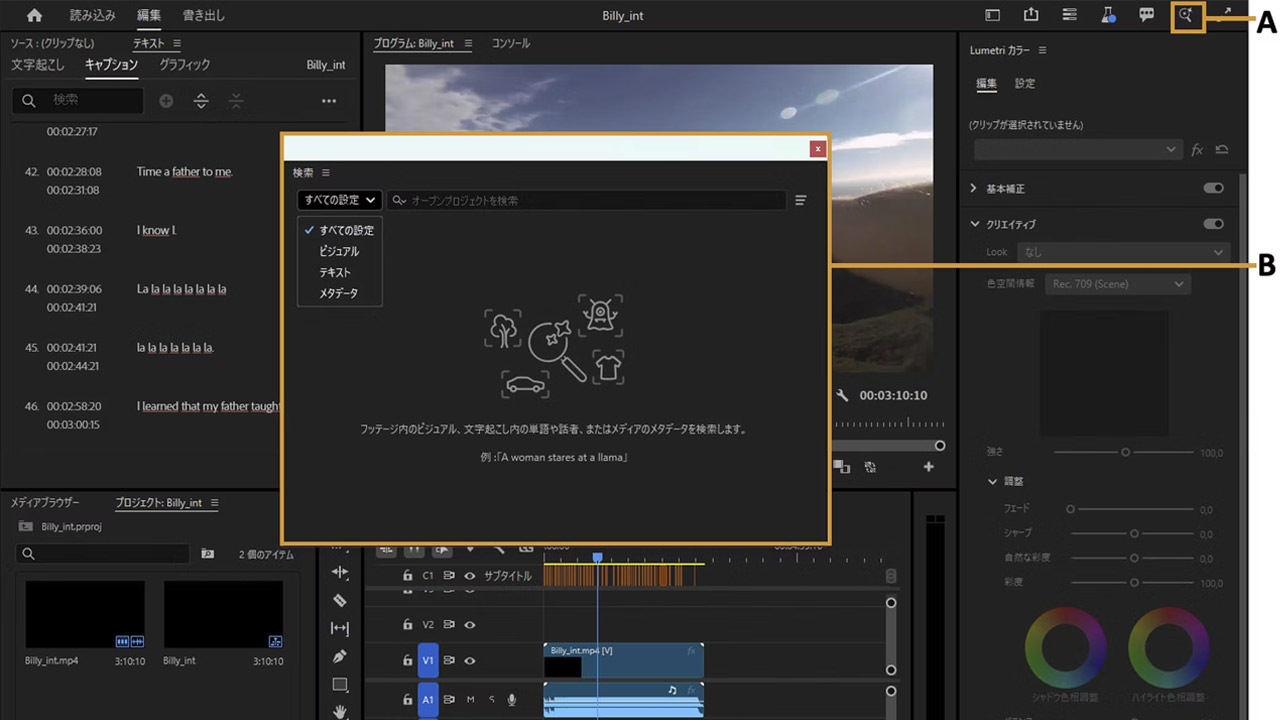
- Global Audio Mute: Mutes all audio in a sequence at once. Marker Search allows you to find the clip you need from all open projects by searching by marker name, color, etc.
- Blur (channel), gradient, noise: These effects allow you to perform precise compositing on the timeline or add natural-looking animated textures.
- 3D Spin Back and Slide: These transitions allow for dynamic movement using professional easing controls that are directly integrated into the editing workflow.
- Word-by-word caption creation: Allows you to control the display and timing of captions on a word-by-word basis without disrupting the entire caption block.
- License within the Adobe Stock panel: Preview and license Adobe Stock assets without leaving Adobe Premiere. Additionally, when submitting multiple assets to your project from the Adobe Firefly board, a sequence automatically creates.
- Object Masking: Faster and more refined. Produces smoother, more natural masks, and allows mask regeneration without starting over. Works even if media goes offline and subsequently relinked.
- Sequence Index Panel: Allows control of long-form editing from a single location. In A/V display mode, video and audio waveforms display simultaneously on the source monitor, making reading and navigating complex timelines easier.
Adobe After Effects: New features that make complex motion production faster, smarter, and more seamless.
From rotoscoping to 3D rendering and vector workflows, the latest updates to Adobe After Effects eliminate cumbersome tasks that hinder the production process and creative flow.
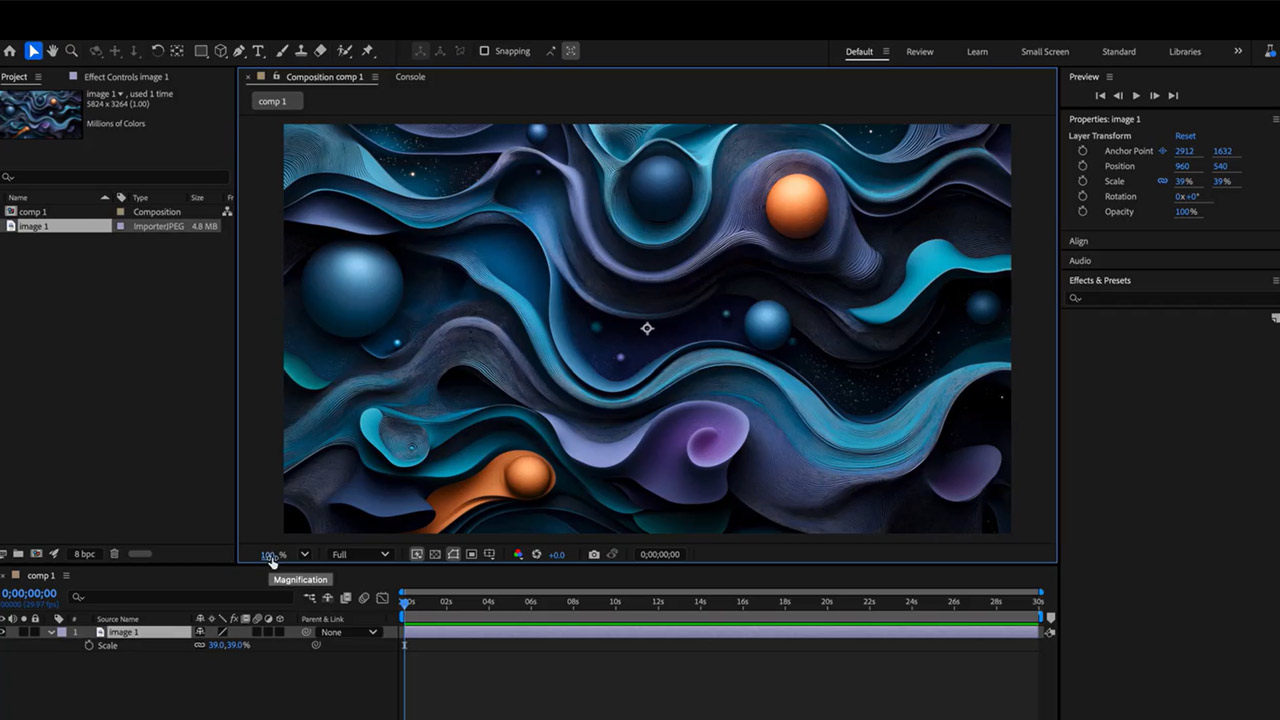
- Object Matte: Replacing the “Roto Brush” which was previously only a brush, rotoscoping has been revamped with four AI-powered tools (Object Selection, Quick Selection, Selection Brush, and Edge Adjustment). It offers the same AI accuracy as the well-received version already available in Adobe Premiere.
- Adobe After Effects’ 3D capabilities have been significantly upgraded, bringing motion design work closer to full-fledged 3D production. You can now add depth to model surfaces using displacement maps, apply cinematic depth of field to models, meshes, text, and shape layers, and gain finer control over complex scenes using the scripting API for parametric meshes.
- SVG files: SVG files can now be imported directly into After Effects as editable shape layers, retaining all gradients, strokes, and transparency. Additionally, a new copy-and-paste workflow from Adobe Illustrator allows for direct migration of vector content without the need for intermediate formats.


Adobe Photoshop: New features provide more advanced control over image editing.
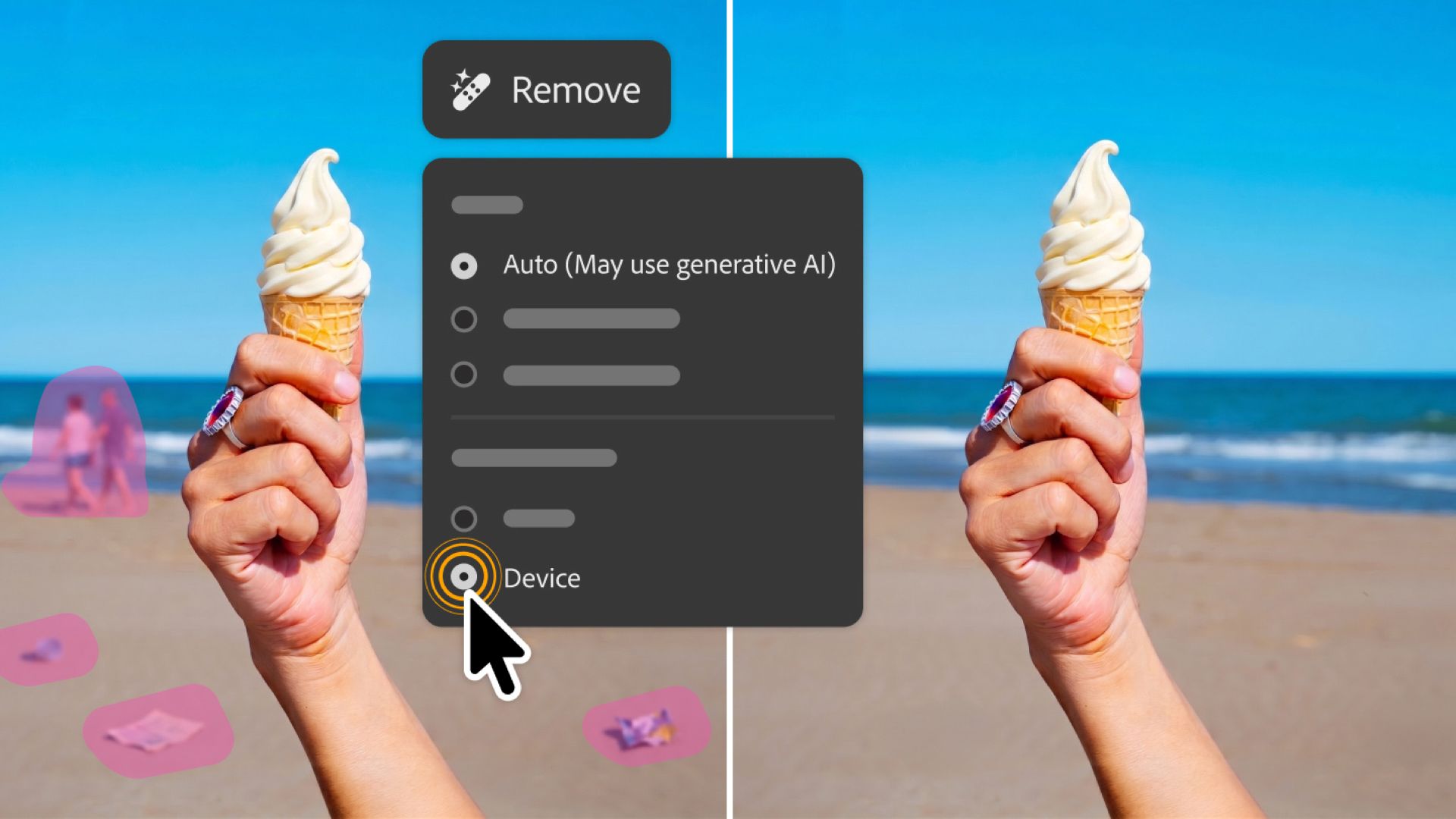
The latest update to Adobe Photoshop allows for more precise control over the delete tool and reflection removal.
- Reflection Removal: Automatically detects and removes reflections from images taken through glass. Since reflections are separated into a different layer, natural and non-destructive results can be obtained by precisely controlling the opacity.
- Deletion Tool: This tool allows you to use generated AI models on your device even offline, enabling you to continue your editing workflow without an internet connection.

This Adobe Creative Cloud Update launches the week of June 20, 2026. These features will allow creators to maintain greater creative control than ever before while reducing cumbersome tasks.