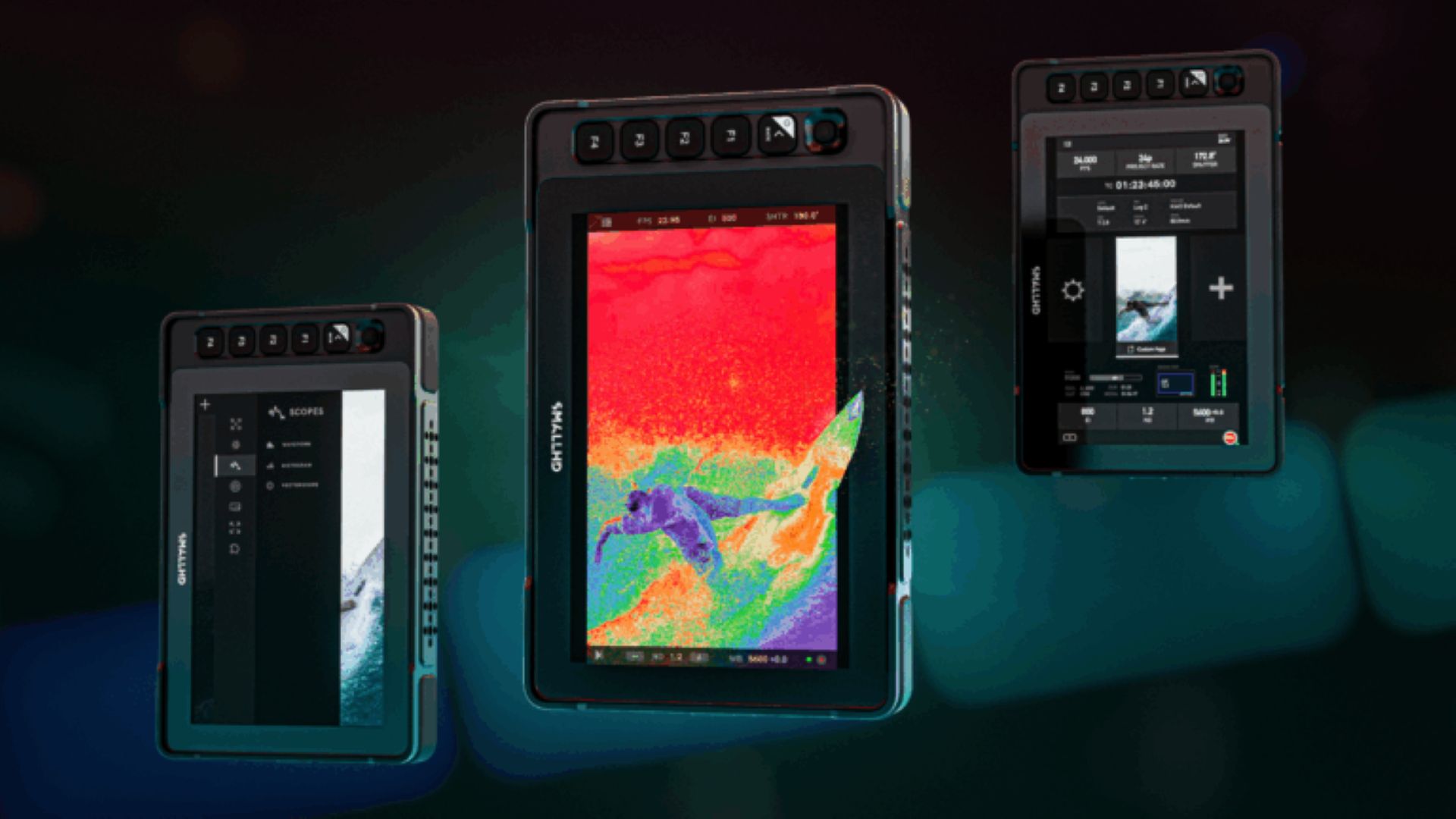
SmallHD announced a major update to its PageOS software, introducing fleet control, portrait mode, expanded camera control features, and downstream LUT support for its 4K production monitors. Aimed at reducing setup time and improving consistency on set, the update will enable crews to more efficiently manage complex monitoring workflows across a variety of productions.
“Our customers are working faster than ever before, increasingly with multiple cameras, monitors and formats on the same set at the same time,” Matt Eidenbock, Product Manager at SmallHD, said.
What’s in the update?
This PageOS update aims to remove friction by unifying everything from managing an entire fleet of monitors to supporting vertical content and camera control, so crews can spend less time setting up equipment and more time focusing on the shoot itself.

SmallHD PageOS January 2026 update contents
Fleet Control
The release of PageOS 6.3 brings compatibility with the Fleet Control app. This desktop app allows you to simultaneously manage all your monitors over the network. Fleet Control offers the following features that bring efficiency to your workflow:
- Update firmware and settings for all monitors at once
- Instantly push pages, tools and LUTs to multiple monitors
- Grouping for quick monitor setup
- Maintain consistent colors and settings across your fleet
Whether you have 2 monitors or 20, Fleet Control keeps your setup fast, consistent and ready before shooting begins.
Portrait Mode UI
Vertical content creation is booming, and PageOS is responding to it. The new Portrait Mode feature provides a menu layout optimized for portrait orientation, eliminating the need for awkward landscape-locked workarounds. It’s a slick and fast way to oversee mixed-format production.
New camera control features
Canon camera control function available
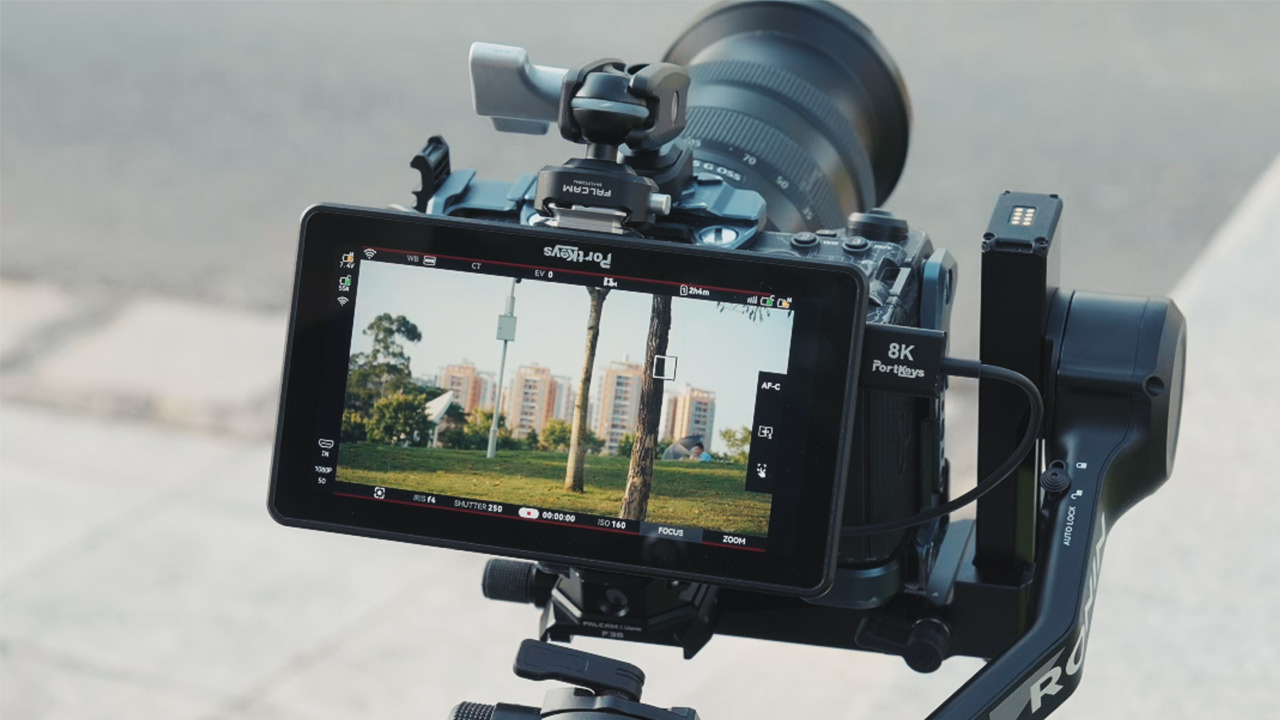
The PageOS software platform allows you to view the shooting screen, control settings, and access camera menus. You can adjust Canon camera settings directly from the SmallHD monitor, saving you time and effort. Compatible with Canon C70, C80, C300 Mark III, C400, and C500 Mark II.
Camera control by dial
On Quantum and Ultra 10 series monitors, each dial can be assigned to a specific setting. The dials provide precision control and can be used to change settings such as:
- ISO
- Shutter Speed/Angle
- White Balance
- Built-in ND filter
And many more
Downstream LUTs on 4K Production Monitors
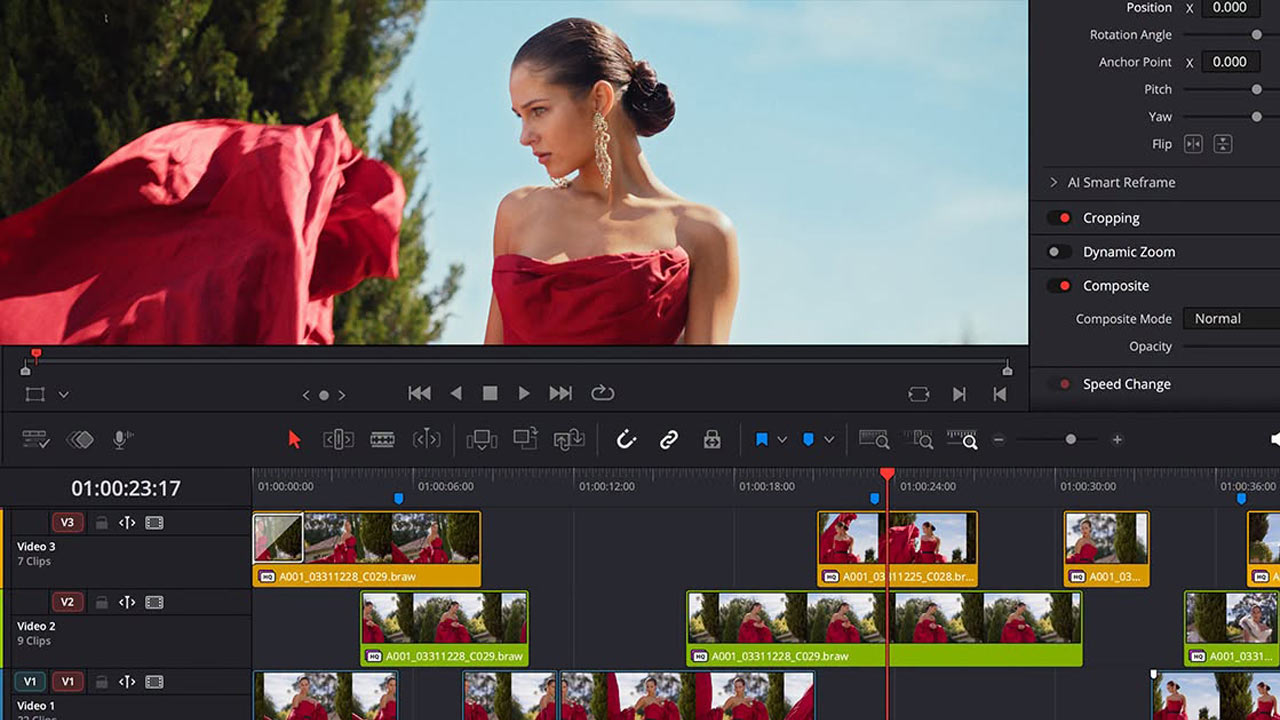
The graded look on the 4K production monitor can be shared with all monitors on site, allowing all staff to share creative intent without the hassle of additional equipment.
Eidenbock: Ultimately, monitoring is a matter of trust.
This update is designed to give crews confidence that their monitor settings are correct, consistent across the set, and ready to adapt to any changes in production.
The free PageOS update is available for download here .